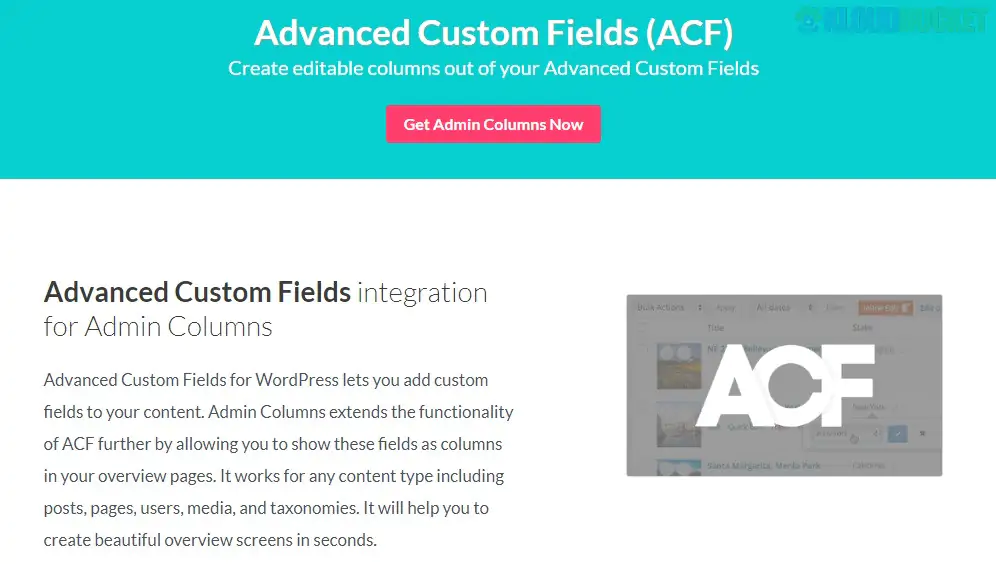
The Admin Columns Pro - Advanced Custom Field (ACF) Addon is a powerful integration that bridges the gap between your custom data and the WordPress administrative interface. While ACF allows you to create limitless data structures, the standard WordPress admin often leaves that data "hidden" inside individual post edit screens.
This addon brings that data to the surface, transforming your post, user, and taxonomy list tables into functional, spreadsheet-like dashboards.
View ACF Data at a Glance: Display any ACF field type (including complex fields like Repeaters, Flexible Content, and Galleries) as a dedicated column in your admin overview.
Inline Editing: Update ACF field values directly from the list table without opening the post. It’s significantly faster than the native "Quick Edit."
Bulk Editing: Select hundreds of posts and update a specific ACF field for all of them simultaneously (e.g., changing a "Sale Price" or "Project Status" across your entire site).
Smart Filtering: Filter your content using your ACF data. For example, you can show only "Houses" where the ACF field "Price" is between $500,000 and $1,000,000.
Sorting: Sort any list table by your ACF values—numerical, alphabetical, or date-based—to find exactly what you need.
Admin Columns Pro supports almost every ACF field, including:
| Field Category | Supported Types |
| :--- | :--- |
| Basic | Text, Text Area, Number, Range, Email, URL, Password |
| Choice | Select, Checkbox, Radio, Button Group, True/False |
| Content | Image, File, Gallery, oEmbed, WYSIWYG Editor |
| Relational | Link, Post Object, Page Link, Relationship, Taxonomy, User |
| Advanced | Repeater, Clone, Flexible Content (Pro version specific) |
Requirements: You must have Admin Columns Pro and Advanced Custom Fields (Free or Pro) active. The ACF integration is usually included in the Business and Agency licenses.
Navigate to Settings: Go to Settings > Admin Columns.
Choose Your List Table: Select the Post Type (e.g., Posts, Pages, or a Custom Post Type like 'Properties') from the dropdown.
Add Column: Click + Add Column and search for your specific ACF field in the "Type" dropdown.
Configure Features: For each column, you can toggle Sortable, Filterable, and Editable on or off.
Save & View: Once saved, visit your post list to see your new data-driven dashboard.
If you are managing a complex site—like a real estate portal, an e-commerce store with custom specs, or a directory—opening individual posts to edit data is a massive time sink. This addon turns the WordPress backend into a high-speed data management tool.
Pro Tip: Use Column Sets to create different views for different team members. For example, you can create a "Marketing View" that shows SEO-related ACF fields and a "Logistics View" that shows inventory-related ACF fields.
Would you like me to show you how to set up a Smart Filter for a specific field type, or do you need help with the Bulk Edit settings?
Subscribe to access unlimited downloads of themes, videos, graphics, plugins, and more premium assets for your creative needs.
.jpg) Help Us to Buy More New Theme/Plugin
Help Us to Buy More New Theme/Plugin
Published:
Feb 01, 2026 11:03 AM
Version:
v3.0.4
Category:
Author:
OtherLicense:
GPL v2 or LaterTags: