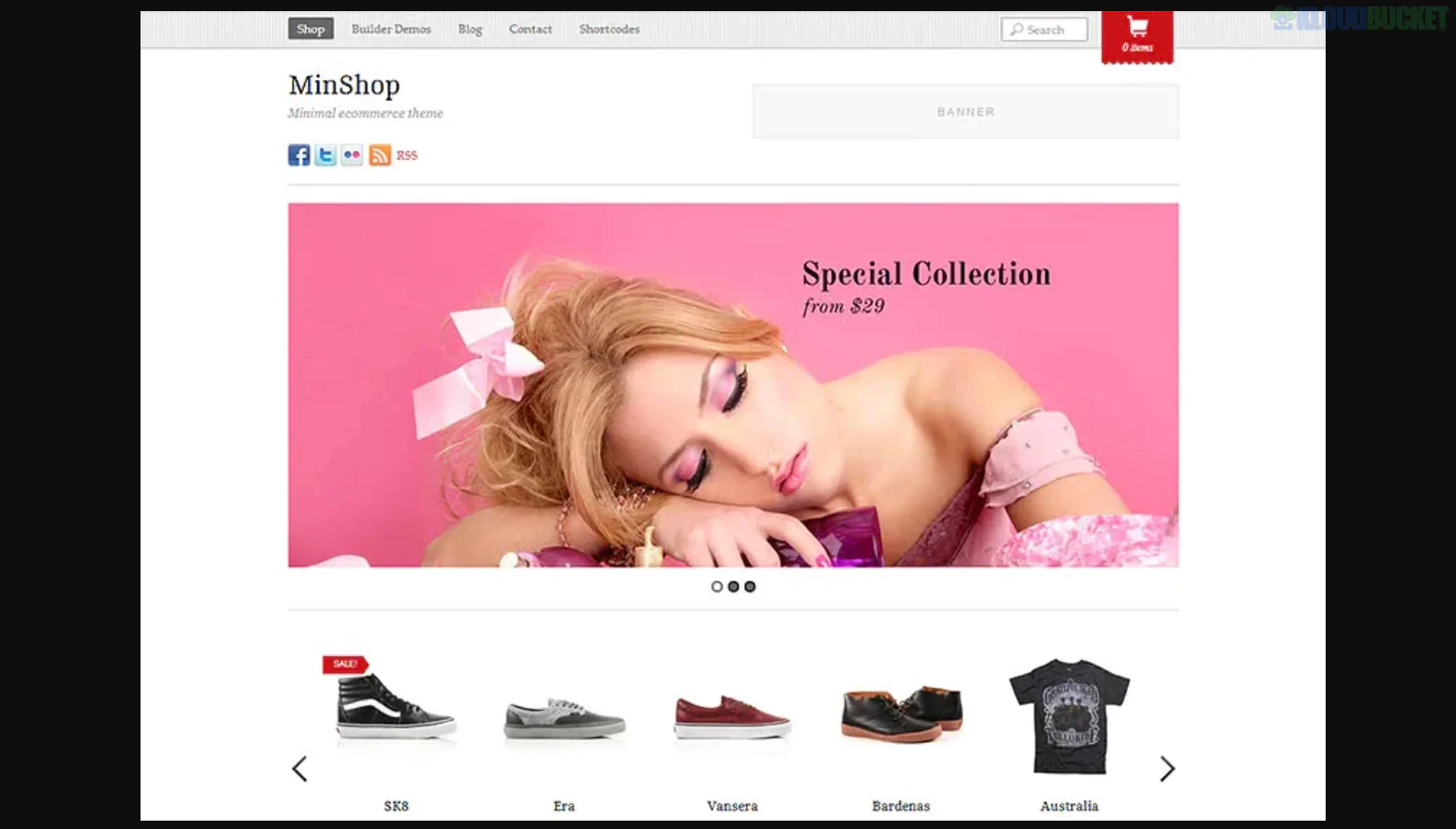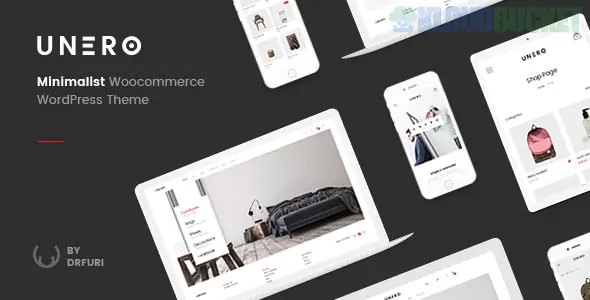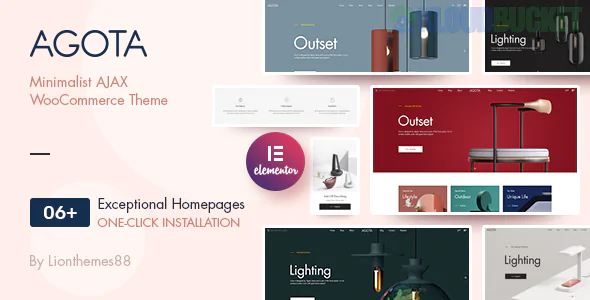
Agota is a sleek, modern WordPress theme designed specifically for minimalist e-commerce storefronts. Built with a deep focus on Elementor, it is a favorite for furniture designers, handmade craft shops, and boutique clothing brands who want a "high-fashion" digital presence with a fast, lightweight codebase.
Agota stands out by blending technical performance with a "less is more" design philosophy:
Native Elementor Integration: Includes custom Agota-specific widgets for Elementor, allowing you to build complex shop layouts without any coding.
AJAX Product Filters: Customers can filter by color, size, or price without the page refreshing, creating a "seamless app" feel.
Smart Product Search: Features a live search bar that shows product previews as the user types.
Minimalist Header & Footer Builder: Total control over the navigation area, including "transparent" headers that overlay hero images.
One-Click Demo Import: Specialized demos for "Interior Design," "Fashion," and "Modern Accessories" ready to launch in minutes.
Agota provides a beautiful canvas, but Envira Gallery provides the professional-grade tools to display your products as works of art.
Agota themes often feature a lot of white space. Use Envira’s Masonry Layout to create a product lookbook that isn't confined to rigid squares.
The Setup: Mix portrait and landscape shots of your products.
The Benefit: Envira’s logic ensures the gaps (gutters) are perfectly uniform, maintaining Agota's clean, high-end aesthetic.
Because Agota is used for boutique items, customers want to see quality.
Feature: Use the Envira Zoom Addon. When a customer clicks on a handcrafted piece of jewelry or a linen sofa in your gallery, they can hover to see the fine detail of the material in high resolution.
Static photos show the product; video shows the movement.
The Workflow: Use the Video Addon to mix short "product in use" clips directly into your image grid.
The Pro Tip: Set the video to play in the Lightbox, so the user stays on the product page while watching a 360-degree rotation of the item.
You can shorten the path to purchase by making your galleries "shoppable."
Strategy: Use Envira’s Metadata/URL feature. Link a beautiful "lifestyle" photo of a decorated room directly to the WooCommerce checkout for the main items shown in that photo.
Match the "Scandi" Palette: Agota typically uses muted tones. In Envira Gallery > Settings, choose the "Base" theme and set the lightbox background to 95% white. This keeps the focus on the product and matches the theme's airy feel.
Enable Lazy Loading: Agota is built for speed. Don't ruin your PageSpeed scores with heavy images; use Envira's Lazy Loading to ensure images only load as the customer scrolls down.
Mobile Touch Optimization: Since Agota is highly responsive, ensure the Mobile Addon is active. Set the swipe gestures to "Enabled" so mobile shoppers can naturally flick through your product gallery with their thumbs.
Feature
Agota Theme Default
Envira Gallery
Customization
Standard Elementor Grid
Advanced Layout Control (Masonry/Justified)
Media Handling
Images only
Photos + YouTube/Vimeo/Self-Hosted Video
Social Media
Manual Links
Automatic Instagram Feed Integration
Speed
Variable
Optimized via Lazy Loading & Compression
Would you like me to show you how to set up an Envira "Product Spotlight" gallery that integrates directly with your Agota/WooCommerce store categories?
Subscribe to access unlimited downloads of themes, videos, graphics, plugins, and more premium assets for your creative needs.
.jpg) Help Us to Buy More New Theme/Plugin
Help Us to Buy More New Theme/Plugin
Published:
Dec 29, 2025 12:41 PM
Version:
v1.0.2
Category:
Developer:
ThemeGrillLicense:
GPL v2 or Later