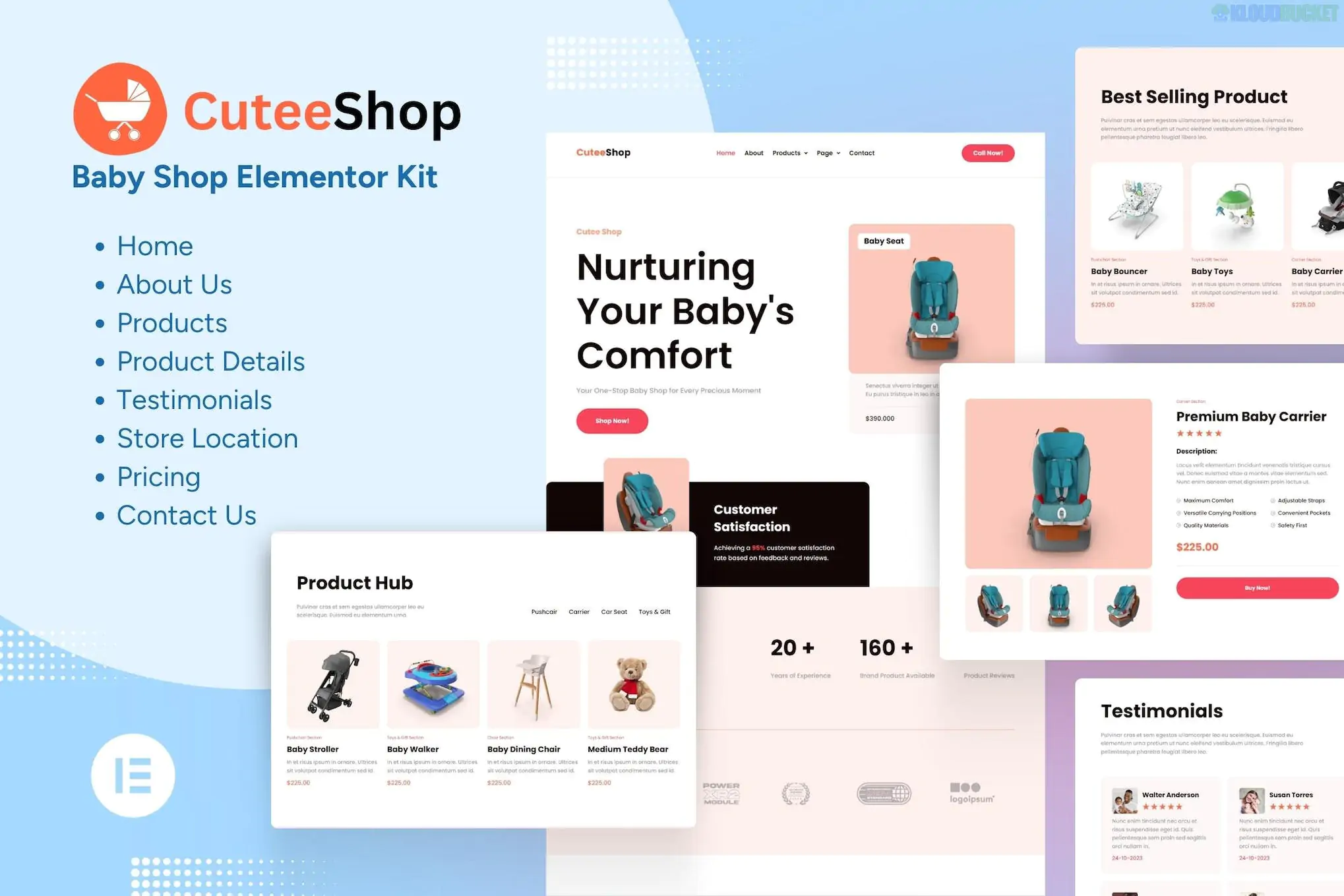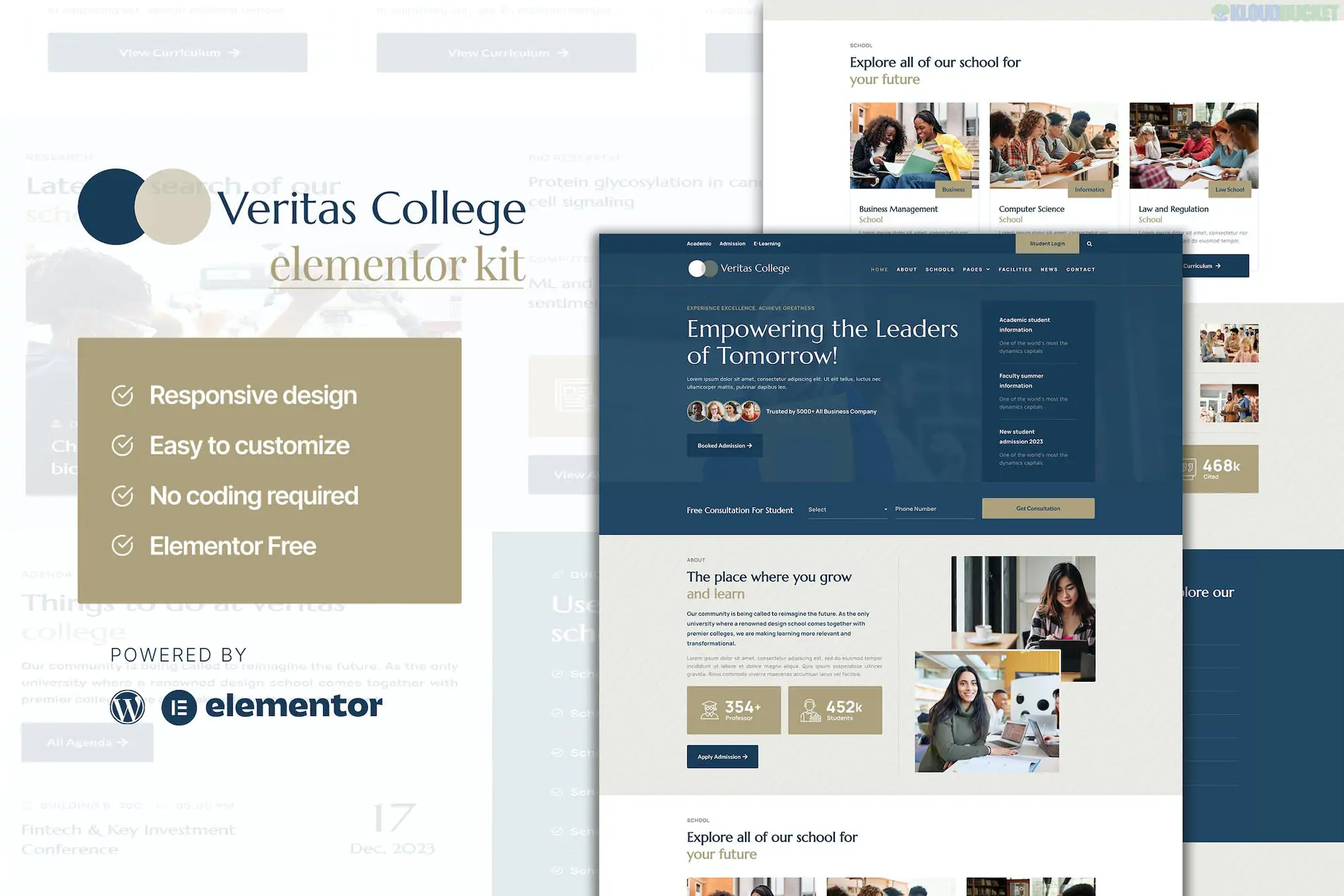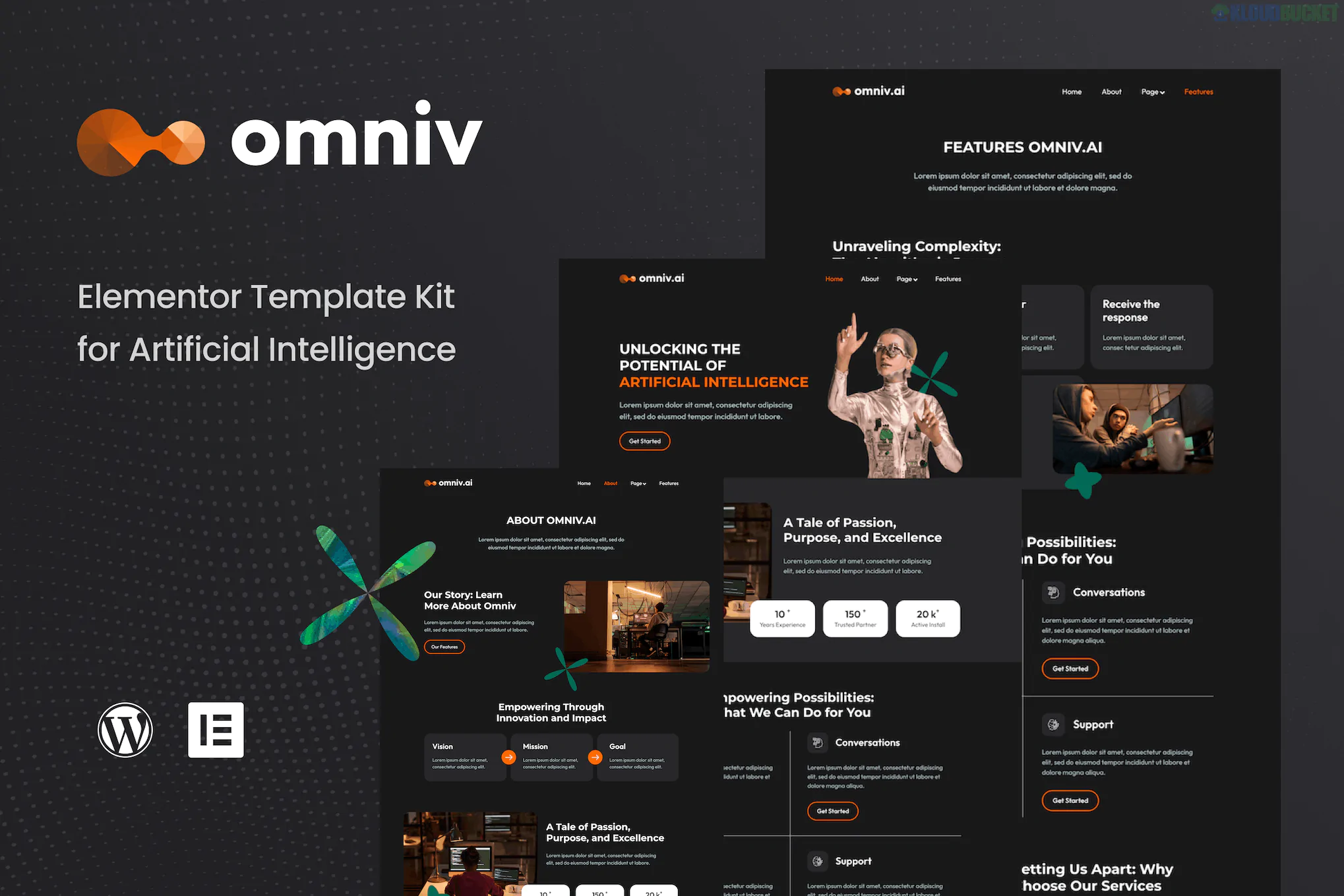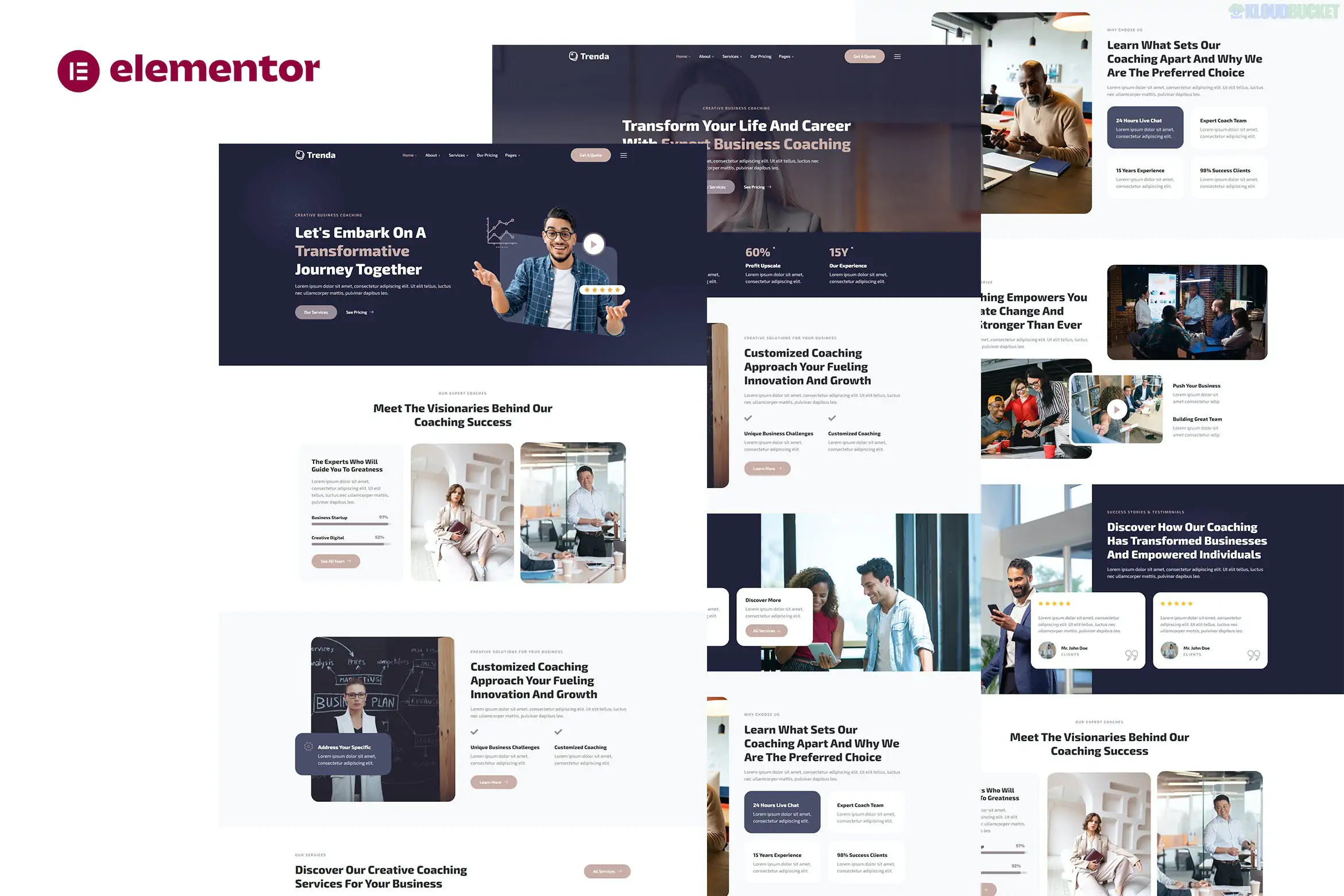
Baha (also known as BahApp) is a modern, high-conversion Elementor Template Kit designed specifically for mobile app landing pages and SaaS products. It is favored for its clean, "app-store" aesthetic and its mobile-first design approach.
As a Template Kit, it is a collection of layouts that you import into your WordPress site rather than a standalone theme.
Full Responsive Design: Tailored to look like a native app experience on smartphones.
12+ Template Layouts: Includes pre-designed blocks for:
Hero Sections: High-impact areas for "Download Now" CTAs.
App Screenshots: Stylish sliders and mockups to show off your UI.
Feature Grids: Icon-based sections for technical specifications.
Testimonials: "Social proof" sections to build trust.
Pricing Tables: Clear tiers for app subscriptions or SaaS plans.
SEO Optimized: Lightweight code structure to help your landing page rank faster.
Animations: Built-in entrance animations that give the page a "living" tech feel.
Baha is a highly accessible kit because it is designed to work with Free versions of most plugins. You typically need:
Elementor (Free): The core page builder.
ElementsKit Lite: Used for the header, footer, and specialized app widgets.
MetForm: Powers the "Contact Us" or "Early Access" signup forms.
Premium Addons for Elementor: Often used for advanced carousels or lottie animations.
Note: Unlike many high-end kits, Baha does not strictly require Elementor Pro, saving you the subscription cost.
To set up Baha, you should use a clean WordPress installation with the Hello Elementor theme.
Install Helper: Download the Envato Elements plugin from the WordPress repository.
Upload Kit: Go to Elements > Installed Kits and upload your Baha .zip file.
Requirements: Click the "Install Requirements" button in the orange banner to auto-activate necessary plugins.
Import Order:
Global Kit Styles: Import this first to set your brand's blue/gradient colors and typography.
Pages: Import your Homepage, Features, and Pricing templates one by one.
Headers/Footers: Use the ElementsKit module to assign the Baha header and footer to "Entire Site."
Baha is perfect for developers or startups who need to go live fast. Because the design is already "opinionated" (it knows it's an app site), you don't have to spend hours tweaking margins or mobile breakpoints—it’s built to convert visitors into app downloads right out of the box.
Feature
Baha
Mobo
Aesthetic
Soft, Minimalist, White/Blue
Dark Mode, Bold, High Contrast
Requirements
Elementor Free + Addons
Elementor Pro Required
Best For
Productivity/Finance Apps
Gaming or Creative Apps
Would you like me to help you find the best hosting settings for an Elementor site, or would you like to see a list of royalty-free app mockup sites to use with this kit?
Subscribe to access unlimited downloads of themes, videos, graphics, plugins, and more premium assets for your creative needs.
.jpg) Help Us to Buy More New Theme/Plugin
Help Us to Buy More New Theme/Plugin
Published:
Jan 06, 2026 17:43 PM
Category:
Author:
OtherLicense:
GPL v2 or LaterTags: