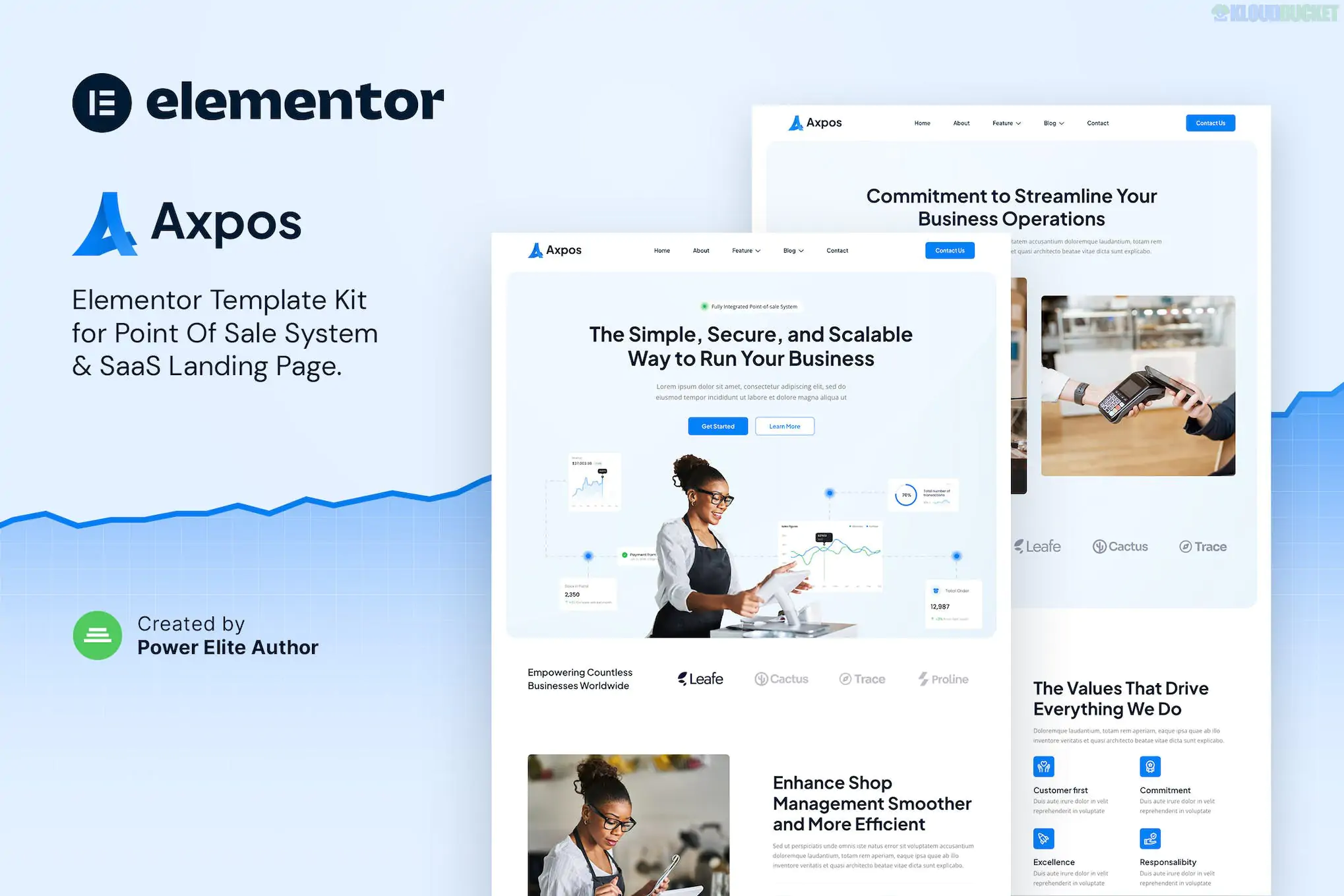
**BigBurger** is a bold and high-energy **Elementor Template Kit** designed for burger joints, fast-food outlets, and casual diners. Developed by **tokomoo**, it uses a "food-first" design language with large, appetizing imagery and punchy typography to drive hunger and conversions.
Unlike a WordPress theme, this is a collection of pre-designed page templates that you import into your site to build a professional restaurant website in minutes.
---
### 🚀 Key Features & Templates
The kit provides a complete set of **10+ professional layouts**, covering every essential page for a food business:
* **Diverse Inner Pages:** Includes Home, About Us, Menu, Our Chefs, FAQ, and a 404 Error page.
* **Menu Layouts:** Specialized sections to display your burgers, sides, and drinks with clear pricing.
* **Fully Responsive:** Specifically tuned for mobile users—crucial for people ordering food on their phones.
* **Retina Ready:** Optimized for high-resolution displays so your food photography looks crisp.
* **Global Theme Style:** Easily update your entire brand’s colors and fonts from a single settings panel.
---
### 📂 Required Plugins
To get the exact look of the BigBurger demo, you will need to install these plugins (most are free):
1. **Elementor (Free):** The core page builder.
2. **Jeg Elementor Kit:** Adds specialized creative widgets like advanced sliders and menus.
3. **MetForm:** Powering your "Contact Us" or "Reservation" forms.
4. **Elementor Header & Footer Builder:** For managing site-wide navigation.
5. **Elementor Pro:** While many templates work with the free version, **Elementor Pro** is often required by this specific developer for advanced Theme Builder features.
---
### 📋 Installation Guide
1. **Base Setup:** Install and activate the free **Hello Elementor** theme.
2. **Import Tool:** Install the **Envato Elements** plugin from the WordPress repository.
3. **Upload Kit:** Go to **Elements > Installed Kits** and upload your BigBurger ZIP file.
4. **Requirements:** Click the orange **"Install Requirements"** banner to automatically activate all necessary plugins.
5. **Import Sequence:** * Import **Global Kit Styles** first.
* Import individual pages (Home, Menu, etc.) one at a time.
6. **Finalize:** Create a new page, set the layout to **Elementor Full Width**, and insert your imported template from the "My Templates" folder.
---
### 🔬 Best For
* **Burger Bars & Diners:** High-impact visuals for artisanal burgers.
* **Fast Food Chains:** Clean, efficient layouts that emphasize quick service.
* **Food Trucks:** A professional mobile-first presence to show your location and daily specials.
* **Delivery-Only Brands:** Clear "Order Now" calls to action to drive online sales.
---
### 💡 Pro Tip: Image Licensing
The demo images in BigBurger are from Envato Elements. When you import the kit, you will get "placeholder" versions or low-res images. To use the exact high-quality photos from the demo, you must have an active Envato Elements subscription or replace them with your own high-quality burger shots.
**Would you like me to find a specific tutorial on how to set up a "Reservation Form" using the MetForm module included in this kit?**
Subscribe to access unlimited downloads of themes, videos, graphics, plugins, and more premium assets for your creative needs.
.jpg) Help Us to Buy More New Theme/Plugin
Help Us to Buy More New Theme/Plugin
Published:
Jan 21, 2026 14:47 PM
Category:
Author:
OtherLicense:
GPL v2 or Later