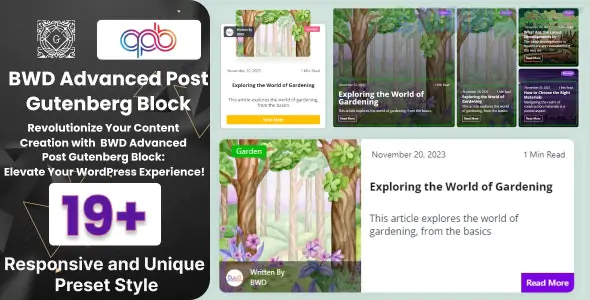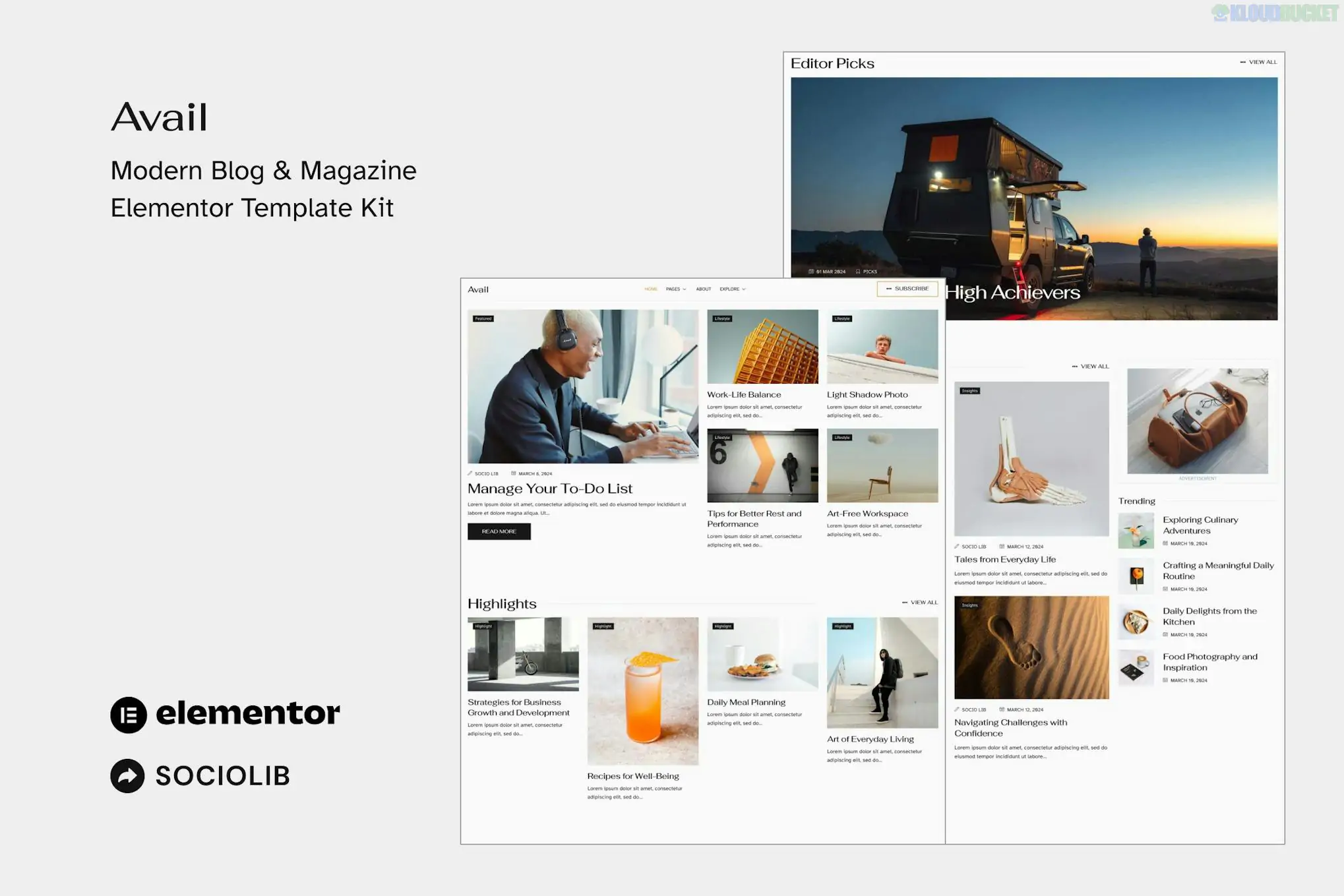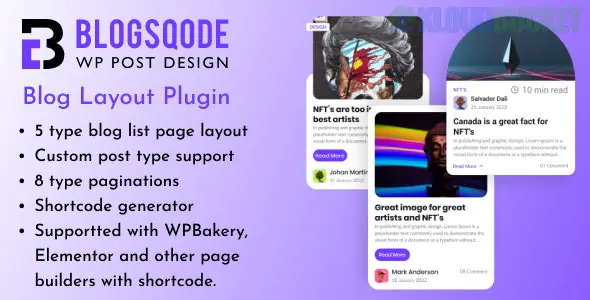
Blogsqode is a powerful and user-friendly WordPress plugin designed specifically to beautify your blog layouts and news post sections. Developed by The_Krishna, it serves as a "Blog Designer" tool that allows you to transform the standard, often plain WordPress post feed into a professional, intuitive, and visually stunning display without requiring any coding knowledge.
It is particularly popular because it offers extensive customization for both the main blog archive and individual post pages.
Massive Layout Library: The Pro version offers 30+ unique blog list page layouts, ranging from classic lists to modern grids, masonry styles, and sliders.
Component Customization: Includes 20+ pagination styles, 15+ "Read More" button designs, and 50+ hover effects for images and post cards.
Page Builder Compatibility: Fully compatible with Elementor, Gutenberg, WPBakery, and Beaver Builder, allowing you to drop blog sections into any page.
Shortcode Generator: For users not using page builders, it provides a handy shortcode generator to place specific blog layouts anywhere on the site.
Post Type Support: Not limited to standard posts; it supports Custom Post Types, making it useful for portfolios, testimonials, or product news.
Blogsqode provides a complete toolkit for a modern blogging or news site:
Category
Included Features
Blog Archives
Grid, List, Masonry, and Slider layouts with Dark/Light mode options.
Post Details
5+ Single Blog Detail layouts to change how individual articles look.
Social & Trust
Built-in Social Share buttons with custom icons and Author Box styles.
Interactive
Advanced animation effects and unique hover transitions on post thumbnails.
System
Sidebar and No-Sidebar options, custom typography, and color controls.
WordPress: 5.0 or higher.
PHP: $7.4$ or higher (recommended for fast image processing).
Gutenberg Optimized: Works natively with the WordPress block editor.
Responsive: All layouts are mobile-first and retina-ready.
Installation: Upload the blogsqode-posts folder to your /wp-content/plugins/ directory or use the Add New plugin upload in your dashboard.
Activate: Click "Activate" to enable the Blogsqode settings in your sidebar.
Manage Posts: Continue creating posts as usual under the standard Posts tab; Blogsqode will pull this data automatically.
Create Your Layout:
Using Elementor: Find the "Blogsqode" widget in the sidebar and drag it onto your page.
Using Shortcodes: Go to the Blogsqode settings, select your layout, and copy the generated shortcode (e.g., [blogsqode layout="grid-2"]).
Customize: Adjust the "Meta" settings (show/hide date, author, categories) and pick your preferred pagination style.
The main benefit of Blogsqode is its ability to make your site look like it was custom-coded by a high-end designer. It adheres to 2024–2025 design standards, ensuring that your news or personal blog looks modern and "clean." It is an excellent choice for agencies who want to offer clients multiple "look and feel" options for their news sections quickly.
Would you like me to help you generate a shortcode for a specific layout (like Masonry or Slider), or do you need assistance configuring the social share icons?
Subscribe to access unlimited downloads of themes, videos, graphics, plugins, and more premium assets for your creative needs.
.jpg) Help Us to Buy More New Theme/Plugin
Help Us to Buy More New Theme/Plugin
Published:
Dec 25, 2025 17:15 PM
Version:
v3.0.0
Category:
Author:
OtherLicense:
GPL v2 or LaterTags: