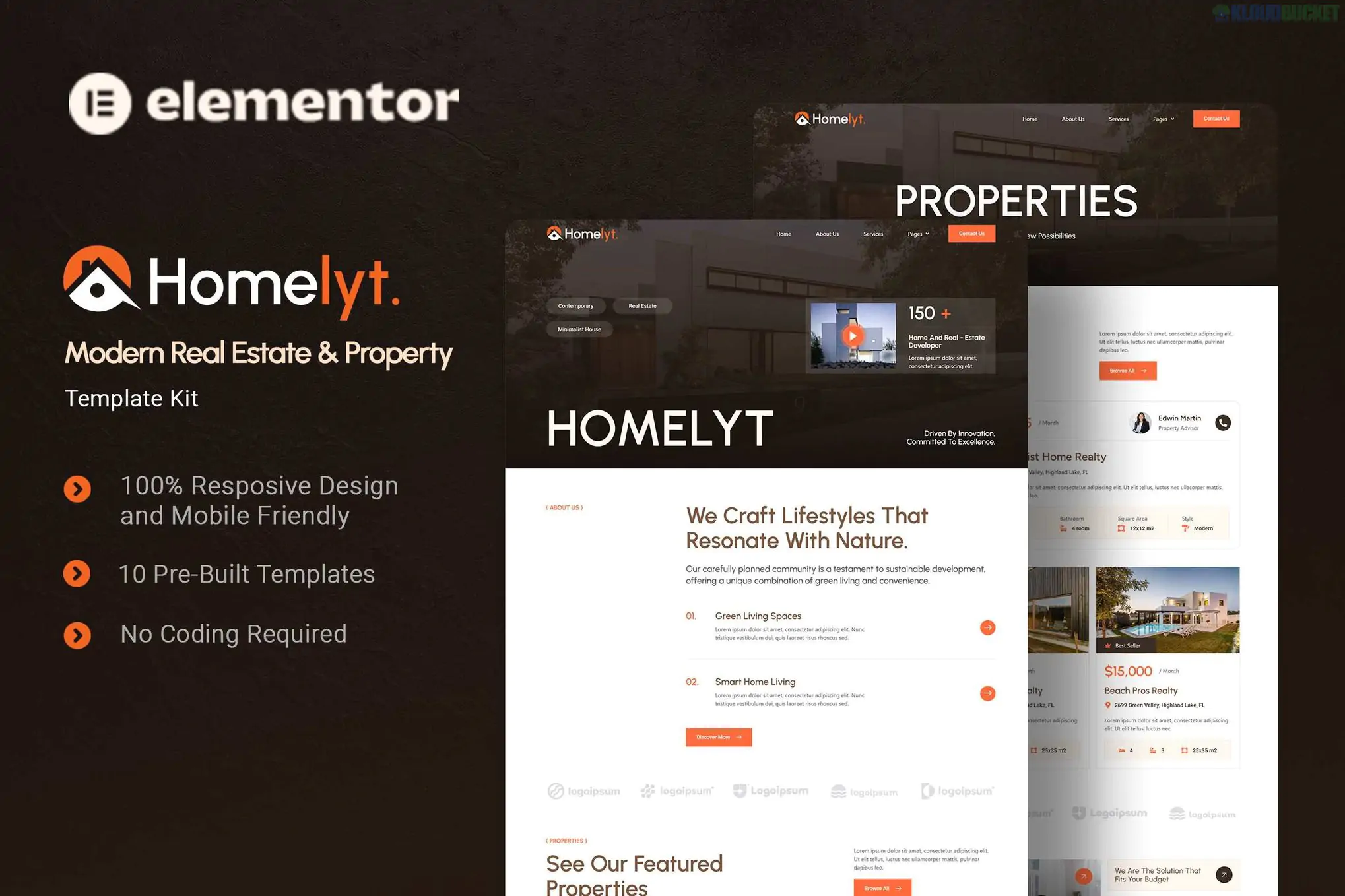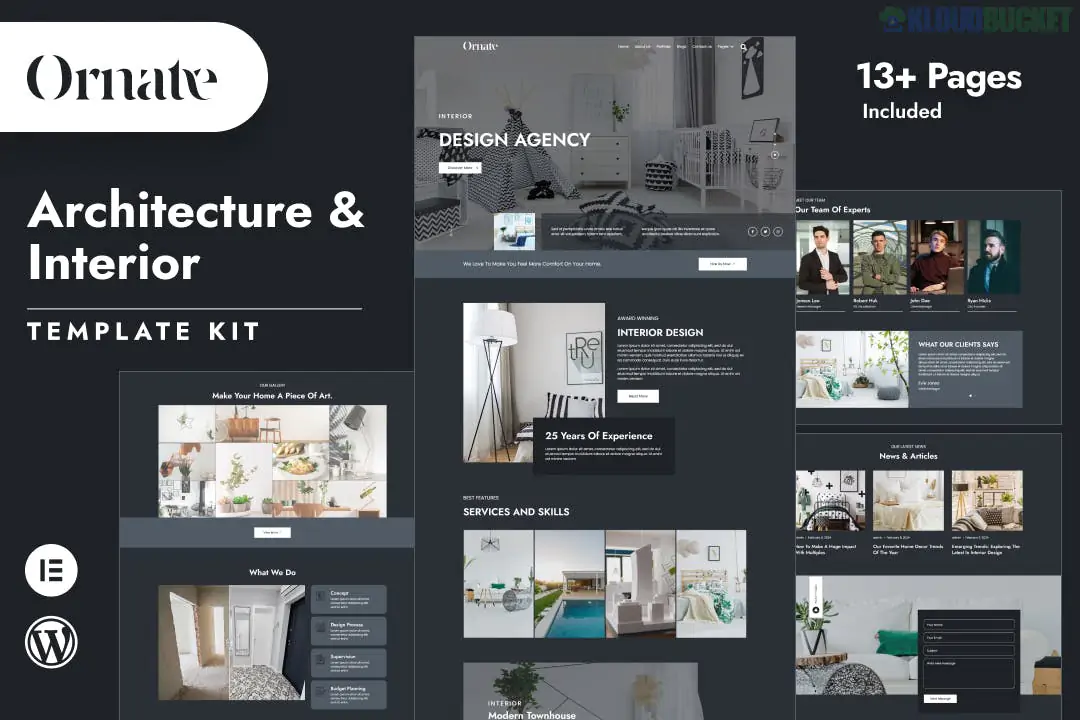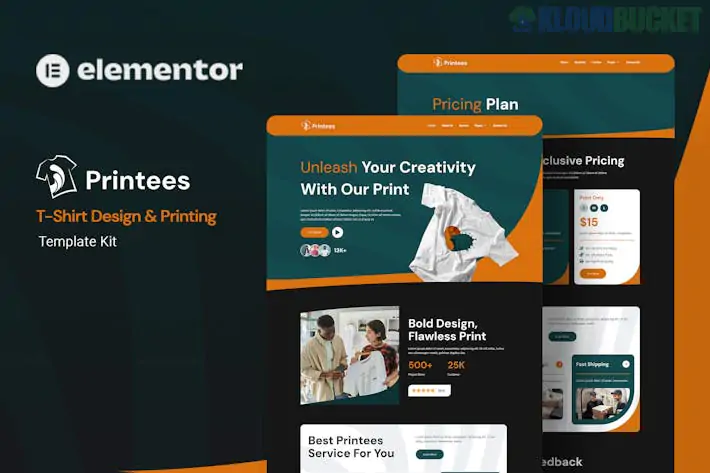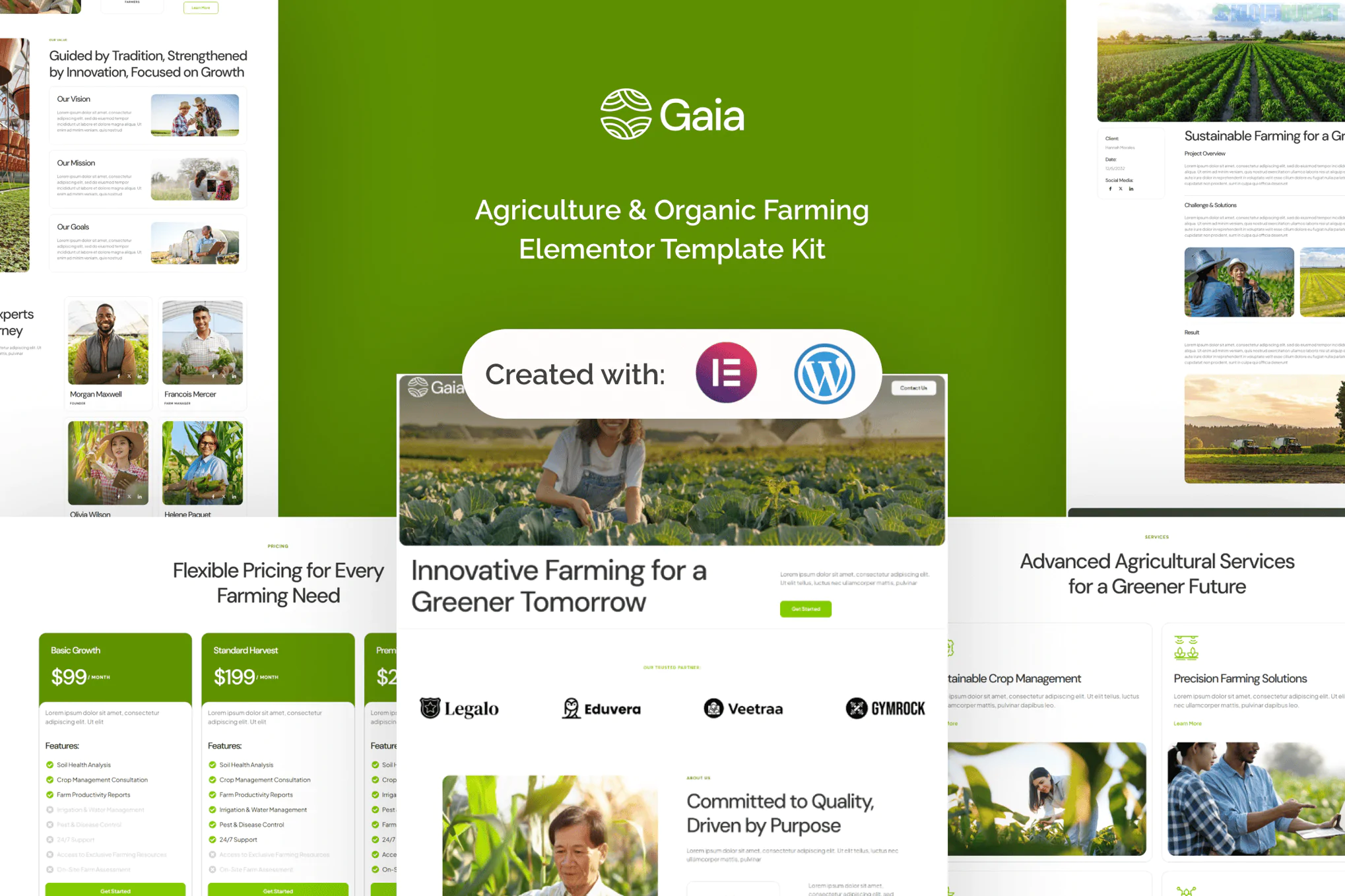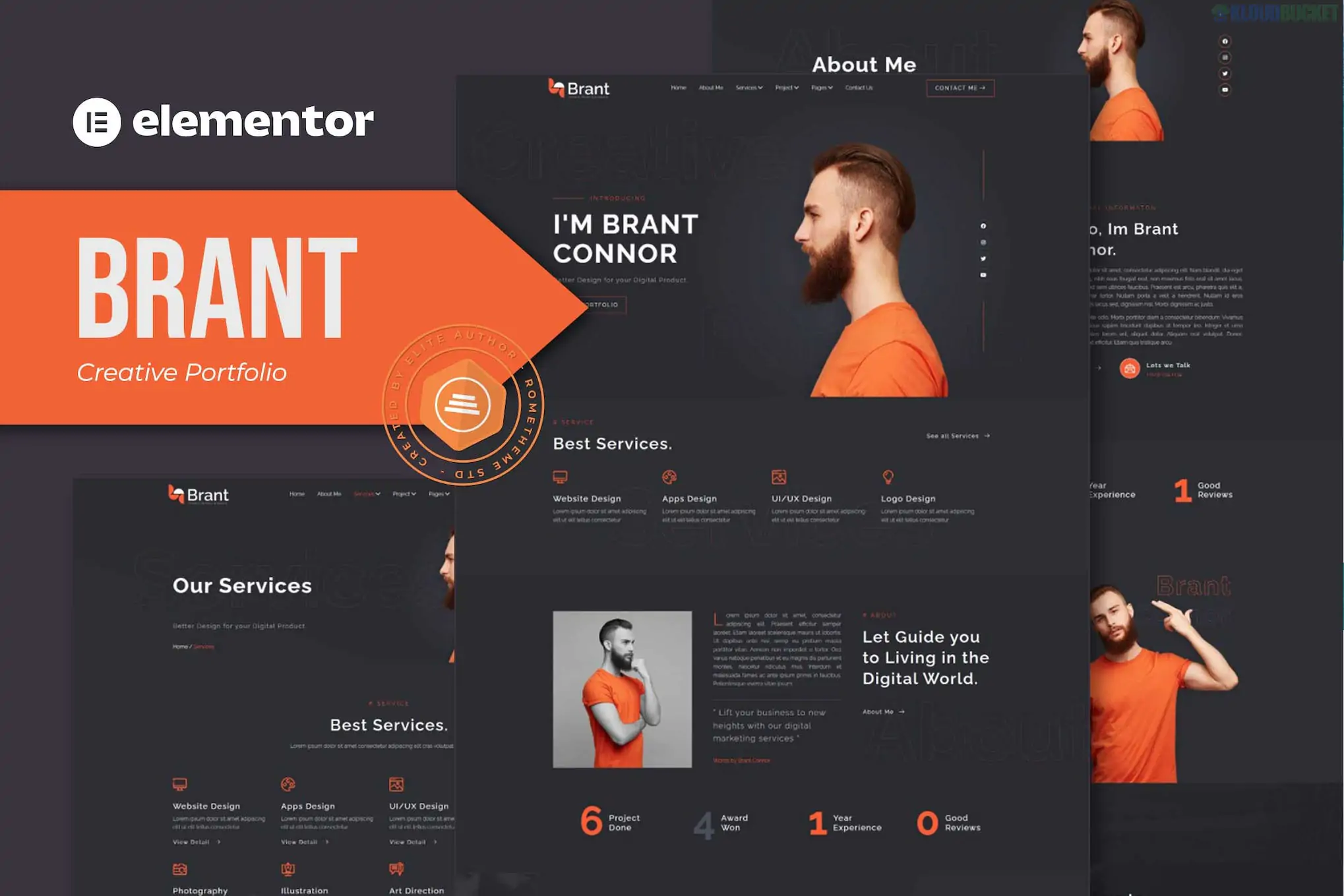
Brant is a high-end Elementor Template Kit specifically crafted for creative agencies, digital studios, and professional portfolios. Developed by Rometheme, it features a bold, high-contrast aesthetic that is perfect for showcasing visual work and modern branding projects.
Like other kits from this developer, Brant is optimized to work with free plugins, meaning you can build a premium-looking site without needing Elementor Pro.
14+ Pre-designed Templates: A comprehensive set of pages covering everything from homepages to case studies.
Modern & Clean Aesthetics: Focuses on crisp typography, generous white space, and subtle animations.
Fully Responsive: Every section is hand-tuned to look perfect on mobile, tablet, and desktop.
Cross-Browser Compatible: Tested and verified for Chrome, Firefox, Safari, and Edge.
Global Style Control: Easily update your entire site's color palette and fonts from a single settings panel.
The Brant kit includes a complete workflow for a professional agency:
Homepages: High-impact landing pages with hero sections and portfolio grids.
About Us: Layouts for company mission, history, and "Why Choose Us" sections.
Portfolio/Projects: Specialized layouts for project archives and single case studies.
Services: Detailed pages for explaining your agency's offerings.
Contact: Integrated with MetForm for professional-grade inquiry forms.
Blog: Archive and single post templates for sharing industry insights.
Utility Pages: 404 Error page, FAQ, and Team profiles.
Site Parts: Custom Header and Footer templates.
When you import the kit, you will be prompted to install these specific tools:
Elementor (Free): The core page builder.
ElementsKit Lite: Used for headers, footers, and advanced creative widgets.
MetForm: Powers the contact and lead generation forms.
RomethemeKit: Provides specialized design elements unique to Rometheme’s kits.
Because this is a Template Kit (and not a theme), follow this standard 2026 workflow for the best results:
Base Theme: Install the free Hello Elementor theme for maximum speed and compatibility.
Plugin Setup: Install the Envato Elements plugin from the WordPress directory.
Upload Kit: Go to Elements > Installed Kits, upload your Brant ZIP file, and click Install Requirements on the orange banner.
Import Logic: * Import Global Kit Styles first to set the brand's DNA.
Import individual page templates as needed.
Setting the Layout: When creating new pages, ensure the Page Layout is set to Elementor Full Width in the Elementor settings to enable the global header and footer.
Brant uses MetForm for its contact sections. To edit the form, don't look in the Elementor panel directly; instead, navigate to MetForm > Forms in your WordPress dashboard, find the imported template, and click "Edit with Elementor" there to customize fields and email settings.
Would you like me to find a specific guide on how to set up the "Portfolio Grid" in Brant to ensure your project images crop consistently?
Subscribe to access unlimited downloads of themes, videos, graphics, plugins, and more premium assets for your creative needs.
.jpg) Help Us to Buy More New Theme/Plugin
Help Us to Buy More New Theme/Plugin
Published:
Jan 21, 2026 13:00 PM
Category:
Author:
OtherLicense:
GPL v2 or Later