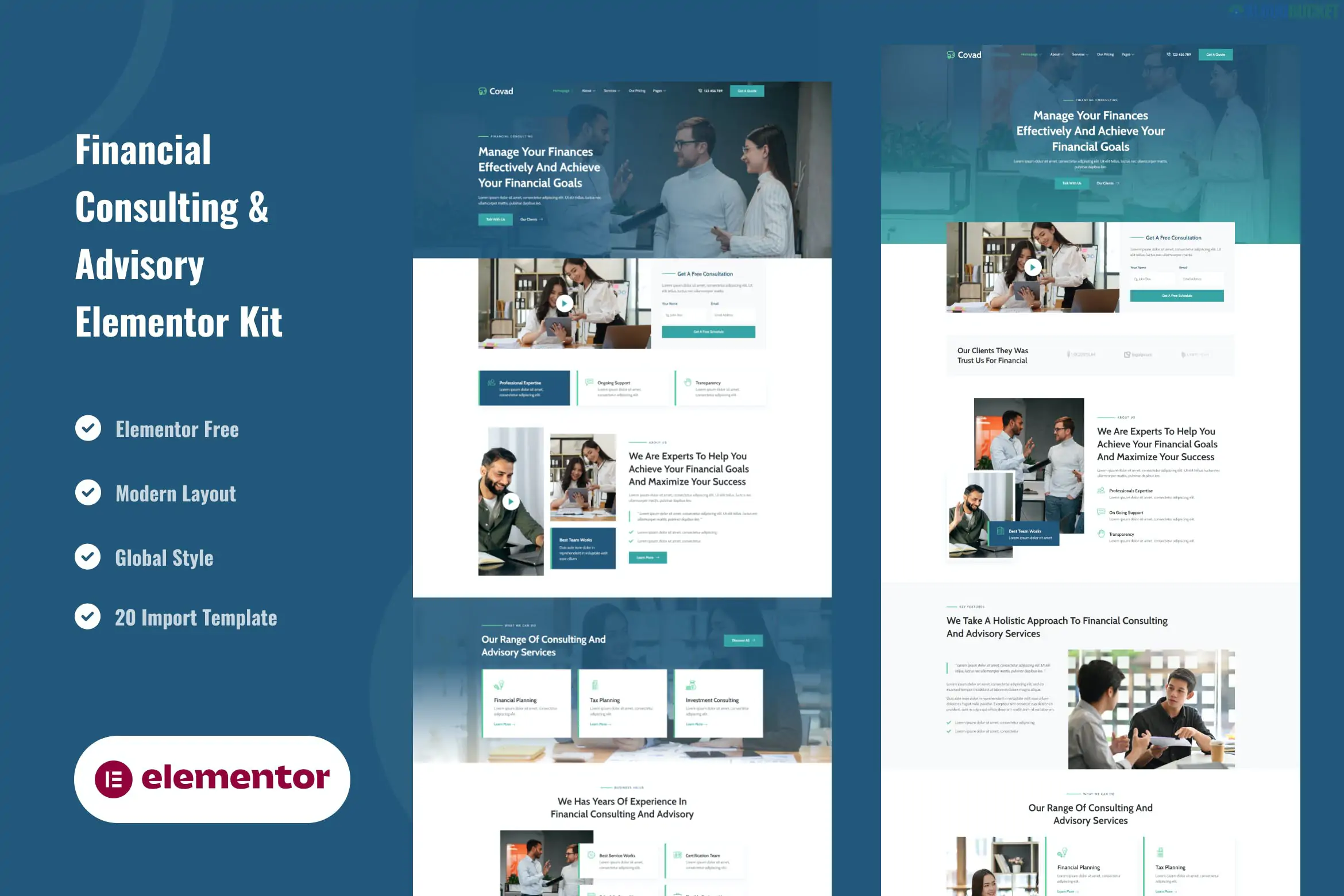
Covad is a sophisticated and professional Elementor Template Kit specifically engineered for financial advisors, investment firms, tax consultants, and corporate accounting services. It prioritizes a high-trust aesthetic using structured layouts, professional blue-and-white color schemes, and clear call-to-action sections.
Like many corporate-focused kits, Covad is designed to work with the Free version of Elementor, making it a cost-effective solution for independent consultants and small firms.
15+ Ready-to-Use Templates: Includes specialized layouts for financial reports, service breakdowns, and consultant bios.
No Elementor Pro Required: Uses free companion plugins to provide "Pro-like" features such as custom headers and footers.
Corporate & Trust-Oriented Design: Features clean typography (typically using professional sans-serif fonts) and a focus on data visualization.
Fully Responsive: Ensures that complex financial tables and pricing grids remain readable on smartphones and tablets.
Global Style Kit: Allows you to change the primary "Corporate Blue" or "Success Green" across all pages simultaneously.
To ensure the kit imports correctly and all widgets function, you will need to install:
Elementor (Free): The core builder.
ElementsKit Lite: Used for the header, footer, and advanced corporate widgets (like progress bars or accordion FAQs).
MetForm: For custom quote request forms and "Request a Consultation" pop-ups.
Jeg Elementor Kit: Often used to provide extra styling for lists and service blocks.
Category
Page Templates
Main Pages
Home, About Us, Our History, Our Team
Services
Service Overview, Financial Planning, Tax Advisory, Investment Audit
Authority
Case Studies (Success Stories), FAQ, Pricing Plans
Contact
Contact Us (with integrated inquiry form)
System
Header, Footer, 404 Page, Global Kit Styles
Global Styles First: Always import the Global Kit Styles first. In finance, consistency is key to perceived authority; this ensures your branding is rock-solid across every page.
Consultation Forms: Use the MetForm integration to create a "Quick Quote" form on the homepage. Financial services often convert best when visitors can submit their details immediately.
Typography & Trust: If the default font doesn't fit your local market, use the Global Styles to switch to a classic "serif" font (like Playfair Display) for a more traditional, "old money" wealth management feel.
Case Studies: For financial services, the Case Studies page is your most powerful tool. Replace the placeholder content with real-world examples of how you saved a client money or grew their portfolio.
Legal Note: When setting up a financial site, remember to include a Disclaimer in the footer regarding financial advice. You can easily add this to the Footer template provided by the kit using ElementsKit Lite.
Would you like me to help you draft a professional "Financial Disclaimer" or a "Request a Quote" form structure for your site?
Subscribe to access unlimited downloads of themes, videos, graphics, plugins, and more premium assets for your creative needs.
.jpg) Help Us to Buy More New Theme/Plugin
Help Us to Buy More New Theme/Plugin
Published:
Jan 14, 2026 11:32 AM
Category:
Author:
OtherLicense:
GPL v2 or Later