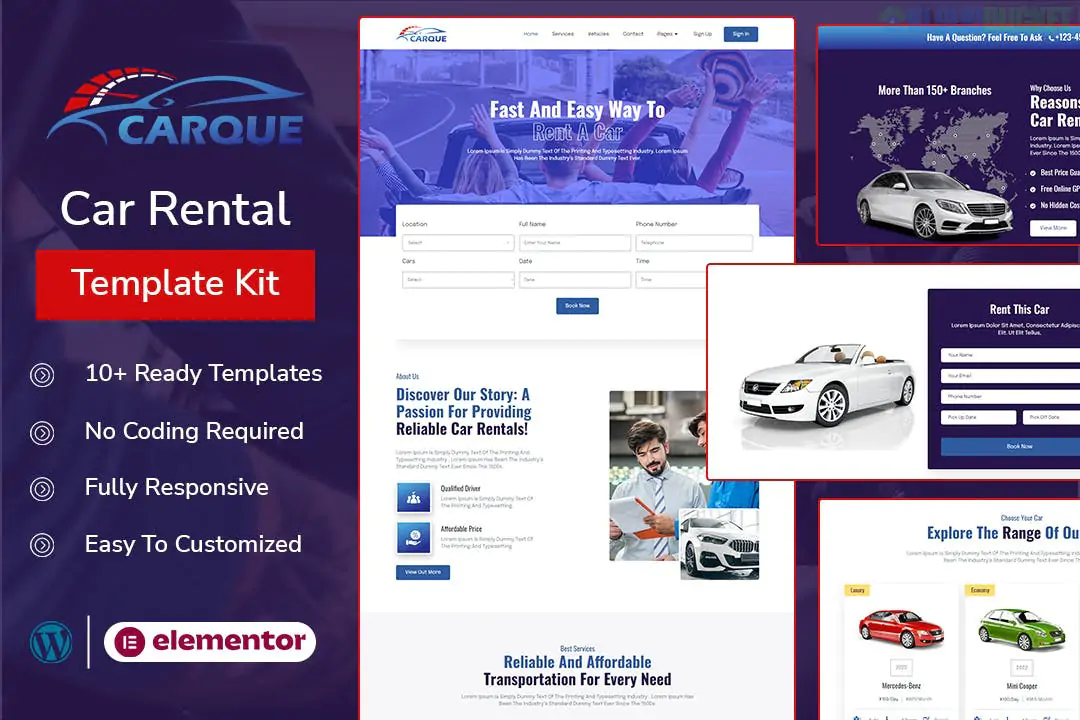
CyberSafe is a high-tech and professional Elementor Template Kit specifically designed for cybersecurity firms, IT security agencies, and digital protection services. Developed by Evonicmedia, it features a sophisticated, trust-focused design that uses dark themes and tech-centric illustrations to highlight expertise in network security and threat detection.
Industry-Specific Design: Built to communicate technical authority, featuring clean layouts that focus on service clarity and data protection.
No-Code Customization: Fully editable with the free version of Elementor, meaning you can drag and drop elements without touching any code.
SEO Optimized: Structured with search engine visibility in mind to help your security firm rank better in local results.
Fully Responsive: Ensures a seamless and secure-feeling experience whether clients are browsing from a desktop or a mobile device.
CyberSafe provides a complete set of pre-designed pages for an IT security presence:
Home Page: A powerful entrance featuring threat detection highlights and strong call-to-action blocks.
About Us: Sections dedicated to showcasing your team's expertise, experience, and mission.
Services & Service Details: Comprehensive templates for explaining complex security solutions like cloud protection, firewall management, and risk assessment.
Case Studies & Testimonials: Essential for building trust by validating your capabilities through previous success stories.
Blog & News: Pre-styled layouts for sharing industry insights and security updates.
Contact & Quote Forms: Specifically designed lead-generation forms for service inquiries.
Global Components: Includes custom Header and Footer templates.
To replicate the CyberSafe demo exactly, you will need to install these free plugins:
Elementor (Free): The core page builder.
ElementsKit Lite: Used for the advanced header/footer and specialized widgets.
MetForm: Powering the lead generation and contact forms.
Elementor – Header, Footer & Blocks: Provides additional flexibility for global site elements.
A common hurdle with this kit is getting the forms to appear after import.
Import the MetForm block templates separately.
In the Elementor editor, locate the MetForm widget and click "Edit Form."
Choose "New" and then select your imported form template from the "My Templates" tab to make it live.
Would you like me to help you set up the "Service Detail" pages for your specific security offerings, or do you need guidance on configuring the Global Header and Footer?
Guide on installing Elementor Template Kits
This video provides a practical walkthrough of the import process, which is essential for ensuring all sections of your CyberSafe kit load correctly with the required plugins.
Subscribe to access unlimited downloads of themes, videos, graphics, plugins, and more premium assets for your creative needs.
.jpg) Help Us to Buy More New Theme/Plugin
Help Us to Buy More New Theme/Plugin
Published:
Jan 09, 2026 19:28 PM
Category:
Author:
FunnelkitLicense:
GPL v2 or Later