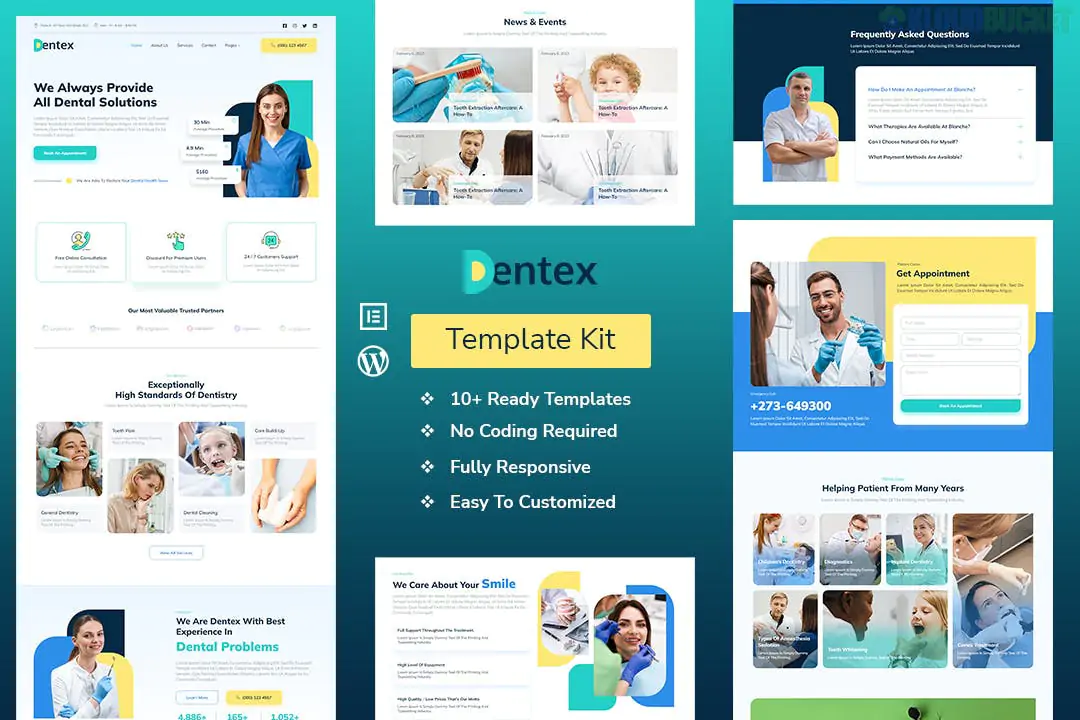
The Cyrion Elementor Template Kit is a professional, high-performance solution specifically designed for cybersecurity firms, IT security consultants, and data protection agencies. Unlike many advanced kits, Cyrion is built to work primarily with the free version of Elementor, making it a budget-friendly option for startups and independent experts.
Cyrion uses a "Security-First" aesthetic, featuring a clean, modern layout with high-contrast typography and professional blue/dark color schemes that convey trust.
100% Responsive: Optimized for desktops, tablets, and smartphones.
No Coding Required: Entirely drag-and-drop customization.
12+ Ready-to-Use Pages: Includes all essential business layouts.
17 Individual Templates: Comprehensive section blocks for modular design.
The kit provides a complete "out-of-the-box" website structure:
Home & About Us: Professional introductions to your security firm.
Services & Service Details: Specialized layouts for detailing penetration testing, cloud security, etc.
Projects/Case Studies: To showcase successful security implementations.
Team & Pricing: Introduce your experts and outline your service tiers.
Contact & FAQs: Essential for lead generation and client support.
Blog & Single Post: For sharing industry news and cybersecurity tips.
To ensure the kit imports correctly and functions as intended, you need to install these specific free plugins first:
Elementor (Free): The primary page builder.
ElementsKit Lite: Used for building the custom Header and Footer.
MetForm: Handles the lead generation and contact forms.
Gum Elementor Addon: Provides additional unique widgets used in the design.
Prepare your site: Use the Hello Elementor theme for the best compatibility.
Upload the Kit: Install the Envato Elements plugin, then go to Elements > Installed Kits to upload your .zip file.
Install Requirements: Click the Install Requirements button in the orange banner to automatically set up the plugins listed above.
Import Styles: Always import the Global Kit Styles first to set the site-wide fonts and colors.
Build Pages: Create a new page, set the layout to Elementor Full Width, and use the "My Templates" folder to insert the Cyrion page layouts.
Would you like me to help you write the copy for your "Service Details" pages, or perhaps draft a "Why Choose Us" section for the homepage?
Customizing the Cyrion Template
This video provides a walkthrough on how to import and manage Elementor template kits similar to Cyrion, including how to handle headers and footers using theme builders.
Subscribe to access unlimited downloads of themes, videos, graphics, plugins, and more premium assets for your creative needs.
.jpg) Help Us to Buy More New Theme/Plugin
Help Us to Buy More New Theme/Plugin
Published:
Jan 08, 2026 20:09 PM
Category:
Author:
OtherLicense:
GPL v2 or Later