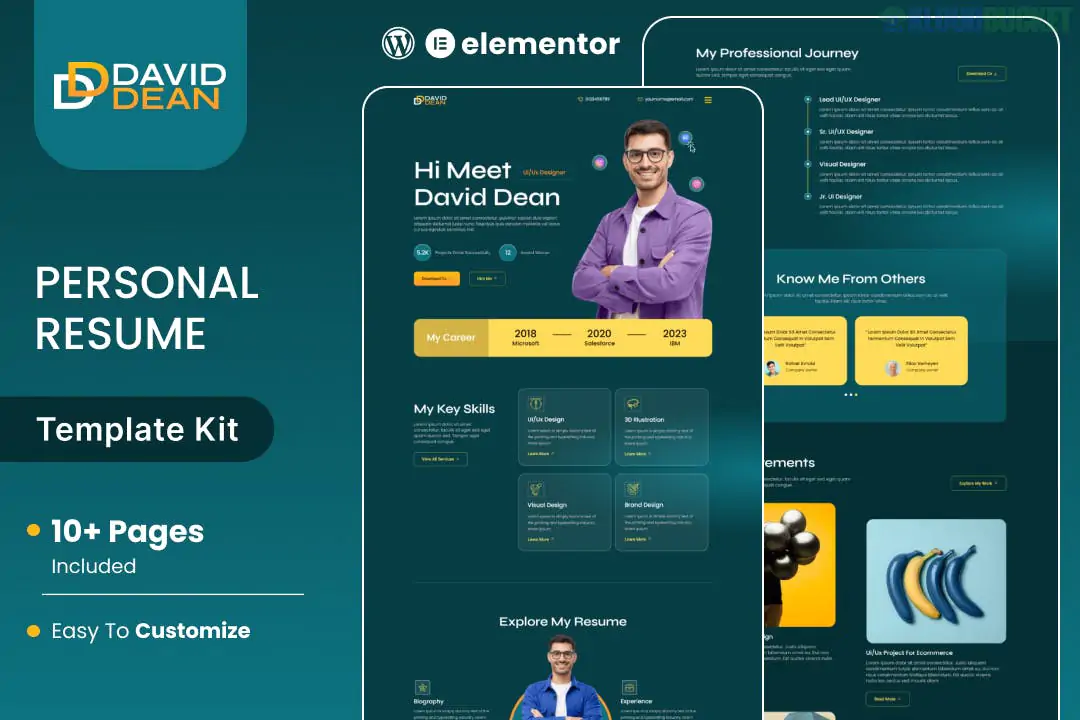
**DavidDean** is a professional **Elementor Template Kit** specifically designed for modern resumes, CVs, and personal portfolios. Created by **Jegtheme**, it is tailored for job seekers, freelancers, and creative professionals who want a polished online presence that stands out in a competitive market.
Like most kits from this developer, it is built to be **Free-Plugin Friendly**, meaning you do not need Elementor Pro to achieve the design shown in the demo.
---
### Key Features
* **10+ Pre-designed Templates:** Includes layouts for Home, About Me, Experience, Education, Skills, Portfolio/Projects, Blog, and Contact.
* **Resume-Specific Sections:** Features dedicated blocks for work history timelines, skill bars, and educational qualifications.
* **Modern & Minimalist Design:** Uses clean lines, professional typography, and a balanced color palette to ensure your content remains the focus.
* **Fully Responsive:** Designed to look great on mobile devices, which is essential as recruiters often view profiles on the go.
* **One-Click Customization:** Easily change the global accent color and fonts to match your personal brand.
---
### Technical Requirements
To get the exact look of the DavidDean demo, you will need the following free plugins from the WordPress repository:
1. **Elementor (Free):** The core page builder.
2. **Jeg Elementor Kit:** The primary engine for the kit, providing specialized widgets like progress bars, timelines, and carousels.
3. **MetForm:** Powering the contact form and "Hire Me" inquiries.
4. **ElementsKit Lite:** Often used for the header, footer, and advanced navigation.
---
### How to Install DavidDean
1. **Theme Setup:** Install and activate the **Hello Elementor** theme for the best performance.
2. **Import Tool:** Install the **Envato Elements** plugin (or the "Template Kit Import" plugin).
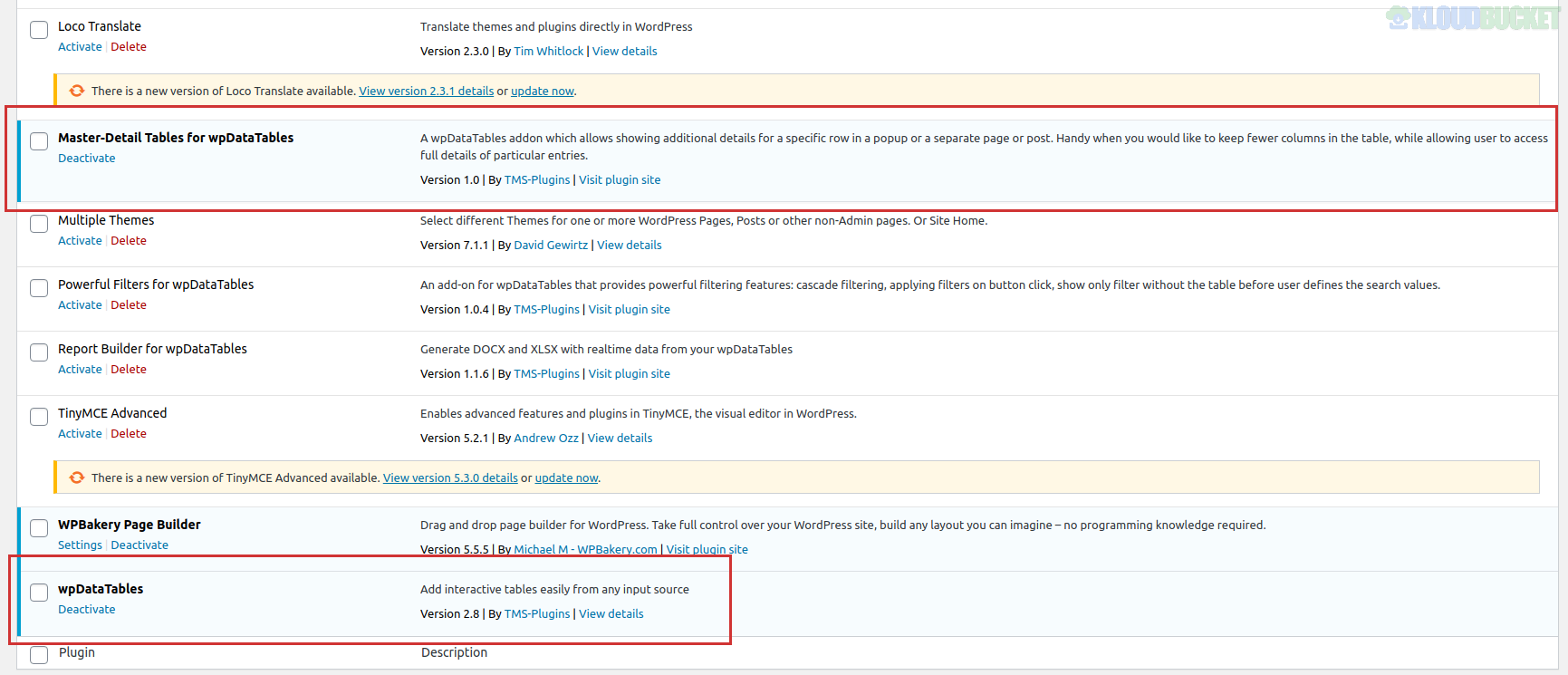
3. **Upload the Kit:** Go to **Elements > Installed Kits** and upload your `daviddean.zip` file.
4. **Install Requirements:** Click the orange **"Install Requirements"** banner to activate the Jeg Elementor Kit and MetForm plugins.
5. **Import Order:**
* **Global Kit Styles:** Import this **first** to set the default site settings.
* **Header & Footer:** Import these next to establish your global navigation.
* **Pages:** Import your Home page and other inner pages one by one.
### Pro-Tip: Making Your Resume Interactive
* **Download Button:** Use the "Button" widget to link to a PDF version of your resume. Set the "Link" to your media library file and toggle the "Download" attribute in the settings.
* **Skill Bars:** Use the progress bar widgets from the **Jeg Elementor Kit** to visually demonstrate your proficiency in different software or languages.
* **Form Setup:** After importing the contact page, make sure to edit the **MetForm** widget to ensure it is connected to your email so you don't miss any job offers.
**Would you like me to help you set up the resume download button, or do you need assistance configuring the portfolio gallery to showcase your work?**
Subscribe to access unlimited downloads of themes, videos, graphics, plugins, and more premium assets for your creative needs.
.jpg) Help Us to Buy More New Theme/Plugin
Help Us to Buy More New Theme/Plugin
Published:
Dec 29, 2025 16:43 PM
Category:
Author:
OtherLicense:
GPL v2 or Later