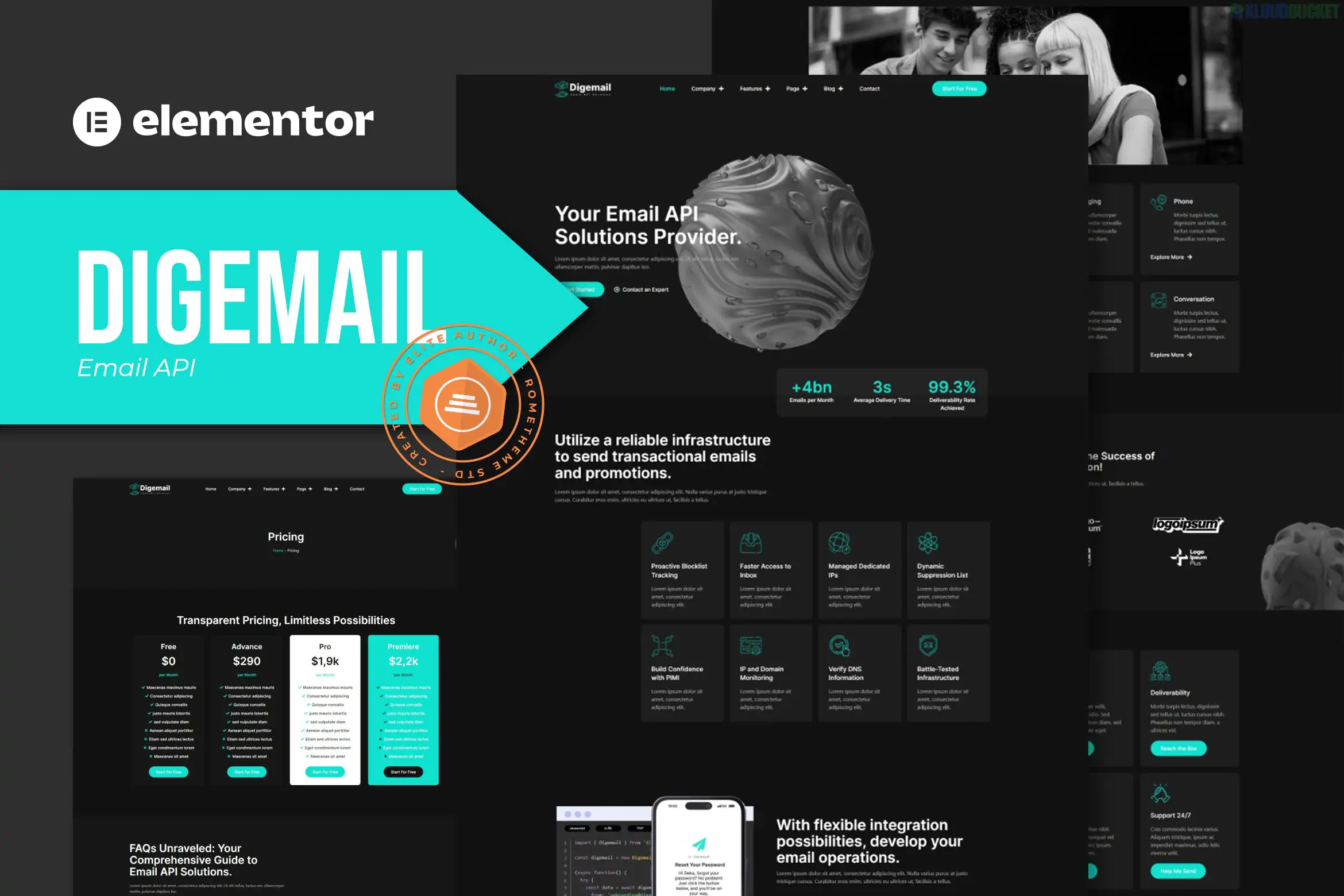
Digemail is a specialized Elementor Pro Template Kit designed for developers, SaaS companies, and digital agencies focusing on API solutions, SMTP services, and code-based products.
Unlike a standard WordPress theme, this is a collection of pre-designed layouts that you import into Elementor to build a cohesive website. It features a high-tech, clean aesthetic optimized for the Hello Elementor theme.
The kit provides over 12+ pre-built templates, covering the essential pages for a technology-focused service:
Homepage: A conversion-focused layout with hero sections for API documentation or service highlights.
Email, SMS & Video: Specific landing pages for different API communication channels.
On Delivery Rates: A data-heavy page style for showing performance or pricing metrics.
Partners & Partnership Program: Specialized layouts for B2B relationship building.
Blog & Single Post: Clean typography optimized for technical articles and documentation.
Global Parts: Includes pre-designed Header, Footer, and a custom 404 Error page.
To make the templates look and function exactly like the demo, you will need to install these plugins (most are free, but Elementor Pro is highly recommended for the Theme Builder features):
Elementor (Free): The core builder.
Elementor Pro: Required for the Header/Footer builder and advanced widgets.
Essential Addons for Elementor: For enhanced post grids and creative elements.
PowerPack Lite for Elementor: Adds extra functional widgets used in the kit.
Theme Setup: Install and activate the free Hello Elementor theme for the best compatibility.
Install Importer: Install the Template Kit Import (by Envato) plugin from the WordPress repository.
Upload Kit: Go to Tools > Template Kit, upload your digemail.zip file, and click Install Requirements to automatically grab the necessary plugins.
Import Global Styles: Always import the Global Kit Styles first to set your site-wide fonts and colors.
Build Pages: Create a new page, set the Page Layout to Elementor Full Width, and use the gray folder icon (My Templates) to insert the Digemail template of your choice.
Developer-Friendly Design: Uses code-inspired snippets, clean grids, and technical icons that appeal to developers and CTOs.
Responsive & Lightweight: Optimized for fast loading, which is crucial for SEO in the competitive SaaS space.
Global Style Control: Change your brand color in one place, and it will update across every imported template automatically.
Would you like me to help you find a specific technical widget for displaying API documentation code, or do you need help setting up the Header and Footer via the Elementor Pro Theme Builder?
Subscribe to access unlimited downloads of themes, videos, graphics, plugins, and more premium assets for your creative needs.
.jpg) Help Us to Buy More New Theme/Plugin
Help Us to Buy More New Theme/Plugin
Published:
Dec 27, 2025 16:01 PM
Category:
Author:
OtherLicense:
GPL v2 or Later