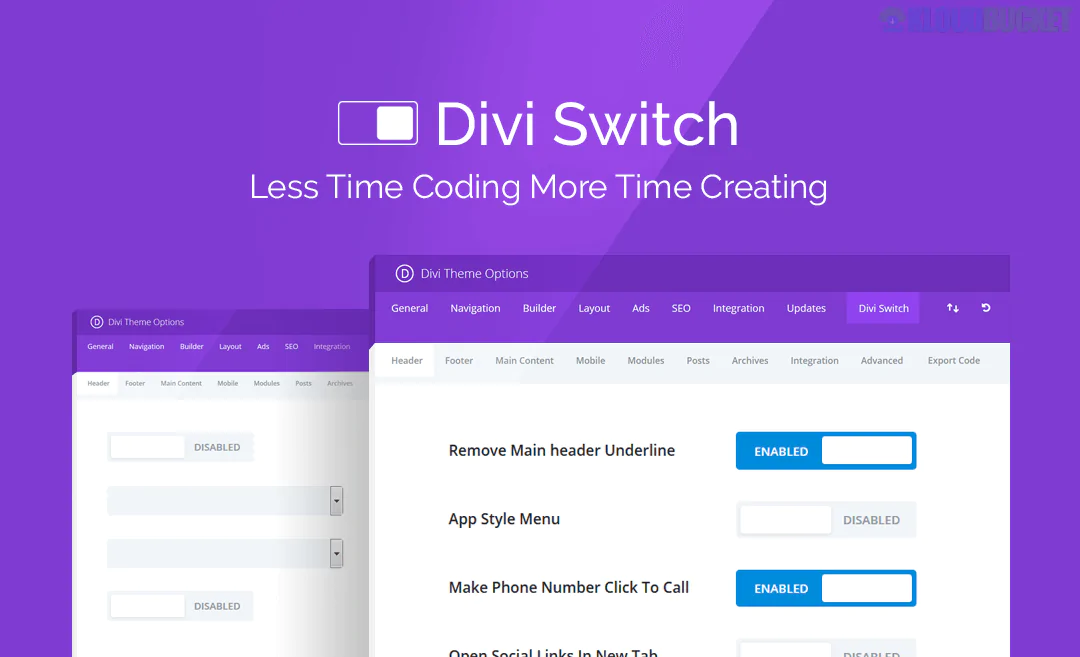
The Divi Switch Pro plugin is an extremely popular third-party add-on for the Divi Theme by Elegant Themes. It is often described as the "Swiss Army Knife" or "must-have" tool for Divi users because it allows you to activate a huge number of customizations, fixes, and enhancements without writing a single line of CSS or code.
The concept behind the plugin is simple: it provides a dashboard with 50+ toggle switches that instantly apply powerful design and functional changes to the Divi Theme.
Divi Switch Pro is designed to save designers and developers countless hours of searching for code snippets, troubleshooting CSS, or creating complex child themes just to implement a common feature or fix a design quirk.
The switches are generally organized into categories, with some of the most impactful features being:
Transparent Headers: Easily make the header transparent on the homepage or on all pages.
Different Logos: Use different logos on different pages or apply a separate logo when the header is sticky/scrolled.
Mobile Menu: Customize the mobile menu icon (the "hamburger"), fix issues with sticky mobile headers, and improve the overall responsive design.
Menu Effects: Add visual effects like custom hover styles or animations to menu links.
SVG Uploads: Enables support for Scalable Vector Graphics (SVG) files in the WordPress media library, which are essential for sharp, high-resolution logos and icons.
Image Filters: Apply visual filters (like grayscale, sepia, blur, or Instagram-style effects) to images without using a separate photo editing tool.
Module Animations: Adds many more animation options to built-in Divi modules (like Sliders, Blurbs, and Counters) beyond the Divi default settings.
Section Separators: Provides additional, unique separator styles (like diagonal or arrow shapes) for use between sections.
Divi Shortcodes: Allows you to save any Divi Layout or section to the Divi Library and then embed it anywhere on your site using a simple WordPress shortcode.
Layout Injection: Easily insert any saved Divi Layout from your library before or after the post content, making it perfect for placing custom CTAs or banners on every blog post.
Comments in Toggle: Hide the entire comments section within a collapsible toggle box, improving page cleanliness.
Performance: Options to enable gzip compression or other minor code fixes for faster site loading times.
Divi Freelancers/Agencies: Saves substantial time on every client project by eliminating repetitive coding tasks.
Divi Beginners: Provides an accessible way to make advanced customizations without having to learn complex CSS.
In essence, Divi Switch Pro expands the customization options of the Divi Theme Customizer into a robust, simple-to-use control panel.
Subscribe to access unlimited downloads of themes, videos, graphics, plugins, and more premium assets for your creative needs.
.jpg) Help Us to Buy More New Theme/Plugin
Help Us to Buy More New Theme/Plugin
Published:
Dec 12, 2025 17:11 PM
Version:
v4.0.19
Category:
Author:
OtherLicense:
GPL v2 or LaterTags: