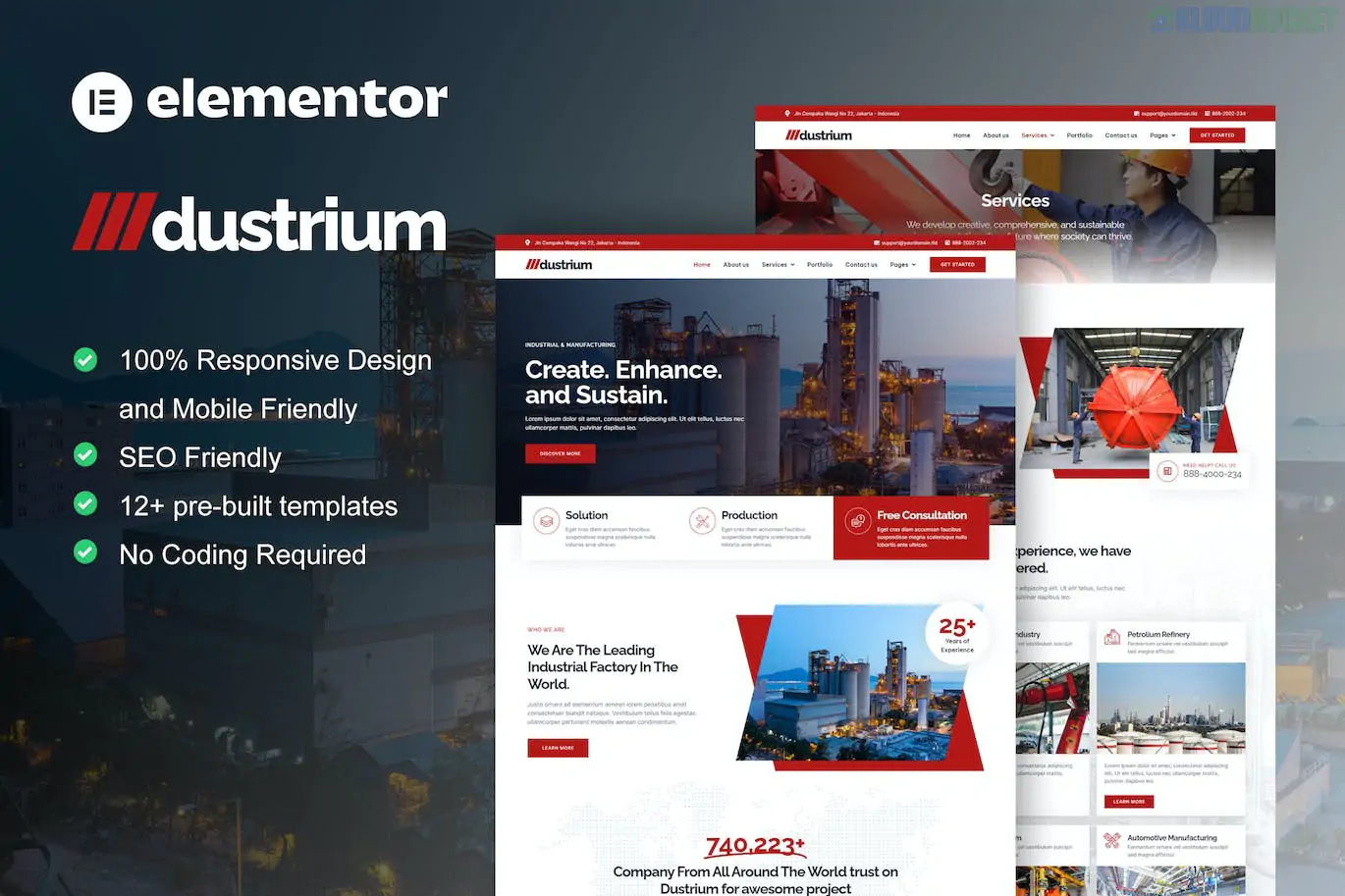
Dustrium is a premium Elementor Pro Template Kit specifically designed for heavy industries, manufacturing plants, mechanical engineering, and large-scale factories.1 Developed by Jegtheme, it offers a "Power-Industrial" aesthetic, utilizing bold layouts, high-contrast colors, and a highly professional structure to showcase industrial scale and technical reliability.
As a Pro kit, it leverages the full power of the Elementor Pro Theme Builder, allowing for a more streamlined setup of complex global elements.
Industry-First Design: A rugged yet clean layout that suits sectors like Oil & Gas, Metallurgy, Construction, and Automotive Manufacturing.2
Elementor Pro Native: Built-in templates for Header, Footer, and Single Post templates via the Pro Theme Builder, eliminating the need for extra header/footer plugins.3
Dynamic Styling: Includes sophisticated animations and parallax effects that give the site a high-end, modern feel.
Global Style Controls: Change your industrial brand colors (e.g., Safety Orange to Factory Blue) and typography across the entire site in seconds.4
The kit is very comprehensive, providing everything a B2B industrial company needs:
Homepages: Two distinct variations (Home 1 and Home 2) for different industrial focuses.
Company Info: About Us, Our History (Timeline), Our Team, and FAQ.
Services: Service List and a highly detailed Service Single page for technical specifications.5
Projects: Project Archive and Single Project templates to showcase case studies and machinery deployments.
Commerce & Contact: Pricing Tables, Contact Us (with map), and a custom 404 page.6
System Templates: Global Header, Global Footer, and Blog templates.7
To ensure the kit functions exactly like the demo, you must have the following installed:
Elementor (Free version)
Elementor Pro (Paid version): Required for the core layout engine and theme builder.8
MetForm: Used for specialized inquiry and quote request forms.
Use the Hello Elementor Theme: This is the lightest "blank canvas" theme. Using it ensures the Dustrium kit dictates 100% of the style without theme conflicts.
Import Strategy:
Install the Envato Elements plugin.
Upload the kit ZIP and click "Install Requirements."
Import the Global Kit Styles first.
Import individual pages as needed.
Theme Builder Display Conditions: Once the Header/Footer is imported, go to Templates > Theme Builder and set the condition to "Entire Site."
Industrial Photography: To make Dustrium look its best, use high-quality imagery of your facility. If you use stock photos, ensure they match the "grit and scale" of the kit's design.
[!TIP]
Quote Requests: For industrial sites, the most important page is often the contact form. Use the included MetForm templates to create a "Request a Quote" form that asks for specific technical details about a client's project.
Would you like me to help you write a professional "Our History" timeline for your industrial brand, or would you like to compare Dustrium with the Garmen kit we discussed earlier?
Subscribe to access unlimited downloads of themes, videos, graphics, plugins, and more premium assets for your creative needs.
.jpg) Help Us to Buy More New Theme/Plugin
Help Us to Buy More New Theme/Plugin
Published:
Jan 20, 2026 11:11 AM
Category:
Author:
All In One PluginLicense:
GPL v2 or Later