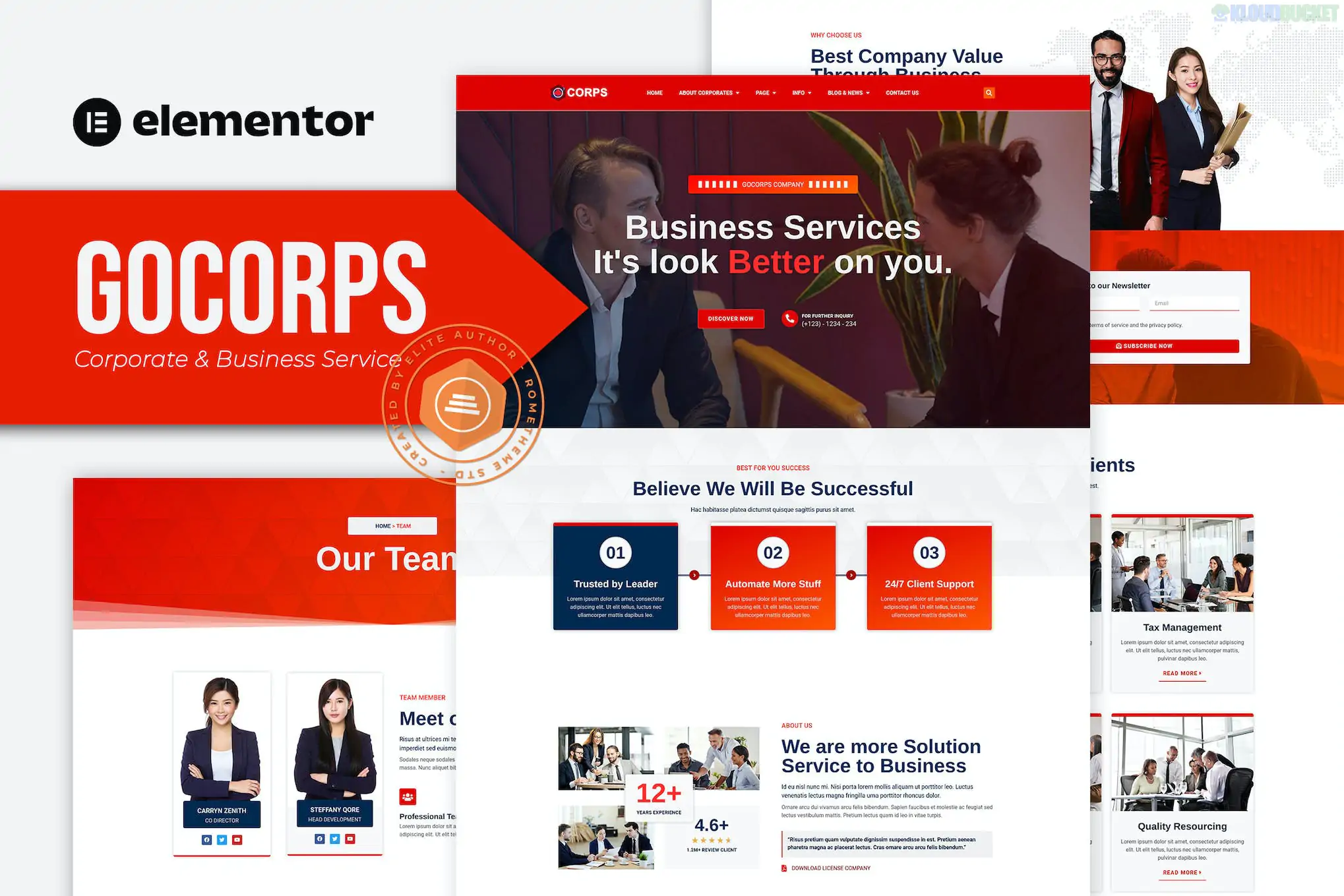
Gocorps (developed by Rometheme) is a professional Elementor Template Kit designed for corporate agencies, business services, and modern startups. It stands out for its "clean-pro" aesthetic, focusing on large typography, high-resolution imagery, and a structured layout that builds corporate authority.
Notably, Gocorps is designed to be Pro-Free, meaning you can achieve the premium demo look using only the free version of Elementor and a few supporting plugins.
The kit offers a robust selection of pages to build a complete corporate presence:
Homepage: A high-impact hero section with clear calls to action and service snapshots.
About Us: Layout for company history, core values, and vision.
Services: A multi-column grid to showcase primary business offerings.
Service Detail: A specialized layout for deep-diving into specific service features.
Portfolio & Portfolio Detail: To showcase past projects or case studies with professional galleries.
Our Team: Profile blocks for executives and key personnel.
Pricing: Modern tables for service tiers or consultation packages.
Blog & Blog Single: Clean, readable layouts for company news and industry insights.
Contact Us: Functional layout with integrated maps and form placeholders.
Header & Footer: Global templates for consistent site-wide branding.
404 Error Page: A custom-branded "page not found" layout.
Gocorps is optimized for the Hello Elementor theme but works with most themes. Its primary advantage is that Elementor Pro is NOT required.
Required Plugins (Free):
Elementor: The core drag-and-drop builder.
ElementsKit Lite: Used for building the header, footer, and advanced navigation.
MetForm: Handles the customized contact and inquiry forms.
Jeg Elementor Kit: Often used for specific post-grid and image-box widgets.
Preparation: In your WordPress dashboard, navigate to Elementor > Settings > Features and ensure Flexbox Container is set to Active.
Importing: Use the Envato Elements or Template Kit Import plugin.
Step 1: Click "Import Global Kit Styles" first. This is essential to apply the corporate color palette and typography across your entire site.
Step 2: Import individual page templates one by one.
Header & Footer: Since this kit uses ElementsKit for the header/footer, you will need to assign the imported templates within the ElementsKit > Header Footer menu to make them appear site-wide.
Logo Replacement: You can update the logo globally through the Global Styles or by editing the Header template directly.
Retina Ready: Uses ultra-high-resolution graphics and SVG icons to ensure sharpness on all screens.
No-Code Customization: Every element can be adjusted via the visual editor without touching a line of CSS.
Minimalist Aesthetic: Ideal for B2B companies or consultants who want to appear professional and trustworthy without "distracting" animations.
Would you like me to help you set up the Header and Footer assignments using ElementsKit, or do you need help customizing the Portfolio detail pages for your projects?
Subscribe to access unlimited downloads of themes, videos, graphics, plugins, and more premium assets for your creative needs.
.jpg) Help Us to Buy More New Theme/Plugin
Help Us to Buy More New Theme/Plugin
Published:
Jan 30, 2026 14:50 PM
Category:
Author:
OtherLicense:
GPL v2 or Later