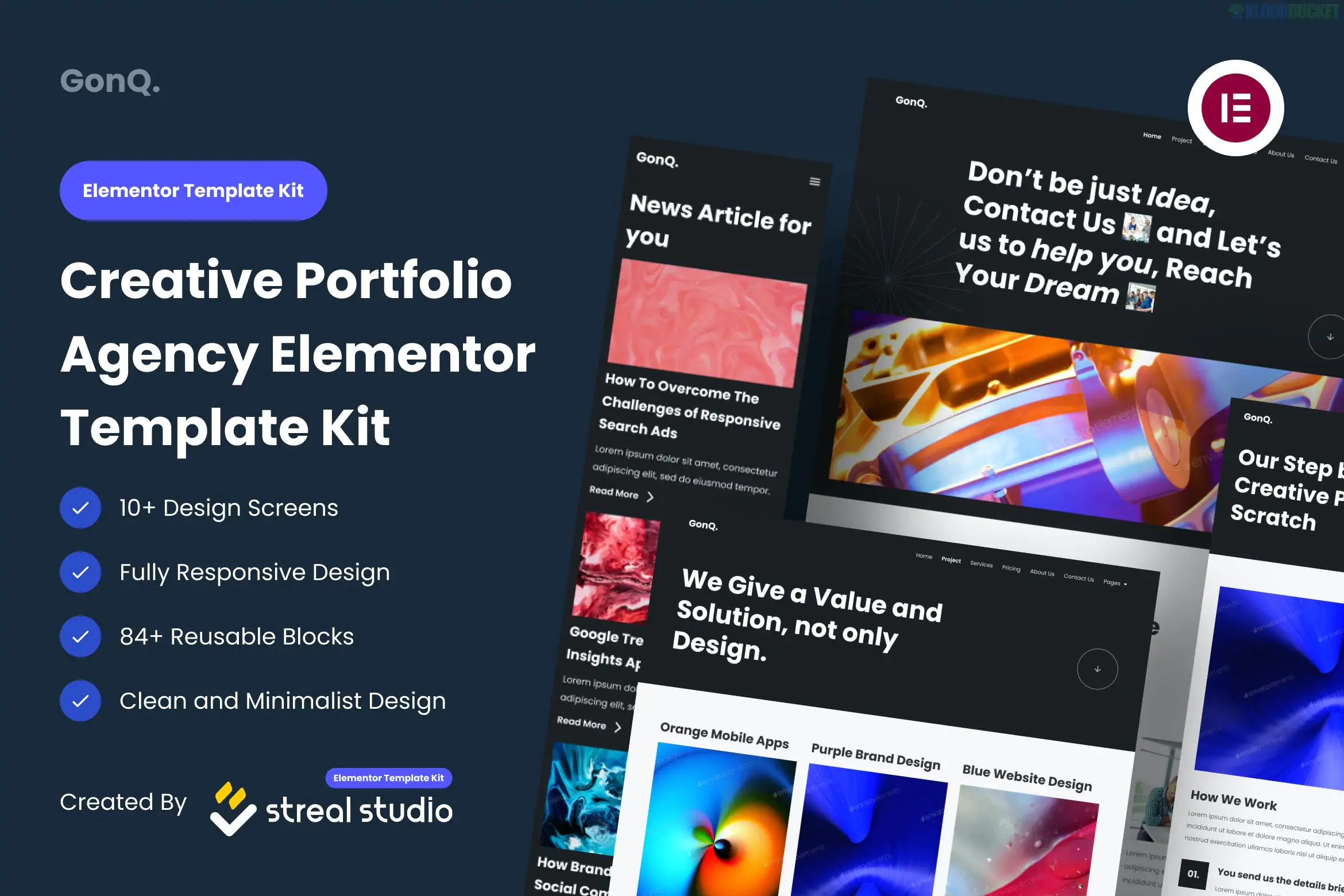
GonQ is a visually striking Elementor Template Kit designed for creative agencies, digital studios, and portfolio websites. It stands out by combining a retro aesthetic with minimalist design, making it ideal for brands that want an "anti-mainstream" or avant-garde look.
Unlike many of the kits discussed previously, GonQ is built to work with the free version of Elementor, meaning you do not need an Elementor Pro subscription to achieve its signature look.
Retro-Minimalist Style: Features bold typography, unique grid layouts, and a "brutalist" design influence.
No Pro Required: Completely functional using free plugins and the free version of Elementor.
Pixel-Perfect Design: Highly detailed layouts that are fully responsive and optimized for speed.
Global Style Guide: Allows you to change the entire site's color palette (e.g., swapping the retro yellow for a neon green) in seconds.
The kit provides a complete set of agency-standard pages:
Core Pages: Home, About Us, Services, Our Team, and FAQ.
Portfolio: Portfolio Gallery and Portfolio Detail pages to showcase work.
Communication: Contact Us page and specialized Blog templates.
Site Parts: Custom Header and Footer templates, plus a 404 Error page.
To ensure the layouts import correctly, the kit relies on these free tools:
Elementor (Free): The core page builder.
ElementsKit Lite: Used for creating the header, footer, and complex widgets.
MetForm: Powering the retro-styled contact forms.
Sticky Header Effects for Elementor: Adds professional scrolling behavior to the navigation.
To get the "GonQ" look exactly as seen in the demo, follow this workflow:
Theme: Use the Hello Elementor theme as your base.
Import: Use the Envato Elements plugin to upload the kit zip file.
Global Styles: Crucial step—Import the "Global Kit Styles" first. This applies the unique retro fonts and borders to your entire site.
MetForm Setup:
Import the MetForm block template from the kit.
On your Contact page, select the MetForm widget and choose "Edit Form."
Instead of building from scratch, use the "Insert" option to pull in the pre-styled GonQ form template.
Visual Tip: GonQ relies heavily on high-contrast borders and asymmetrical layouts. When adding your own images, try using photos with clean backgrounds or architectural lines to maintain the kit's sophisticated, designer feel.
Would you like me to explain how to customize the "Sticky Header" effect or help you set up the Portfolio gallery filter?
Subscribe to access unlimited downloads of themes, videos, graphics, plugins, and more premium assets for your creative needs.
.jpg) Help Us to Buy More New Theme/Plugin
Help Us to Buy More New Theme/Plugin
Published:
Jan 07, 2026 19:25 PM
Category:
Author:
OtherLicense:
GPL v2 or Later