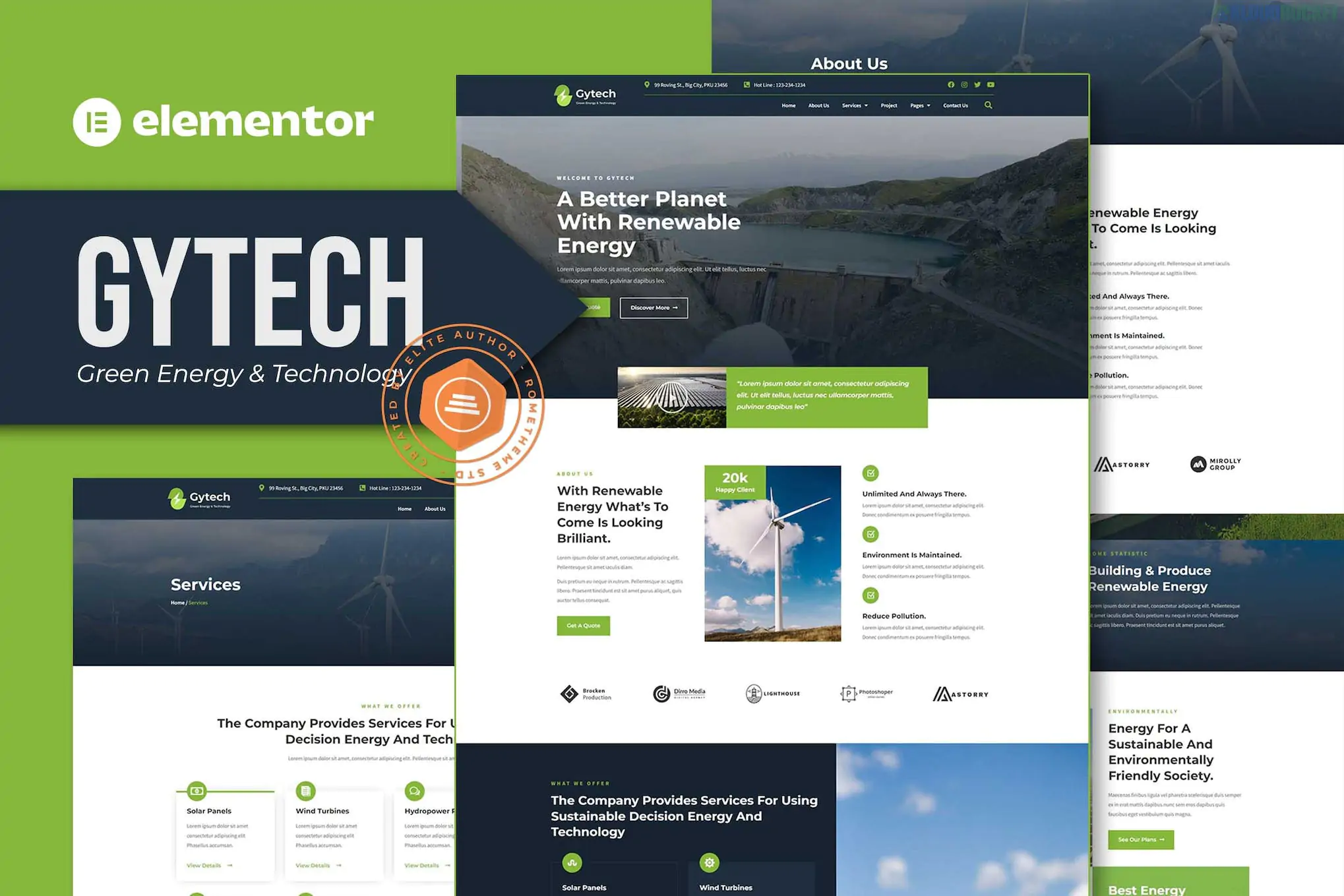
Gytech (developed by Rometheme) is a professional Elementor Pro Template Kit designed for green energy companies, solar panel installers, renewable energy startups, and environmental technology firms. It features a clean, high-tech aesthetic with a focus on sustainable infrastructure and ecological innovation.
Because this is an Elementor Pro kit, it utilizes the Theme Builder to manage global elements like the header and footer, as well as dynamic templates for projects and blog posts.
The kit offers a full suite of layouts specifically structured for the energy and tech industry:
Homepage: A high-impact hero section with features for project highlights and service overviews.
About Us: A professional layout for company history, core values, and team introductions.
Services & Service Detail: Dedicated pages to explain technical offerings like Solar Installation, Wind Energy, or Smart Grid technology.
Projects & Single Project: A portfolio-style system to showcase completed green energy installations or research case studies.
Pricing: Transparent tables for service packages or energy maintenance plans.
FAQ: Accordion layouts to address common questions about renewable ROI and installation.
Contact: Functional contact pages with integrated forms and social media links.
Blog & Archive: Modern typography for sharing industry news and ecological updates.
To get the most out of Gytech, you will need the following environment:
Base Theme: Hello Elementor (highly recommended for performance).
Elementor Pro: Required. Essential for the Header, Footer, and dynamic Single Project templates.
Required Plugins (Free):
Elementor: The core builder.
ElementsKit Lite: Used for building advanced navigation and mega-menus.
Skyboot Custom Icons: Provides the unique, industry-specific icons seen in the demo.
Flexbox Containers: Ensure Flexbox Container is set to Active in Elementor > Settings > Features before importing, as Rometheme kits are optimized for this modern layout system.
Import via Envato Elements:
Install the Envato Elements plugin or the Template Kit Import plugin.
Upload the Kit ZIP file.
Step 1: Click "Import Global Kit Styles" first. This applies the site’s professional color palette (typically tech-focused greens and grays) and clean typography.
Step 2: Import individual pages one at a time.
Assigning Global Parts: Go to Templates > Theme Builder and set the "Display Conditions" for your imported Header and Footer to Entire Site.
Icon Libraries: Ensure Skyboot settings have all icon libraries toggled to "on" so the industry icons render correctly.
Industrial/Tech Aesthetic: Combines "Green" visuals with professional corporate layouts suitable for B2B or government-scale contracts.
Project Focus: Unlike generic business kits, Gytech places a heavy emphasis on the "Project" post type, allowing you to build credibility through real-world results.
Retina Ready: Includes ultra-high-resolution graphics and vector icons that stay sharp on 4K and mobile displays.
Would you like me to help you draft some "Project Detail" copy for a solar installation case study, or do you need help customizing the Pricing tables for different energy tiers?
Subscribe to access unlimited downloads of themes, videos, graphics, plugins, and more premium assets for your creative needs.
.jpg) Help Us to Buy More New Theme/Plugin
Help Us to Buy More New Theme/Plugin
Published:
Jan 30, 2026 14:48 PM
Category:
Author:
OtherLicense:
GPL v2 or Later