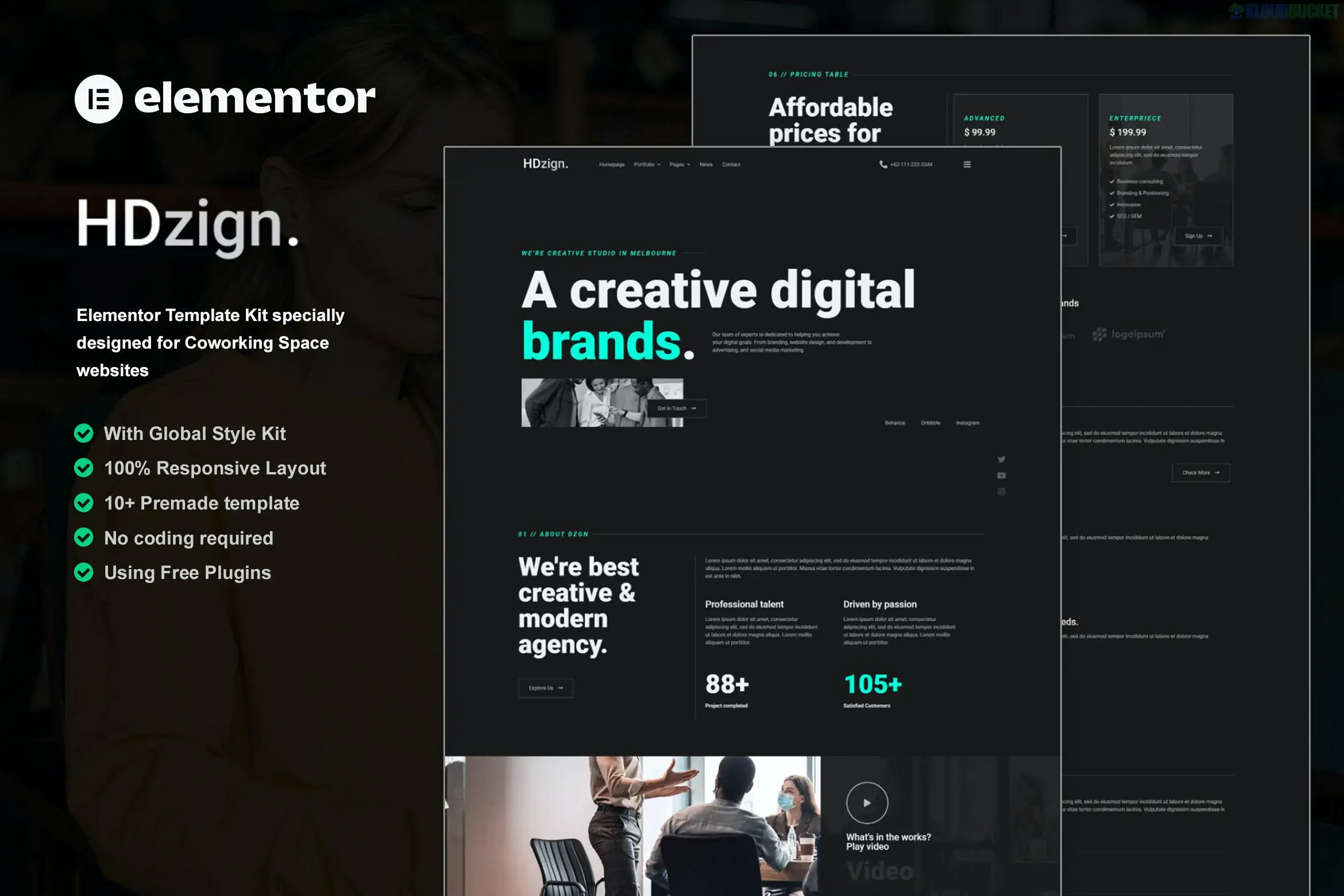
HDzign is a premium Elementor Template Kit designed for digital agencies, creative studios, and marketing firms that want a bold, high-impact "dark mode" aesthetic. It is specifically built to look professional and modern right out of the box, emphasizing portfolio showcases and service clarity.
One of its main advantages is that it is optimized for the free version of Elementor, meaning you can achieve a premium, high-end look without needing an Elementor Pro subscription.
15+ Pre-built Templates: A comprehensive library of full-page layouts and functional blocks.
Modern Dark UI: A sleek, "dark mode" design with high-contrast typography and neon/vibrant accents.
No Coding Required: Fully drag-and-drop using Elementor's intuitive visual builder.
Global Theme Styles: Allows you to change your brand’s primary colors and fonts in one central panel to update the entire site instantly.
Fully Responsive: Tested across all modern browsers and mobile devices to ensure a seamless experience.
The kit covers all the standard pages required for a professional agency presence:
Category
Included Templates
Main Pages
Home, About Us, Contact Us, FAQ, 404 Page.
Business
Services, Service Details, Pricing Plans.
Showcase
Portfolio/Case Studies, Team Profiles, Testimonials.
Content
Blog Archive, Single Post layout.
System
Custom Header and Footer templates.
To ensure the kit works exactly as shown in the demo, you will need the following free plugins:
Elementor (Free): The core page builder.
RomethemeKit: Provides the "Theme Builder" functionality for headers and footers without requiring Elementor Pro.
RomethemeForm: Used to manage and style the contact and lead generation forms.
Hello Elementor Theme: The recommended lightweight "blank canvas" theme.
Preparation: Install and activate the Hello Elementor theme and the Envato Elements plugin.
Upload: In your WordPress dashboard, go to Elements > Installed Kits and upload the HDzign .zip file.
Requirements: Look for the orange banner at the top and click "Install Requirements" to activate the necessary Rometheme plugins.
Styles First: Import the Global Kit Styles first. This sets the site's dark background and typography.
Import Pages: Import individual templates one at a time. They will be stored in your Templates > Saved Templates library.
Create Pages: Create a new page, set the Page Layout to "Elementor Full Width," and use the Elementor folder icon to insert your imported template.
Would you like me to help you set up the Header and Footer navigation using RomethemeKit, or do you need help customizing the dark color palette?
Subscribe to access unlimited downloads of themes, videos, graphics, plugins, and more premium assets for your creative needs.
.jpg) Help Us to Buy More New Theme/Plugin
Help Us to Buy More New Theme/Plugin
Published:
Dec 25, 2025 15:55 PM
Category:
Author:
OtherLicense:
GPL v2 or Later