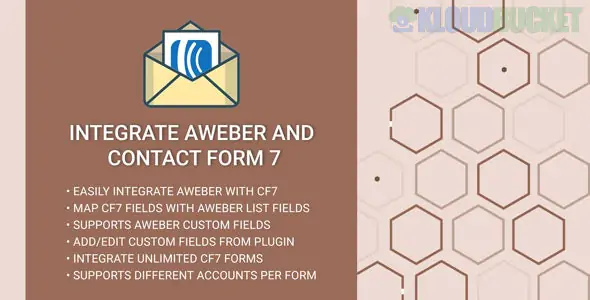
Integrating Contact Form 7 (CF7) with AWeber allows you to automatically add anyone who fills out your website form directly to your email marketing lists.
Since CF7 doesn't have a built-in AWeber setting, you have three primary ways to do this:
There are several "glue" plugins designed specifically to bridge CF7 and AWeber. The most common is the Contact Form 7 AWeber Extension.
How to set it up:
Install and activate the Contact Form 7 AWeber Extension from the WordPress repository.
Go to Contact > AWeber in your sidebar.
Click Generate authorization code. This will take you to AWeber to log in and give permission.
Copy the code AWeber gives you and paste it back into your WordPress settings.
Map your fields: In your specific Contact Form 7 settings, a new AWeber tab will appear. Select your mailing list and match your form fields (e.g., [your-email] to Email).
AWeber provides its own official plugin that can "capture" data from various sources, including CF7.
How to set it up:
Install the official AWeber for WordPress plugin.
Connect it to your AWeber account via the setup wizard.
Go to the Forms section of the plugin. It should detect your CF7 forms.
Enable the integration for the specific form you want to track and select the destination list.
If you want more complex logic (like adding specific tags based on what the user selected in the form), use a third-party automator.
The Workflow: * Trigger: New Form Submission in Contact Form 7.
Action: Create Subscriber in AWeber.
Note: Contact Form 7 requires an additional "Webhook" addon (like CF7 to Webhook) to send data to Zapier or Pabbly Connect.
Method
Skill Level
Cost
Best For...
AWeber Extension
Beginner
Free
Simple list growth.
Official AWeber Plugin
Beginner
Free
Users who want one plugin for all AWeber tasks.
Zapier / Pabbly
Intermediate
Paid/Freemium
Advanced tagging and multi-step workflows.
If you are operating in the EU, ensure you add a Consent Checkbox to your Contact Form 7. You can do this by adding the tag [acceptance acceptance-123] I agree to join the newsletter [/acceptance] to your form code. Most AWeber integration plugins allow you to only sync the data if this box is checked.
Would you like me to provide the specific field-mapping code for your CF7 form to ensure names and emails sync correctly?
Subscribe to access unlimited downloads of themes, videos, graphics, plugins, and more premium assets for your creative needs.
.jpg) Help Us to Buy More New Theme/Plugin
Help Us to Buy More New Theme/Plugin
Published:
Jan 21, 2026 12:07 PM
Version:
v1.0.0
Category:
Author:
OtherLicense:
GPL v2 or LaterTags: