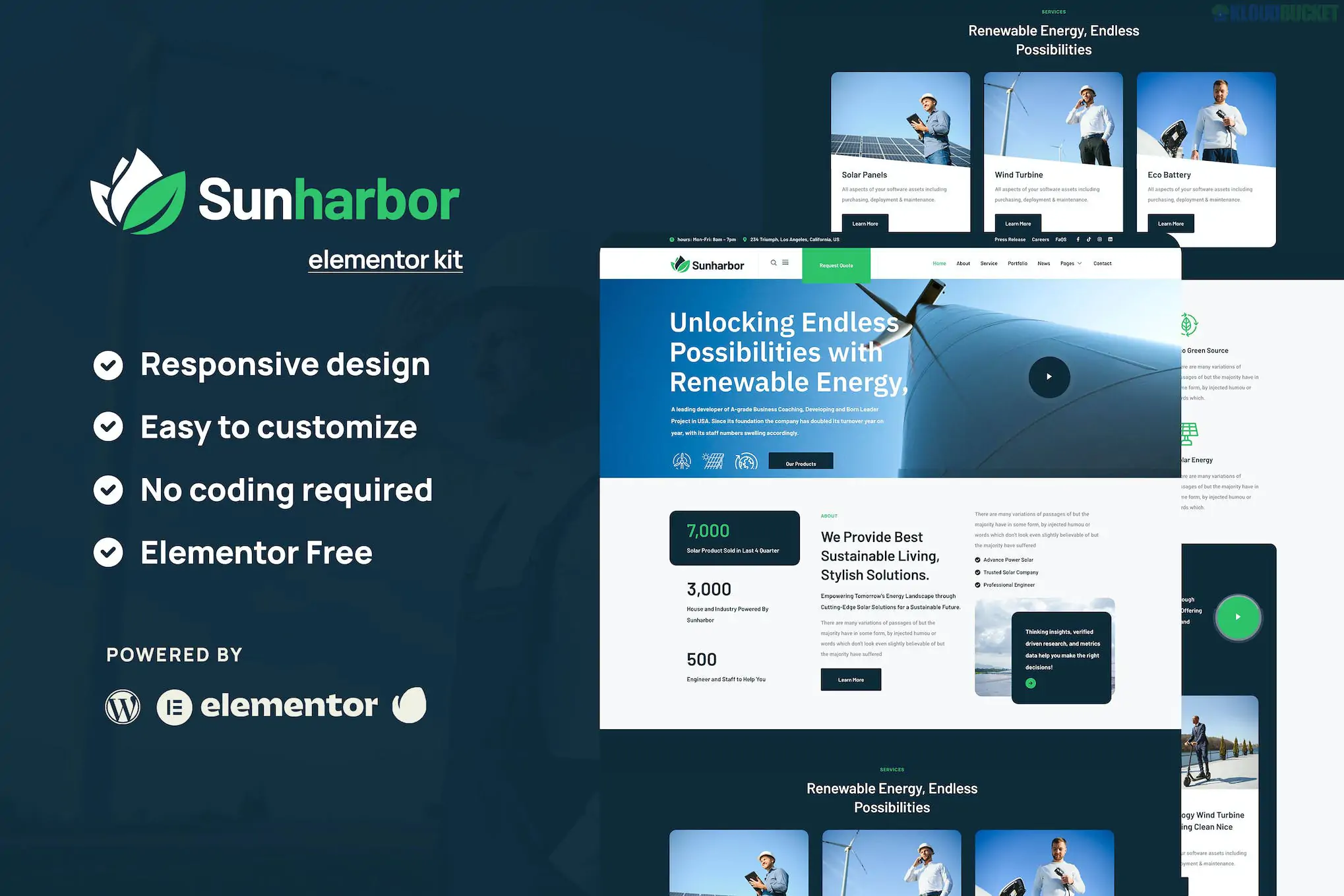
The InteriorX Elementor Template Kit is a stunning, visually-driven design created for interior designers, architects, furniture stores, and home decor studios. Because interior design is a visual industry, this kit focuses on large-scale imagery, elegant typography, and "breathing room" (white space) to showcase your projects with a premium feel.
Like the other kits in this series, it is built to be used with the free version of Elementor.
Portfolio Focused: Features high-impact project galleries and case study layouts to show off before-and-after transformations.
Sophisticated Aesthetic: Uses a clean, modern grid system that makes even simple rooms look high-end.
Micro-Interactions: Includes subtle hover effects and transitions that give the site a "custom-coded" feel.
Fully Responsive: Specifically optimized so your design portfolio looks just as good on a tablet at a client meeting as it does on a desktop.
The kit provides everything you need to launch a full interior design site:
Home (Multiple Versions): Choose between different hero sections (slider vs. static image).
About & Studio: Layouts to introduce your design philosophy and team.
Services: Clear sections for Residential, Commercial, or Consultation services.
Project Grid & Single Project: Dedicated layouts to tell the "story" of a specific renovation.
FAQ & Testimonials: To address common client concerns regarding timelines and budgets.
Contact: Minimalist forms for booking initial consultations.
Ensure you have these free plugins installed before importing the kit:
Elementor (Free): The core builder.
ElementsKit Lite: Necessary for the custom Header and Footer.
MetForm: Powering the project inquiry forms.
Gum Elementor Addon: Provides the specific creative widgets used for the portfolio grids.
Start with the Hello Theme: Use the Hello Elementor theme for maximum speed and compatibility.
Upload the Kit: Use the "Template Kit Import" plugin (or Envato Elements plugin) to upload your interiorx.zip file.
Install Requirements: Click the orange banner to install/activate the necessary plugins.
Crucial Order: * Import Global Kit Styles first.
Import the Header and Footer.
Import your pages (Home, Portfolio, etc.).
Since this kit relies heavily on photography, image optimization is your best friend. Interior design photos are often large files; use a tool like TinyPNG or convert your images to WebP format before uploading. This ensures your high-quality portfolio doesn't slow down your site's loading speed.
Would you like me to help you write a "Design Process" section (e.g., Step 1: Discovery, Step 2: Concept, Step 3: Execution) for your Services page?
Subscribe to access unlimited downloads of themes, videos, graphics, plugins, and more premium assets for your creative needs.
.jpg) Help Us to Buy More New Theme/Plugin
Help Us to Buy More New Theme/Plugin
Published:
Jan 08, 2026 20:03 PM
Category:
Author:
OtherLicense:
GPL v2 or Later