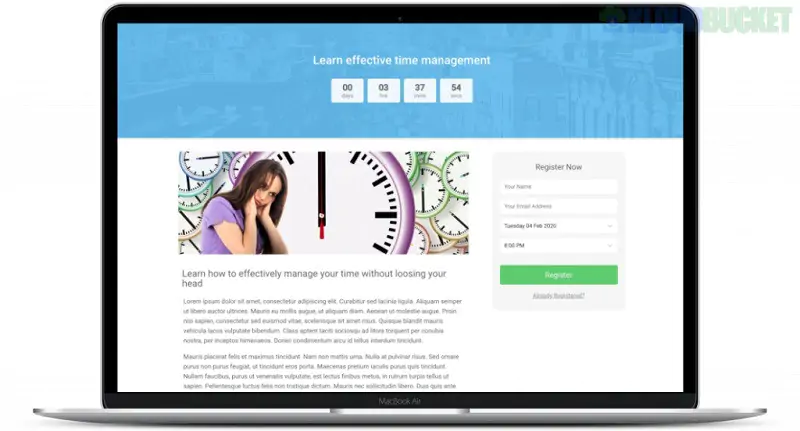
To manage a research publication house on WordPress, you typically need tools for manuscript submission, peer review, and article management. While many general "publication" plugins exist for displaying citations, only a few are designed to handle the full editorial workflow.
The Journal Research Publication plugin by hyvikk is a specialized solution designed to turn a WordPress site into a functional research house. It covers the entire lifecycle from submission to publication.
For Authors: Includes a front-end article submission form, a copyright document uploader, and a status checker to track if their paper is accepted or rejected.
For Reviewers: Creates a unique "Reviewer" user type. Reviewers can log in to their own dashboard to see assigned articles and submit their feedback.
For Admins: Provides tools to manage volumes and issues, assign reviewers, and generate reports.
Integrations: Works with Gutenberg and WPBakery and has a dedicated Journal Payment Addon for collecting publication fees via WooCommerce.
If your primary focus is on the peer-review process, WP Abstracts is a powerful alternative often used for academic conferences and medical journals.
Blind Peer Review: Supports full blind review settings where author names are hidden from reviewers.
Submission Deadlines: Allows you to set hard deadlines for specific topics or event years.
Reviewer Management: Assign an unlimited number of reviewers per abstract and set custom review scales.
If you already have your papers published and just need to display your bibliography or fetch data from external repositories, these lightweight plugins are better suited:
Zotpress: Syncs your Zotero library with WordPress, allowing you to display searchable citations and bibliographies.
teachPress: A powerful tool for researchers to manage a publication database and BibTeX exports.
Scholar Publications Fetcher: Automatically pulls your latest work from Google Scholar and displays it in a clean card layout.
Feature
Journal Research Publication
WP Abstracts
Zotpress / teachPress
Submission Form
✅ Yes (Advanced)
✅ Yes (Abstracts)
❌ No
Peer Review Workflow
✅ Yes
✅ Yes (Blind Review)
❌ No
Payment Integration
✅ Yes (via Addon)
✅ Yes (Pro version)
❌ No
Citation Management
❌ No
❌ No
✅ Yes
When setting up a journal site, ensure you use a Journal-specific prefix (e.g., JRP-2026-) in your plugin settings. This helps both authors and reviewers track their specific submissions easily as your database grows over time.
Would you like me to help you configure the "Reviewer" dashboard settings so your experts can start auditing submissions?
Subscribe to access unlimited downloads of themes, videos, graphics, plugins, and more premium assets for your creative needs.
.jpg) Help Us to Buy More New Theme/Plugin
Help Us to Buy More New Theme/Plugin
Published:
Jan 12, 2026 15:31 PM
Version:
v5.0.1
Category:
Author:
All In One PluginLicense:
GPL v2 or Later