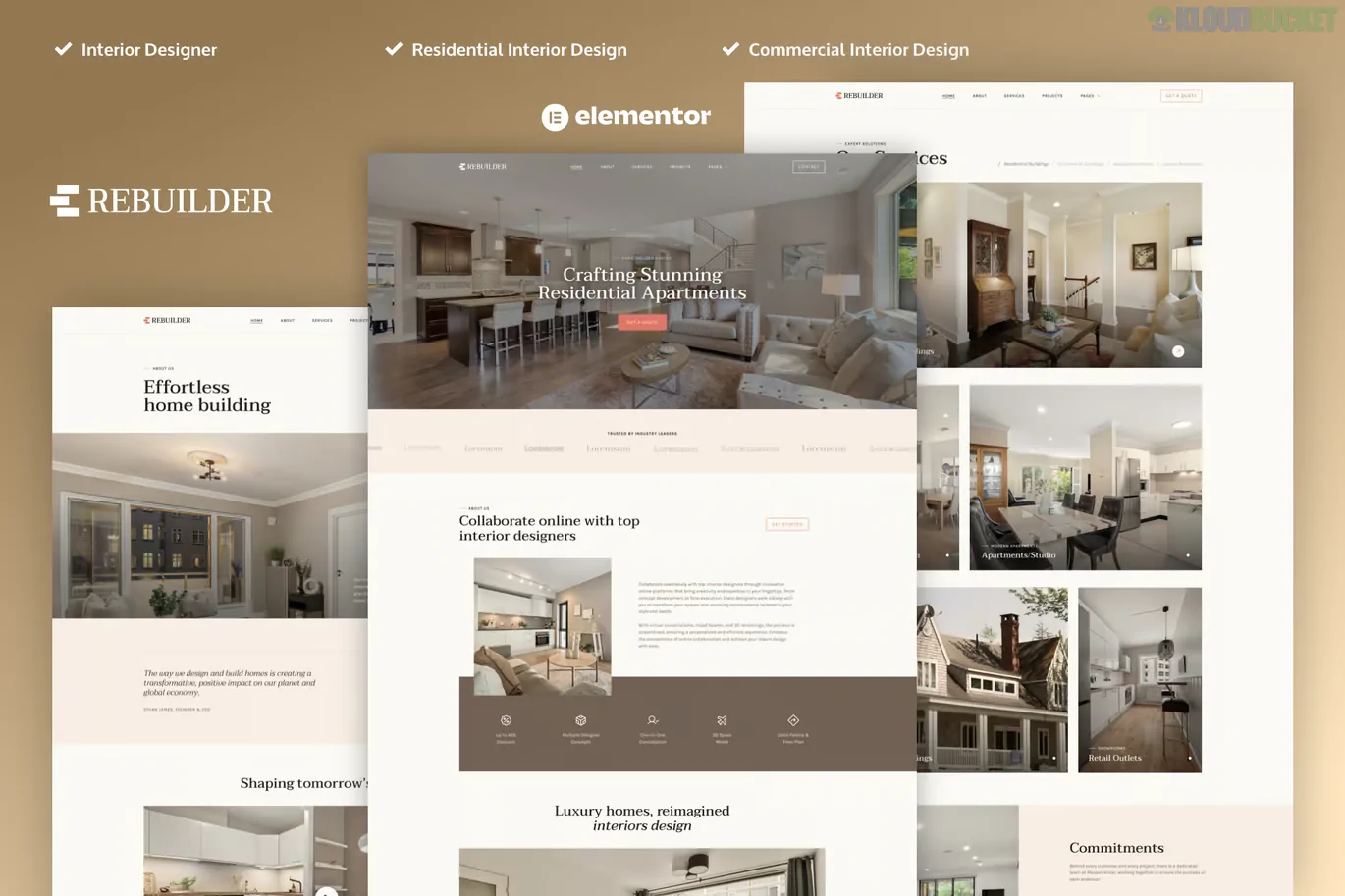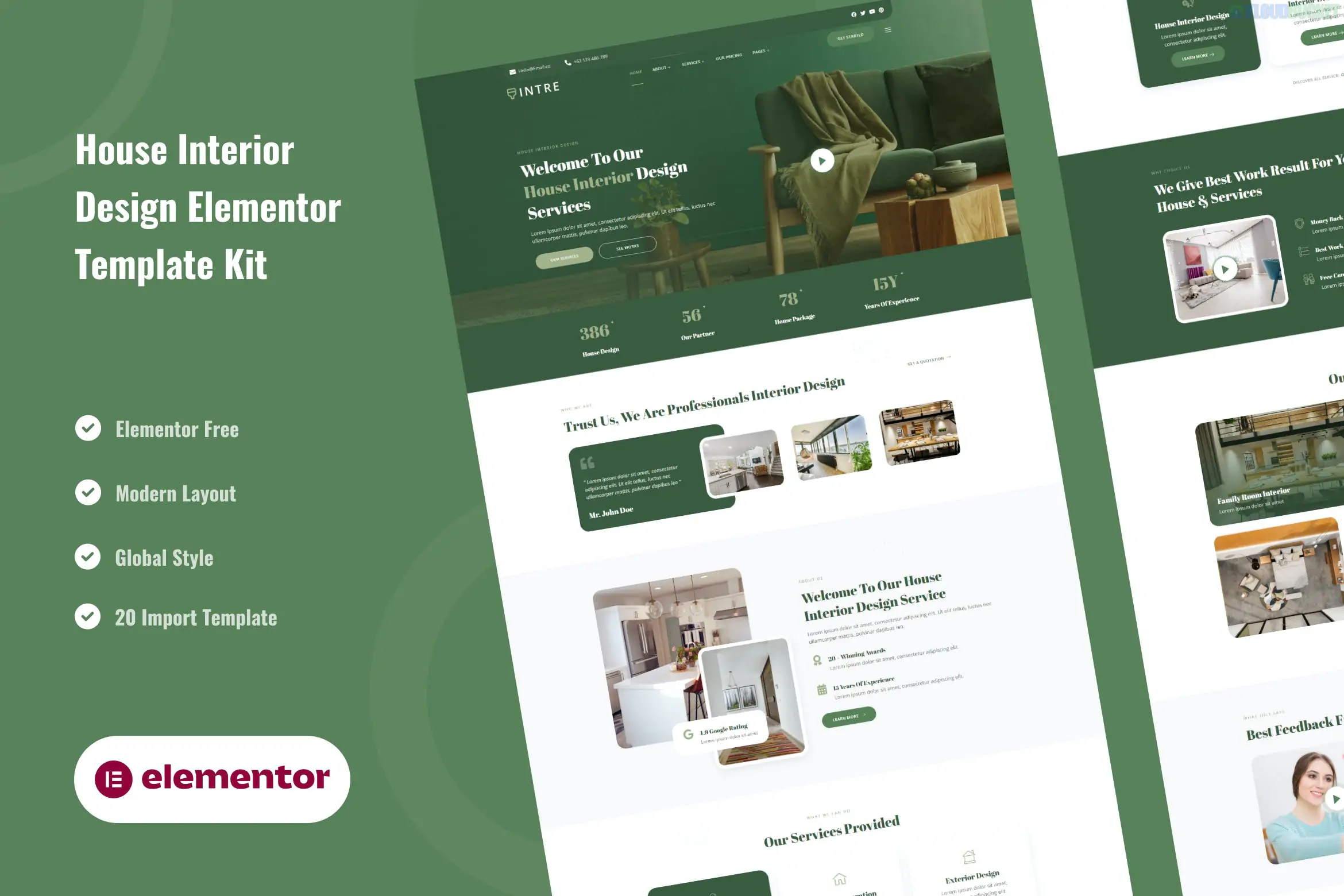
Kashit is a professional Elementor Template Kit designed for IT solutions, technology services, and digital agencies. Developed by themesflat, it features a clean, high-tech aesthetic with a modern UI, making it ideal for software development companies, cybersecurity firms, and IT consultants.
Because it is a Template Kit, it is a collection of pre-designed page layouts that you import into WordPress using the Elementor page builder.
Elementor Free Compatible: You do not need Elementor Pro; it is built to work with the free version and a few essential addons.
Modern & Clean Design: Features a professional color palette and layout focused on readability and technology-themed imagery.
Fully Responsive: Tested across all devices (desktop, tablet, and mobile) to ensure a fluid user experience.
Retina Ready: Optimized for high-resolution displays to keep icons and graphics sharp.
The kit provides a comprehensive set of pages to launch a full-scale IT website:
Home: A high-impact landing page with service highlights and CTA sections.
About Us: For sharing company milestones and team values.
Services & Service Details: Specialized layouts for showcasing individual offerings like Cloud Computing or Data Analysis.
Portfolio & Case Studies: Designed to highlight successful projects and client results.
Team: Profiles for introducing your developers and engineers.
FAQ: A clean accordion-style layout for common customer questions.
Blog & Single Post: Templates for your technical news and insights.
Contact Us: Integrated with easy-to-use inquiry forms.
To get the "demo look," the kit relies on several free supporting plugins:
Elementor (Free): The core builder.
Themesflat Addons for Elementor: Provides the specific widgets and design elements unique to this developer.
MetForm: Used for managing contact and lead generation forms.
ElementsKit Lite: Essential for building custom headers and footers.
Install Hello Elementor: This lightweight theme is the best base for this kit.
Upload via Envato: Install the Envato Elements plugin, go to Installed Kits, and upload your kashit.zip file.
Install Requirements: Click the orange "Install Requirements" banner to automatically set up the plugins listed above.
Import Global Styles: Import the Global Kit Styles first—this ensures your colors and fonts are set correctly site-wide.
Build Your Pages: Import individual templates (Home, About, etc.). They will be saved in your Templates > Saved Templates library.
Would you like me to help you brainstorm some headlines for your "IT Services" section, or would you like a guide on how to replace the demo images with your own?
Subscribe to access unlimited downloads of themes, videos, graphics, plugins, and more premium assets for your creative needs.
.jpg) Help Us to Buy More New Theme/Plugin
Help Us to Buy More New Theme/Plugin
Published:
Jan 08, 2026 11:34 AM
Category:
Author:
OtherLicense:
GPL v2 or LaterTags: