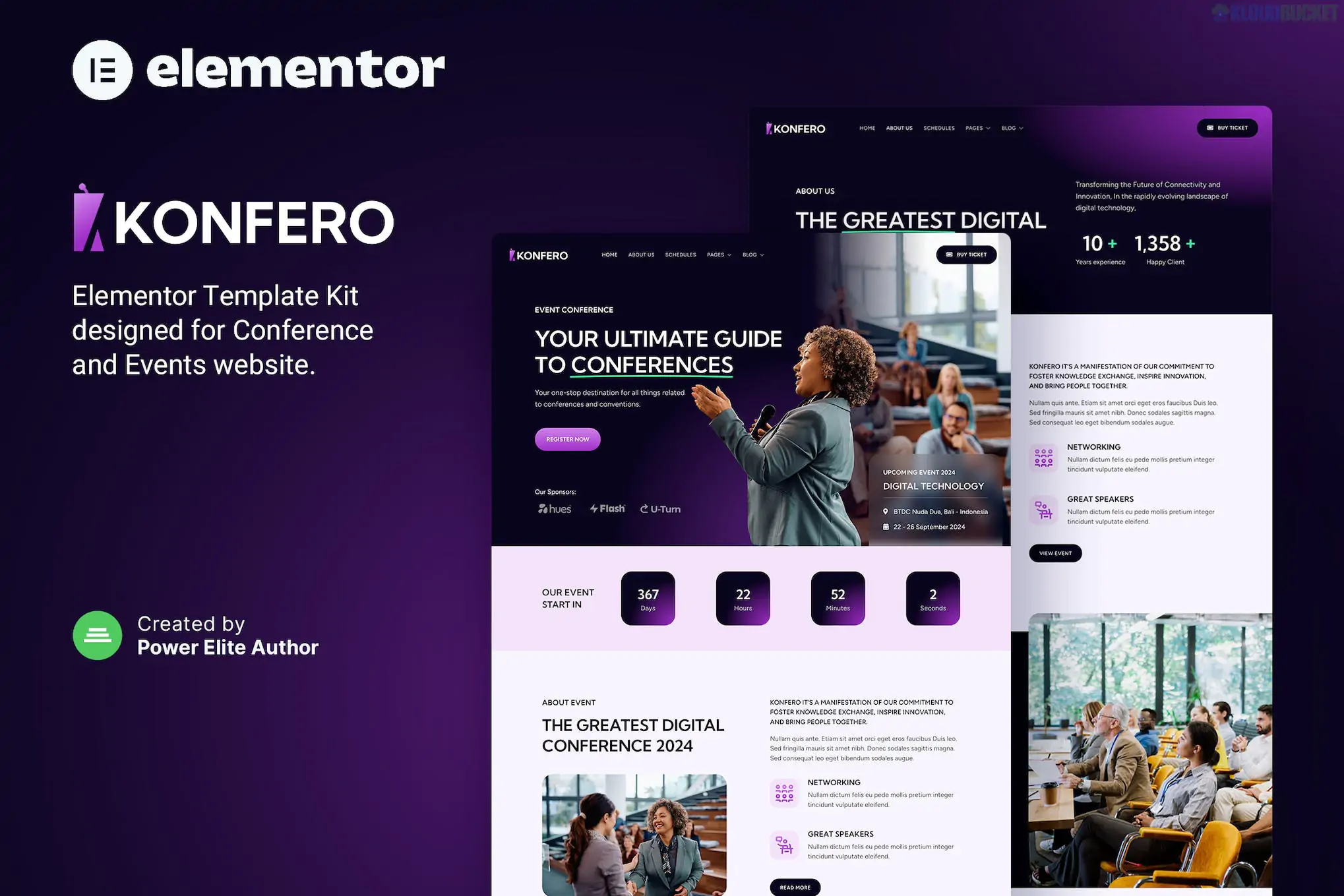
Konfero – Conference & Event Elementor Template Kit is a bold, high-energy layout collection designed for organizers of conferences, seminars, music festivals, tech summits, and corporate workshops.1 Developed by ThemetechMount, it is built to handle the specific needs of event marketing, such as speaker lineups, schedules, and ticket sales.
Modern & Dynamic Design: Uses vibrant color accents and sharp layouts to create a sense of urgency and excitement for attendees.
Pro-Level Functionality: While often compatible with free versions, it is optimized for Elementor Pro to utilize advanced Theme Builder features (like custom headers and footers).
Responsive Layout: Ensures that potential attendees can view the event schedule and buy tickets seamlessly on mobile devices.
Event-Specific Widgets: Includes specialized sections for countdown timers, speaker profiles, and venue maps.
The kit provides every page necessary to run a successful event marketing campaign:
Home Page: Features a countdown timer, event overview, and prominent "Register Now" buttons.
About the Event: Details on the theme, mission, and history of the conference.
Speakers & Speaker Detail: Dedicated profiles for keynote speakers, including their bios and social links.
Schedule / Agenda: Clean tabbed or list layouts to display daily sessions, workshops, and break times.2
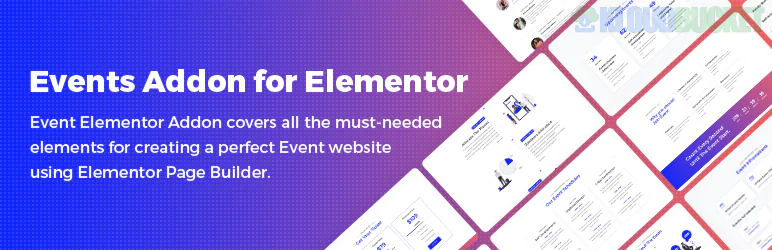
Pricing & Tickets: Tiered pricing tables for "Early Bird," "Standard," and "VIP" passes.3
Venue: Information about the location, including integrated Google Maps and hotel recommendations.
Sponsors: Sections to highlight corporate partners and sponsors.4
Contact & Registration: Layouts for inquiries and lead generation.
To get the best performance and the exact look of the demo, you will need:
Elementor (Free)
Elementor Pro: (Recommended) For the header/footer and archive templates.
ElementsKit Lite: For advanced navigation and mega-menu features.
Premium Addons for Elementor: Often used for the countdown timers and unique scroll effects.
Event Tip: Since conference sites are often temporary or time-sensitive, use a Countdown Timer widget at the very top of your homepage to drive "Early Bird" ticket conversions.
Base Theme: Install the Hello Elementor theme.
Plugin Setup: Install the Envato Elements plugin.
Upload: Go to Elements > Installed Kits and upload your Konfero Zip file.
Requirements: Click Install Requirements to ensure all widgets function correctly.
Import: Import the Global Kit Styles first to set the event's primary color palette, then import the individual page layouts.5
Would you like me to help you draft a "Speaker Bio" template or a "Conference Schedule" structure to fill in your new event website?
Subscribe to access unlimited downloads of themes, videos, graphics, plugins, and more premium assets for your creative needs.
.jpg) Help Us to Buy More New Theme/Plugin
Help Us to Buy More New Theme/Plugin
Published:
Dec 30, 2025 17:06 PM
Category:
Author:
OtherLicense:
GPL v2 or Later