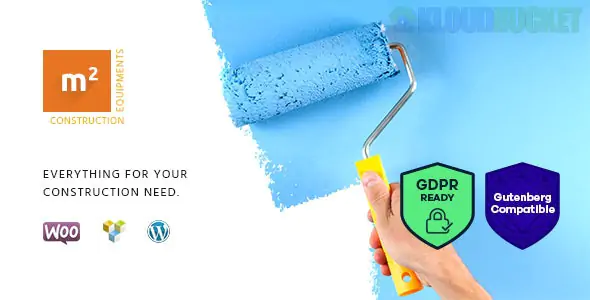
M2 is a robust, professional WordPress theme tailored for the construction industry, building tool retailers, and heavy equipment rental services. Developed by AxiomThemes, it combines the corporate look of a service-provider site with the high-functionality of an e-commerce store.
The M2 theme is designed to handle both the cataloging of massive machinery and the selling of smaller hardware items:
WooCommerce Integration: Fully optimized for online stores, including product filters, AJAX search, and shopping cart functionality.
Equipment Rental Ready: Includes specialized layouts and features to support booking and renting out heavy machinery like excavators or cranes.
Elementor Page Builder: Comes with a wide range of custom Elementor widgets, allowing you to build complex landing pages without coding.
4+ Modern Homepages: Dedicated designs for general construction, tool stores, and equipment rental agencies.
Retina Ready & Mobile Optimized: Essential for contractors and clients checking equipment specs on-site via mobile devices.
In the construction and tool industry, "seeing is believing." While M2 handles the store, Envira Gallery handles the high-performance visual proof of your work:
M2 is perfect for showing off your completed projects. Using Envira’s Pagination and Masonry layouts, you can create massive galleries of completed building projects without slowing down your site’s performance.
If you are selling precision building tools, customers want to see the details. Envira’s Zoom Addon allows users to hover over a tool (like a high-end laser level or power saw) to see the build quality and specific parts in high resolution.
Construction equipment often requires demos. You can use Envira's Video Addon to create a gallery that mixes photos of the equipment with YouTube/Vimeo tutorials on how to operate the machinery safely.
You can use Envira’s Lightbox to display technical blueprints or spec sheets. When a user clicks a thumbnail of a machine, the lightbox can open a high-res PDF or image containing the load-bearing specs and engine details.
Import M2 Demo: Use the "One-Click Demo Import" to set up your store structure.
Install Envira: Go to Plugins > Add New and install Envira Gallery.
Insert via Elementor: Open your page in Elementor, search for the Envira Gallery widget, and drag it into your equipment description or project page.
Would you like me to help you configure a "Project Showcase" gallery that matches the specific color palette of your M2 construction theme?
Subscribe to access unlimited downloads of themes, videos, graphics, plugins, and more premium assets for your creative needs.
.jpg) Help Us to Buy More New Theme/Plugin
Help Us to Buy More New Theme/Plugin
Published:
Dec 29, 2025 11:27 AM
Version:
v1.1.2
Category:
Developer:
Superb ThemesLicense:
GPL v2 or Later