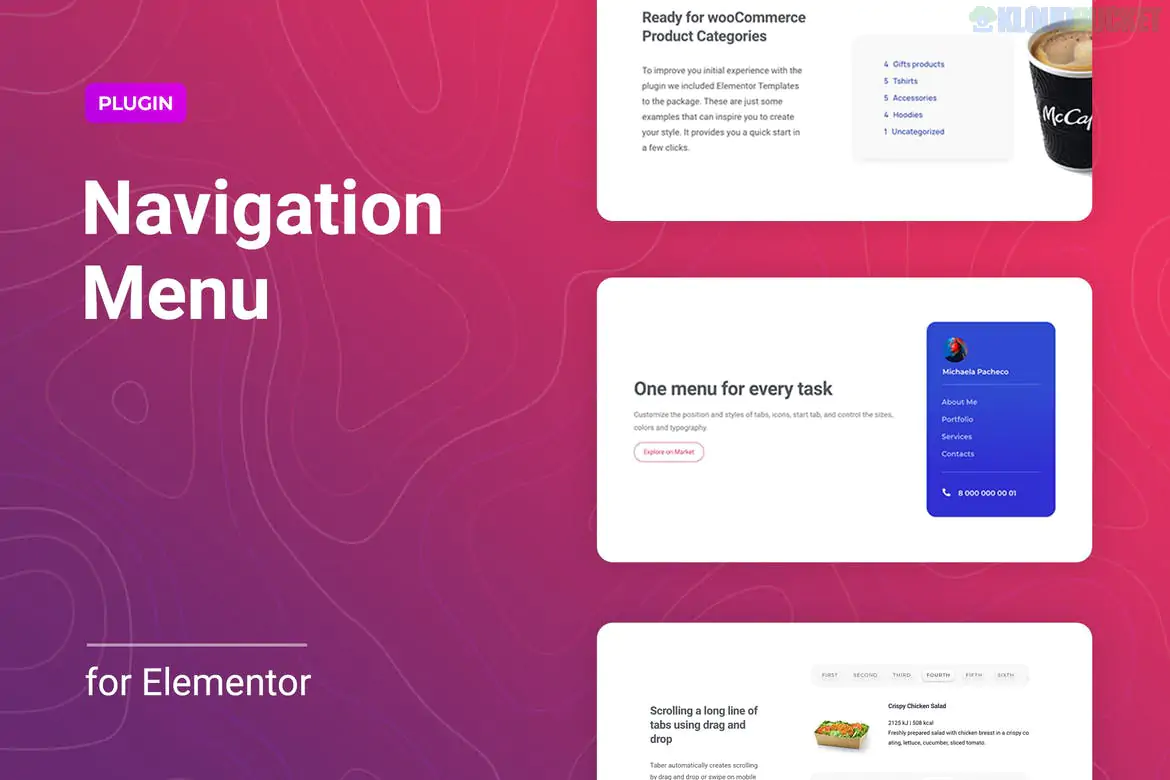
Menuar is a specialized WordPress plugin designed for Elementor that allows you to create highly customizable and responsive navigation menus. While Elementor has its own native menu widget, Menuar is often chosen for its "all-in-one" flexibility, particularly for those who need complex nested menus or specific mobile behaviors without a heavy technical setup.
Unlimited Nesting: Unlike some basic widgets, Menuar supports deep multi-level menus, making it ideal for large sites with complex hierarchies (e.g., e-commerce categories).
Dual Layouts: Easily switch between Horizontal (standard headers) and Vertical (sidebars or fly-out panels) layouts.
Mobile-First Features: Includes specific settings just for mobile views, such as adding a custom logo inside the mobile menu, setting unique breakpoints, and choosing toggle animations.
Advanced Submenus: You can precisely control the position of submenus (offsetting them on the X or Y axis) and add custom icons or animations (Grow, Fade, Slide).
Create Your Menu: First, go to Appearance > Menus in your WordPress dashboard and build your standard menu structure.
Drag the Widget: Open your page in Elementor and search for the Menuar widget.
Select Menu: In the "Content" tab, select the menu you created in Step 1.
Style It: Use the "Style" tab to adjust typography, colors for normal/hover/active states, and submenu box shadows.
Why choose Menuar over Elementor Pro's Menu? > Menuar offers more "out of the box" decorative animations and specific mobile-only customization options (like the mobile-specific logo) that often require custom CSS in the standard Elementor Pro widget.
If you are building a Sticky Header, Menuar works perfectly with Elementor's "Sticky" effect. Since it's lightweight, it won't cause the "stuttering" often seen with more bloated mega-menu plugins.
Would you like me to show you how to set up a specific "Mobile Logo" within Menuar, or help you compare it to other menu addons like JetMenu?
Subscribe to access unlimited downloads of themes, videos, graphics, plugins, and more premium assets for your creative needs.
.jpg) Help Us to Buy More New Theme/Plugin
Help Us to Buy More New Theme/Plugin
Published:
Feb 07, 2026 17:25 PM
Version:
v1.0.3
Category:
Author:
OtherLicense:
GPL v2 or LaterTags: