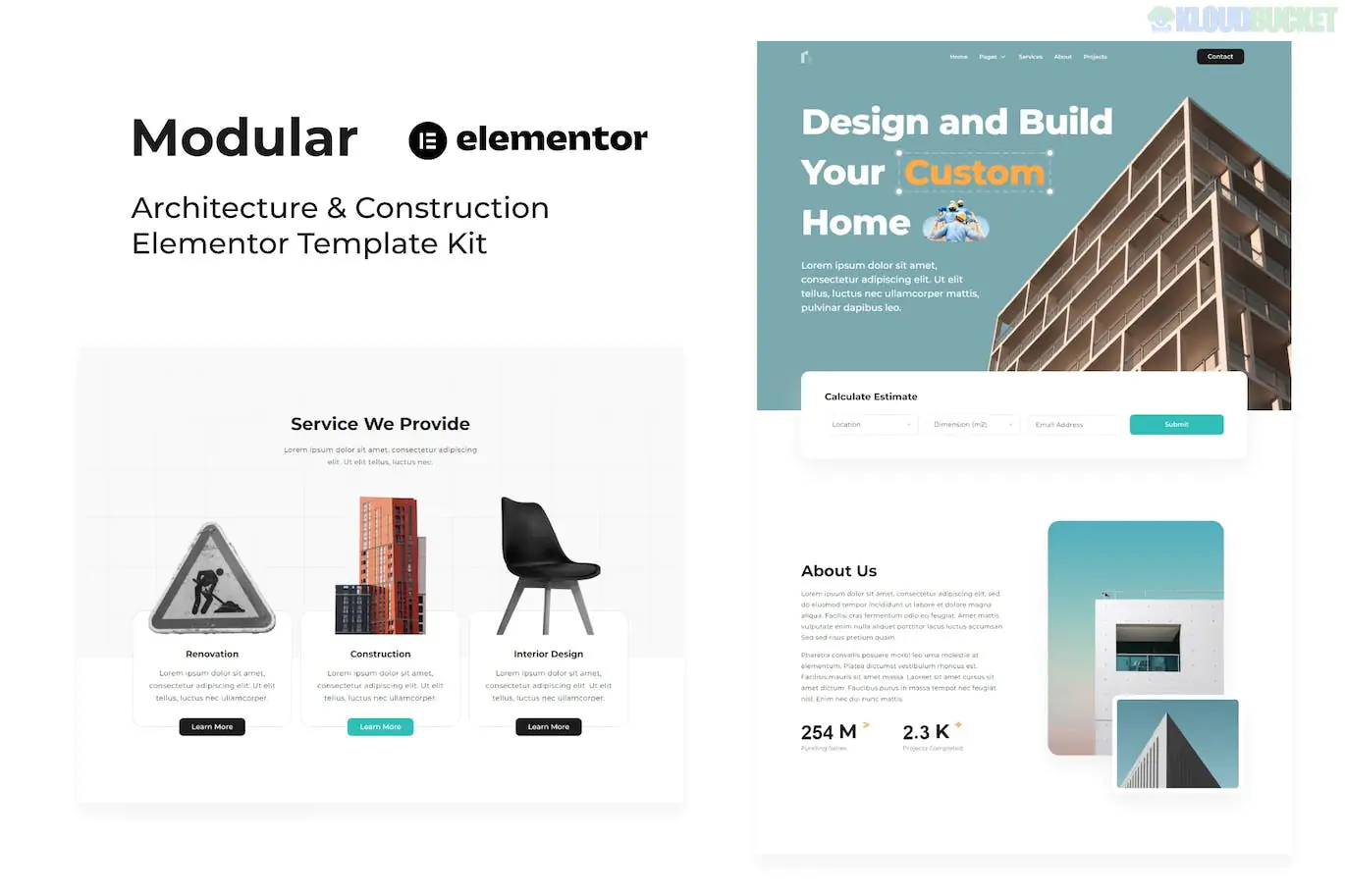
Modular is a clean, minimal, and highly professional Elementor Template Kit designed for architecture firms, construction companies, and interior design studios. It is characterized by its high-contrast aesthetic and "grid-based" layouts that reflect the structured nature of architectural design.
Like many kits from the sociolib collection, Modular is optimized for performance and is compatible with the free version of Elementor.
Minimalist Architecture Design: Large high-quality image placeholders and generous white space to let project photos stand out.
No Code Required: Fully customizable via the drag-and-drop Elementor interface.
Global Style Kit: Manage your primary brand colors (usually deep blacks and stark whites) and typography from one central dashboard.
Responsive & Retina Ready: Specifically tuned to look pixel-perfect on high-end displays used by design professionals.
Performance-Focused: Lean code structure designed for fast loading times, which is essential for SEO.
Category
Page Templates
Main Pages
Home, About Us, Services, Pricing, Contact
Projects
Portfolio (Grid), Project Detail (Case Study)
Team & Blog
Our Team, Testimonials, Blog Archive, Single Post
System
Header, Footer, MetForm (Contact Form), 404 Page
To ensure the layouts and forms function as seen in the demo, the kit automatically installs:
Elementor (Free): The base builder.
ElementsKit Lite: Used for the advanced Header/Footer builder and mega menu features.
MetForm: Powering the "Request a Quote" and contact forms.
Hello Elementor: The recommended lightweight theme for maximum compatibility.
Import: Install the Envato Elements plugin, navigate to Elements > Installed Kits, and upload your modular.zip file.
Requirements: Click the orange "Install Requirements" button to activate the necessary plugins.
Styles First: Import the Global Kit Styles first. This ensures that when you import pages later, they immediately adopt the correct architecture-style fonts and colors.
Import Templates: Import the pages one by one.
Header/Footer Setup:
Go to ElementsKit > Header Footer.
Add a new Header, set it to "Entire Site," and click "Edit with Elementor."
Import the Modular Header template from your "My Templates" tab. Repeat this for the Footer.
Pro Tip: For an "Architectural" look, ensure your project photos are high-resolution but compressed. Modular’s layouts rely heavily on high-quality visuals to maintain its premium feel.
Would you like me to guide you through setting up the MetForm for project inquiries, or do you need help using the "Project Detail" template to create your first case study?
Subscribe to access unlimited downloads of themes, videos, graphics, plugins, and more premium assets for your creative needs.
.jpg) Help Us to Buy More New Theme/Plugin
Help Us to Buy More New Theme/Plugin
Published:
Jan 17, 2026 13:40 PM
Category:
Author:
All In One PluginLicense:
GPL v2 or Later