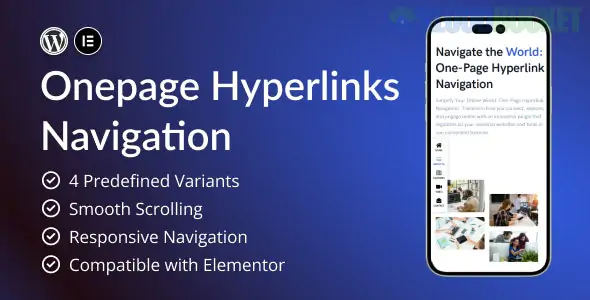
You're asking about OnePage Hyperlinks Navigation, which refers to creating a navigation menu where all the links jump smoothly to different sections on the same page (a "one-page website").
This is achieved using anchor links (or jump links).
Here is a guide on how this type of navigation works and how to set it up in HTML/CSS (and how it applies to popular CMS like WordPress/Elementor).
OnePage navigation relies on matching two things:
A link that points to a specific ID (the Hyperlink).
An element on the page with that exact ID (the Anchor).
You define a unique identifier for each section you want to link to using the id attribute.
HTML
<section id="about"> <h2>About Us</h2> <p>Our company history and mission...</p> </section> <section id="services"> <h2>Our Services</h2> <p>A list of what we offer...</p> </section> <section id="contact"> <h2>Get In Touch</h2> <p>Our contact form and location...</p> </section>
The link uses the hash symbol (#) followed by the exact ID of the destination element.
HTML
<nav> <ul> <li><a href="#about">About</a></li> <li><a href="#services">Services</a></li> <li><a href="#contact">Contact</a></li> </ul> </nav>
When a user clicks the link, the browser automatically jumps the viewport to the element that has the corresponding id.
While the above HTML works, the jump is usually instant and jarring. To make it a professional smooth transition, you need a small CSS or JavaScript addition.
You can achieve smooth scrolling with a single line of CSS applied to the entire HTML document:
CSS
html { /* This property tells the browser to animate the scroll to an anchor link */ scroll-behavior: smooth; }
If you are using a CMS like WordPress with a page builder like Elementor, you do not need to write the HTML code manually:
Set the Anchor (Destination):
Select the section, column, or widget you want to link to.
Go to the Advanced tab.
Find the CSS ID or CSS/HTML Anchor field.
Enter a unique ID (e.g., about-us). Do not use the # here.
Create the Link (Hyperlink):
Edit your main navigation menu item.
In the URL field, enter the hash symbol followed by the exact ID (e.g., #about-us).
Do you need help implementing smooth scrolling in a specific platform, like WordPress or a plain HTML site?
Subscribe to access unlimited downloads of themes, videos, graphics, plugins, and more premium assets for your creative needs.
.jpg) Help Us to Buy More New Theme/Plugin
Help Us to Buy More New Theme/Plugin
Published:
Dec 07, 2025 12:10 PM
Version:
v1.0
Category:
Author:
OtherLicense:
GPL v2 or Later


![Firebase Authentication [Enterprise] by MiniOrange 22.0.6](https://pub-9527534656ad43fc89ba1fea2f73e52a.r2.dev/files/items/VK0ArKAUnjMOOAf_1762832341.webp)