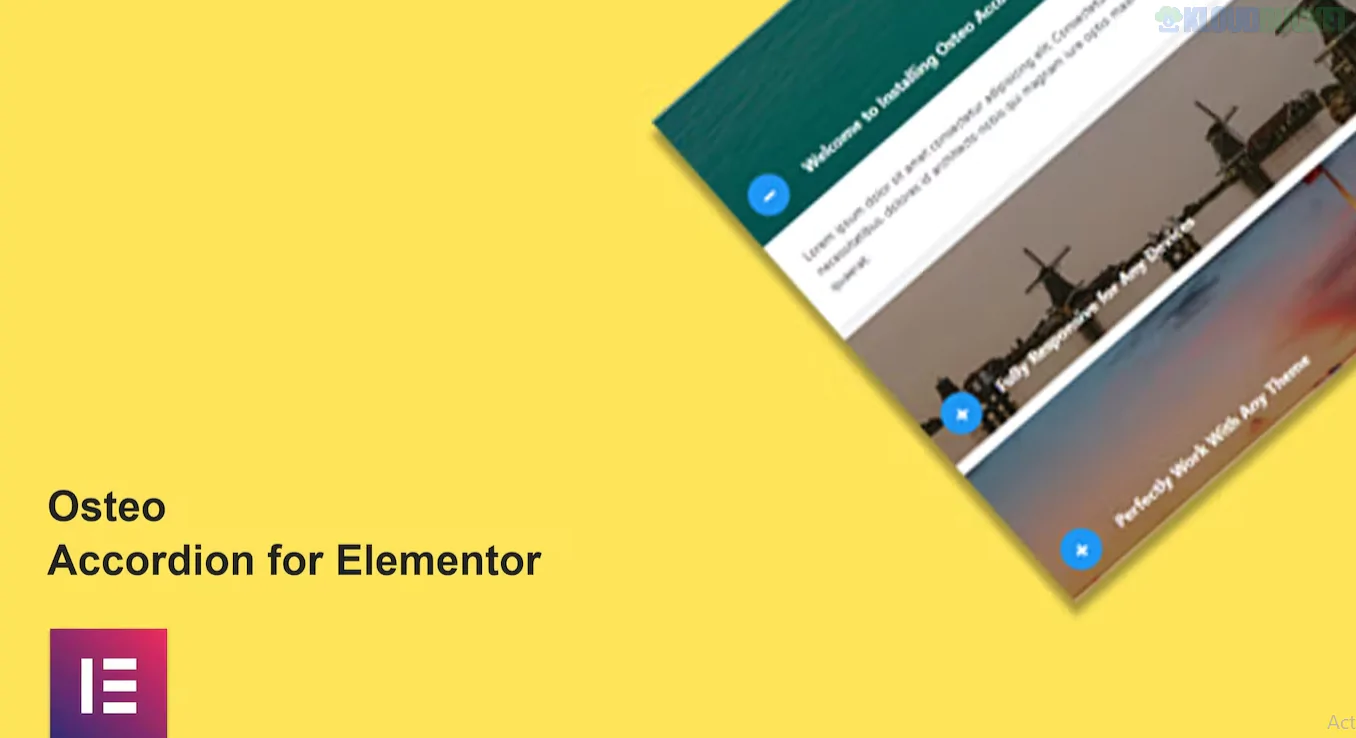
Osteo Accordion for Elementor is a premium layout addon by TwinkleTheme that extends the basic functionality of the native Elementor accordion. It is designed for users who need high-design FAQ sections or collapsible content blocks that go beyond standard text.
While the native Elementor accordion is functional, Osteo is a "style-first" plugin, offering nearly 40 different pre-designed styles to match high-end corporate or creative websites.
38 Unique Styles: Includes a vast library of presets ranging from minimal line styles to bold, colorful, and shadow-heavy layouts.
Image Accordion Support: Unlike the standard accordion, Osteo allows you to create "Image Accordions" where each tab reveals an image or background rather than just text.
Icon Customization: Easily swap the expand/collapse icons with any FontAwesome or custom SVG icon to match your brand.
Rich Styling Controls:
Gradients: Support for complex gradient backgrounds on both the header and the content area.
Advanced Typography: Granular control over font family, line height, and letter spacing for every element.
Borders & Shadows: Detailed settings for border-radius (for rounded "pill" styles) and depth-creating box shadows.
SEO Friendly: Uses clean HTML structure to ensure that your FAQ content is readable by search engine crawlers.
Feature
Native Elementor Accordion
Osteo Accordion
Presets
None (you start from scratch)
38 Pre-designed styles
Image Support
Text-focused (limited images)
Dedicated Image Accordion mode
Backgrounds
Simple solid colors
Gradients & Image backgrounds
Mobile Control
Basic responsiveness
Custom mobile-only styling
Advanced FAQs: Creating professional "Frequently Asked Questions" sections that don't look like a standard list.
Service Menus: Displaying detailed service offerings where each tab reveals pricing, a description, and a representative icon.
Product Features: Showcasing complex product specs in a compact, collapsible grid to save vertical space.
Process Steps: Using the "Image Accordion" to show steps in a project (e.g., Design > Develop > Deploy), with each step showing a preview image when hovered.
Lightweight: Designed to be "Super Fast" and doesn't load unnecessary bloat on pages where the widget isn't used.
Cross-Theme Compatible: Works with any theme that supports Elementor (Astra, Hello, OceanWP, etc.).
Retina Ready: Icons and graphics are optimized for high-resolution displays.
Pro Tip: To make your accordions even more useful, you can enable FAQ Schema within the settings (if supported in your version) to help your questions appear directly in Google’s search result snippets.
Would you like me to help you find the specific CSS code to add a "Slide-in" animation to the text when an Osteo tab is opened?
Subscribe to access unlimited downloads of themes, videos, graphics, plugins, and more premium assets for your creative needs.
.jpg) Help Us to Buy More New Theme/Plugin
Help Us to Buy More New Theme/Plugin
Published:
Jan 19, 2026 16:05 PM
Category:
Author:
OtherLicense:
GPL v2 or LaterTags: