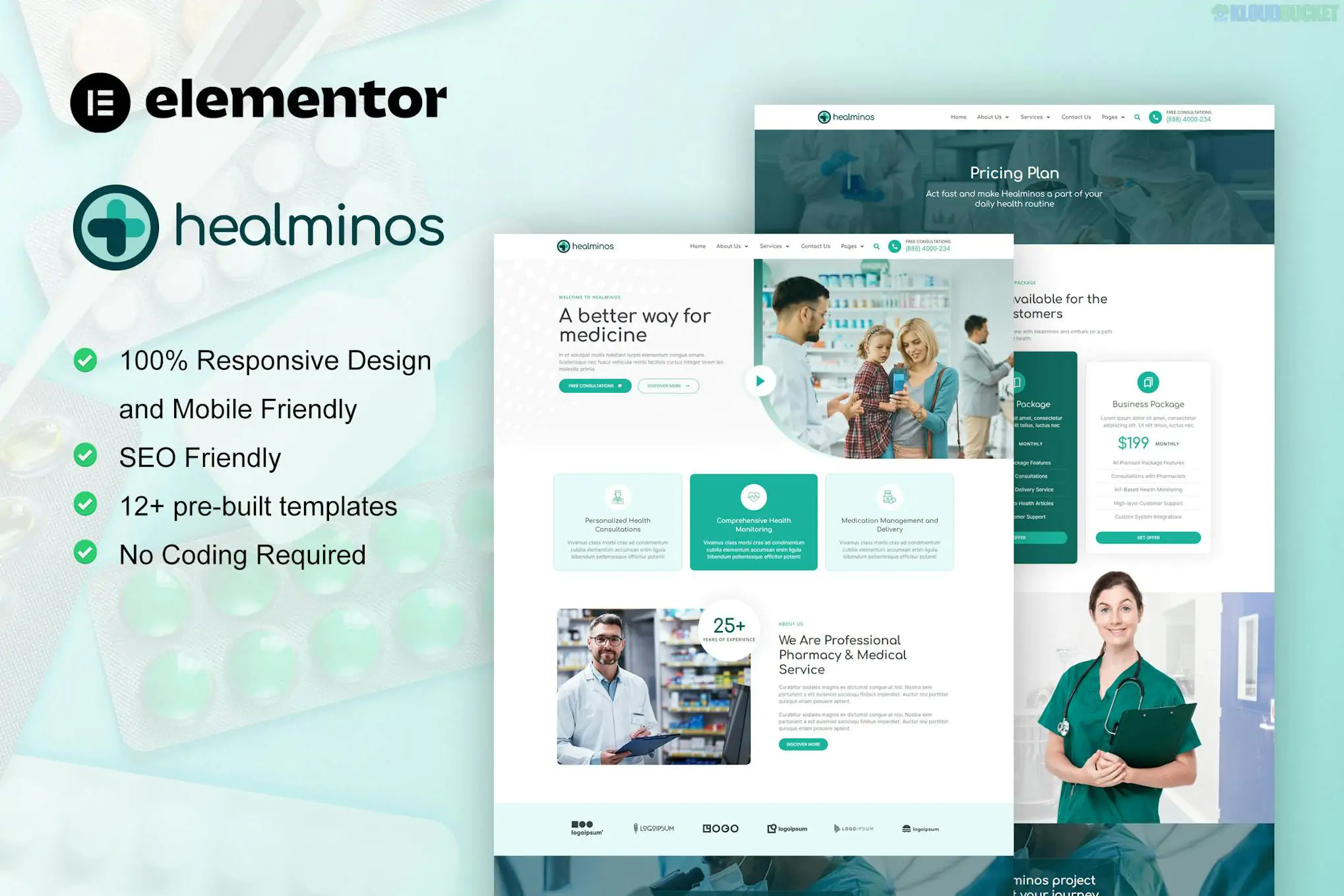
Priver (developed by tokomoo) is a specialized Elementor Pro Template Kit designed for broadband service providers, telecommunications companies, and internet retailers. It features a bold, high-contrast design intended to convey speed and reliability.
Because this is an Elementor Pro kit, it is built to work with the Pro Theme Builder, allowing you to control global elements like headers, footers, and archive pages dynamically.
Priver provides a comprehensive set of pages for an ISP or tech service business:
Homepage: A fast-paced hero section with high-impact visuals and service highlights.
About Us: For sharing company history and infrastructure details.
Services & Service Detail: Dedicated pages to explain fiber optics, satellite, or mobile data plans.
Pricing / Internet Plans: Clean, conversion-focused tables for comparing speed tiers.
Our Process: To explain installation steps and how the service works.
Career: A page for recruiting new technical or sales staff.
Coming Soon: A professional landing page for upcoming territory expansions.
Blog & Single Post: Modern typography for sharing tech updates and news.
Contact: Integrated maps and custom inquiry forms.
Priver is built specifically for Elementor Pro users. You will need the following to ensure the demo looks correct:
Base Theme: Hello Elementor (Highly recommended for speed).
Elementor Pro: Required. Essential for the Header, Footer, and the advanced grid layouts.
Required Addons (Free):
ElementsKit Lite: Used for building complex navigation menus.
Skyboot Custom Icons: Provides the unique technology-themed icons found in the kit.
Preparation: Go to Elementor > Settings > Features and ensure Flexbox Container is set to Active. All modern Tokomoo kits are built using this layout engine.
Import Order:
Use the Envato Elements plugin to upload the kit ZIP.
Crucial: Click "Import Global Kit Styles" first. This sets the primary colors (often high-energy purples or blues) and bold sans-serif fonts site-wide.
Theme Builder Setup: Since this is a Pro kit, once you import the Header and Footer, go to Templates > Theme Builder and set their "Display Conditions" to Entire Site.
Off-Canvas Menu: Priver often includes an "Off-Canvas" template for mobile navigation; make sure to assign this within your ElementsKit settings.
High Contrast: Uses deep dark backgrounds and vibrant accent colors to simulate the feel of high-speed data.
Conversion First: Strategically placed "Check Availability" or "Sign Up" buttons throughout the layout.
Mobile Efficiency: Fully responsive and tested to ensure mobile users can check plan details quickly.
Would you like me to help you customize the Pricing Tables to reflect your specific megabit-per-second (Mbps) tiers, or do you need assistance setting up the Career application form?
Subscribe to access unlimited downloads of themes, videos, graphics, plugins, and more premium assets for your creative needs.
.jpg) Help Us to Buy More New Theme/Plugin
Help Us to Buy More New Theme/Plugin
Published:
Jan 30, 2026 14:25 PM
Category:
Author:
OtherLicense:
GPL v2 or Later