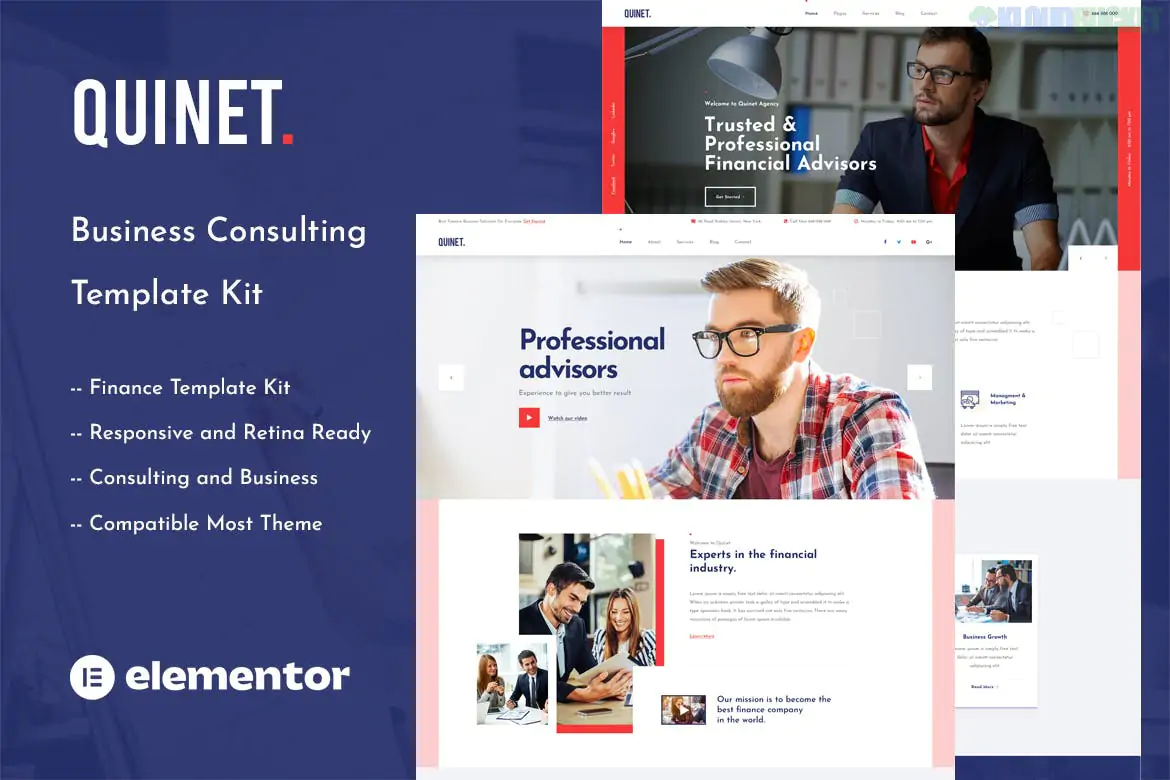
Quinet is a premium Elementor Template Kit specifically designed for business consulting, coaching, and corporate services. It is characterized by its bold, professional aesthetic—often using a high-contrast palette (like black, white, and gold/yellow) and sharp, modern typography to convey authority and innovation.
Business Consultants & Financial Advisors
Corporate Agencies & Management Firms
Business Coaches & Professional Mentors
Marketing & Strategy Agencies
No Elementor Pro Required: One of Quinet’s biggest advantages is that it is fully compatible with the free version of Elementor. It uses third-party addons to handle "Pro" features like headers and footers.
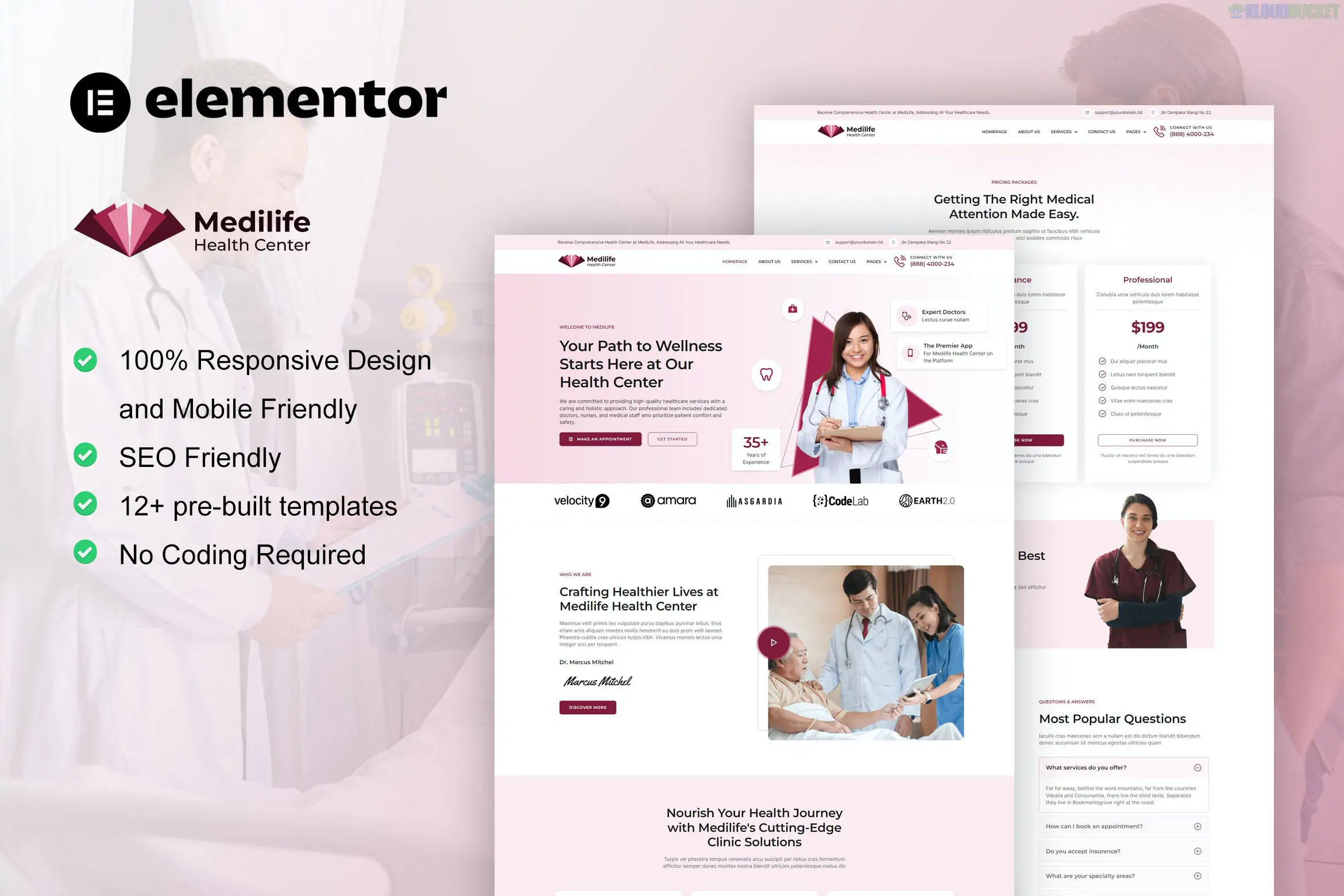
13+ Pre-designed Templates: Includes a comprehensive set of pages to launch a professional site in minutes.
True No-Code Customization: Every element is editable via the drag-and-drop builder without touching any HTML or CSS.
Header & Footer Builder: Included via free addons, allowing you to create custom site-wide navigation without a premium theme.
Fully Responsive: Specifically tested to look sharp on mobile, tablet, and high-resolution retina screens.
The kit typically comes with around 13 unique templates, covering:
Home Page: Multiple variations (Modern & Classic) with strategic CTA sections.
About Us: Layouts for company mission, history, and core values.
Services: Dedicated pages for various consulting specialties (e.g., Financial Strategy, Operations).
Case Studies: Grid and single-page layouts to showcase client success stories.
Team: Professional profiles for consultants and executive staff.
FAQ & Contact: Functional layouts with integrated forms and maps.
To install and run Quinet successfully, you will need:
WordPress: A self-hosted site.
Elementor (Free): The core builder.
Themesflat Addons for Elementor: (Often included/required) for specific widgets and layout features.
MetForm: For the contact and inquiry forms.
ElementsKit Lite: For advanced header/footer and mega-menu support.
Hello Elementor Theme: The recommended lightweight theme for the best experience.
[!TIP]
Important Setup Step: After importing the kit via the Envato Elements plugin, always click the "Install Requirements" button. This ensures all the necessary "Addon" plugins are active before you start editing the pages.
Would you like me to guide you through the process of setting up a specific "Service" page using this kit, or are you looking for a similar kit with a different color scheme?
Subscribe to access unlimited downloads of themes, videos, graphics, plugins, and more premium assets for your creative needs.
.jpg) Help Us to Buy More New Theme/Plugin
Help Us to Buy More New Theme/Plugin
Published:
Jan 13, 2026 15:51 PM
Category:
Author:
All In One PluginLicense:
GPL v2 or Later