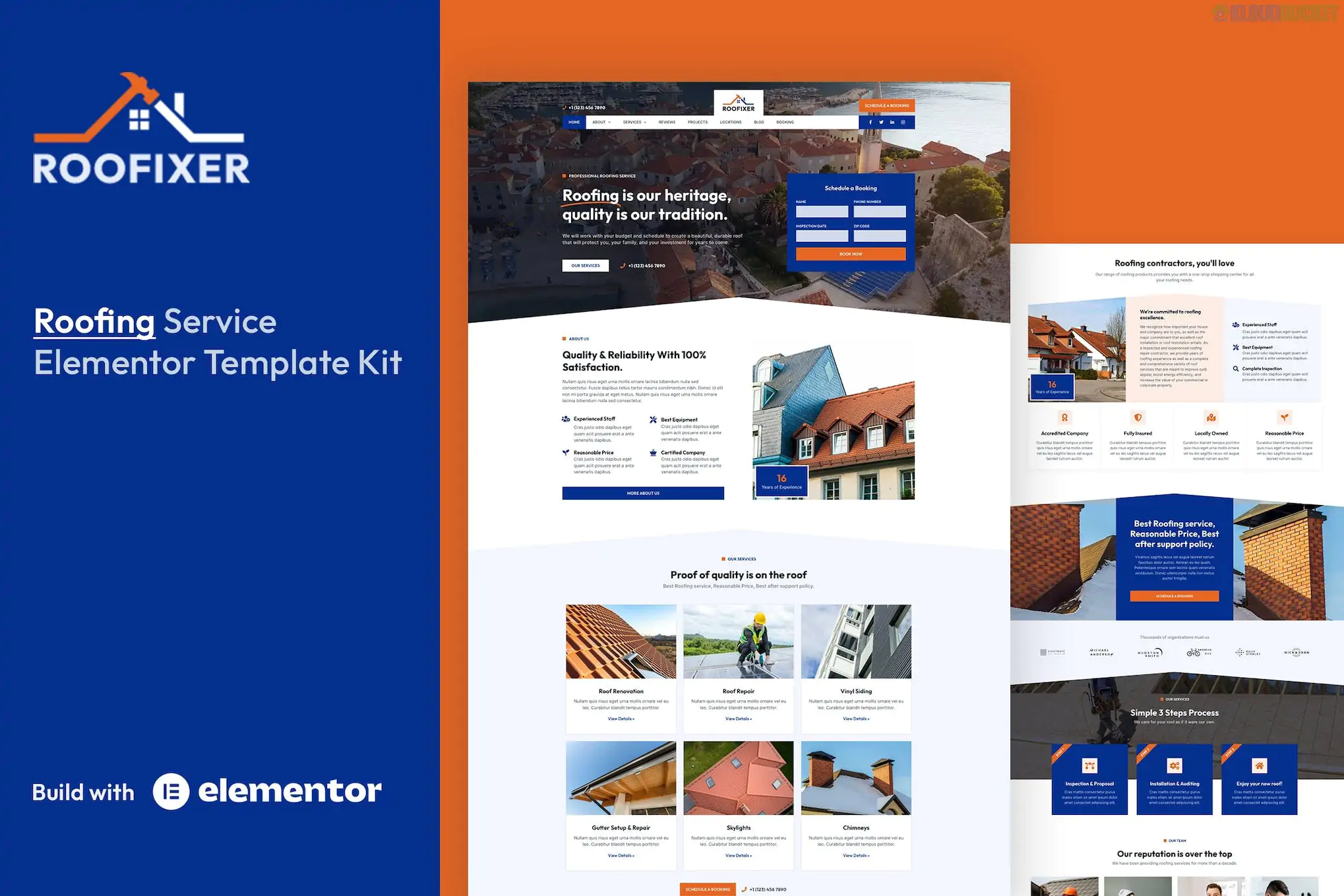
Roofixer is a robust and specialized Elementor Pro Template Kit designed specifically for roofing contractors, roof repair services, and home improvement companies.
Developed by oxaart, it features an industrial, high-trust aesthetic with bold colors (typically orange or red accents) and clean layouts that emphasize service reliability and professional certifications.
19+ Professional Templates: One of the more comprehensive kits in the niche, offering a deep library of pages and section blocks.
Elementor Pro Required: This kit is built to leverage the Elementor Theme Builder. It uses Pro features for the header, footer, and dynamic single-post layouts.
Dedicated Booking Page: Includes a pre-designed layout specifically for appointment requests and service scheduling.
Industrial & Modern Design: Optimized for conversion with large "Call to Action" (CTA) buttons and prominent display areas for "Before & After" galleries.
Category
Page / Section Templates
Main Pages
Home, About Us, Pricing, Our Team, Careers.
Service Focused
Services List, Single Service Detail, Project Portfolio, Project Detail.
Lead Generation
Contact Us, Request a Quote / Booking Page.
Content & Admin
Blog Archive, Single Post, 404 Page, Header & Footer.
To function exactly like the demo, Roofixer requires the following:
Elementor (Free): The core builder.
Elementor Pro: Mandatory for the Theme Builder (Header/Footer) and Pro widgets.
Skyboot Custom Icons: Provides the specific industry icons (roof types, tools) used in the design.
MetForm: Used for the advanced "Roofing Estimate" and Contact forms.
Theme: Install the free Hello Elementor theme.
Plugin: Install the Template Kit Import (by Envato) plugin from the WordPress repository.
Upload: Go to Tools > Template Kit, upload your Roofixer .zip file, and click Install Requirements.
Global Styles: Import the Global Kit Styles first to set the orange/dark-blue color palette and typography across the whole site.
Import Templates: Import the pages one by one.
Theme Builder: Because this is a Pro kit, you must go to Templates > Theme Builder and assign the imported Header and Footer to the "Entire Site."
By 2026, roofing businesses need to prove technical expertise and local trust instantly. Roofixer excels here by providing high-quality "Project Detail" pages. These allow you to showcase specific jobs (e.g., "Full Tile Replacement in [City Name]") with technical specs and photo galleries, which is vital for local SEO and building confidence with high-ticket clients.
Would you like me to show you how to set up the "Before & After" image slider for your roofing projects, or do you need help configuring the MetForm for your roofing estimate inquiries?
Subscribe to access unlimited downloads of themes, videos, graphics, plugins, and more premium assets for your creative needs.
.jpg) Help Us to Buy More New Theme/Plugin
Help Us to Buy More New Theme/Plugin
Published:
Jan 22, 2026 13:24 PM
Category:
Author:
OtherLicense:
GPL v2 or Later