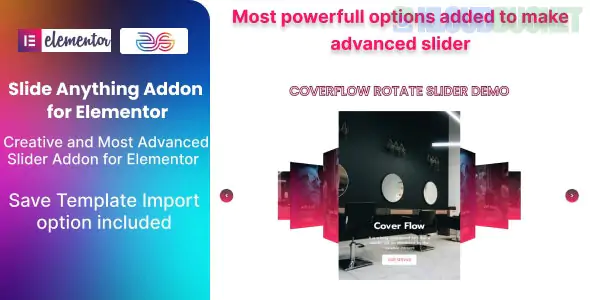
"Slide Anything" for Elementor refers to a popular concept and several specific plugins that allow you to turn any content—not just images—into a responsive, touch-enabled carousel or slider.
Because there are a few different tools with this name, here is a breakdown of the most common versions and how they work.
This is a widely used free/Pro plugin (WordPress.org link) that uses the Owl Carousel 2 engine.
How it works: You create sliders in a separate dashboard menu. Each slide has a text editor where you can add HTML, Images, or Shortcodes.
Elementor Use: You create the slider first, then copy the provided Shortcode and paste it into an Elementor Shortcode Widget.
Key Features: * Touch/Drag support.
Modal Popups (Video/Image) inside slides.
Infinite looping and CSS3 transitions.
Several "Addon Packs" include a specific "Slide Anything" widget designed to work natively inside the Elementor editor:
Best for: High-end design and ease of use.
How it works: Drag the "Slide Anything" widget onto your page. You can then select other Elementor Templates or specific widgets to act as your slides.
Features: Horizontal/Vertical sliding, mouse-wheel navigation, and deep styling for arrows and dots.
Best for: Developers looking for extensive control.
How it works: Similar to Xpro, it allows you to choose content sources (like templates) and provides 31+ preset styles for dots and arrows.
Best for: Users on a budget who want a native feel.
How it works: This is a unique approach where you give a Container a specific CSS ID, and the "Slide Everything" widget turns that container's children into slides automatically.
Solution
Best For
Integration Level
Slide Anything (Plugin)
Complex HTML/Shortcode content
Shortcode-based (Indirect)
Xpro Slide Anything
Professional designers
Fully Native (Drag & Drop)
Slide Everything (Miga)
Lightweight container sliding
Fully Native (Flexbox/Grid)
Elementor Pro (Native)
Basic image/text sliders
Built-in "Slides" widget
If you are using the Elementor Flexbox Container (the modern standard), the "Slide Everything" plugin is often the most lightweight choice because it utilizes the containers you've already built rather than generating heavy new code.
Would you like me to walk you through the steps of turning a specific Elementor section into a slider using one of these methods?
Subscribe to access unlimited downloads of themes, videos, graphics, plugins, and more premium assets for your creative needs.
.jpg) Help Us to Buy More New Theme/Plugin
Help Us to Buy More New Theme/Plugin
Published:
Jan 21, 2026 12:07 PM
Category:
Author:
OtherLicense:
GPL v2 or LaterTags: