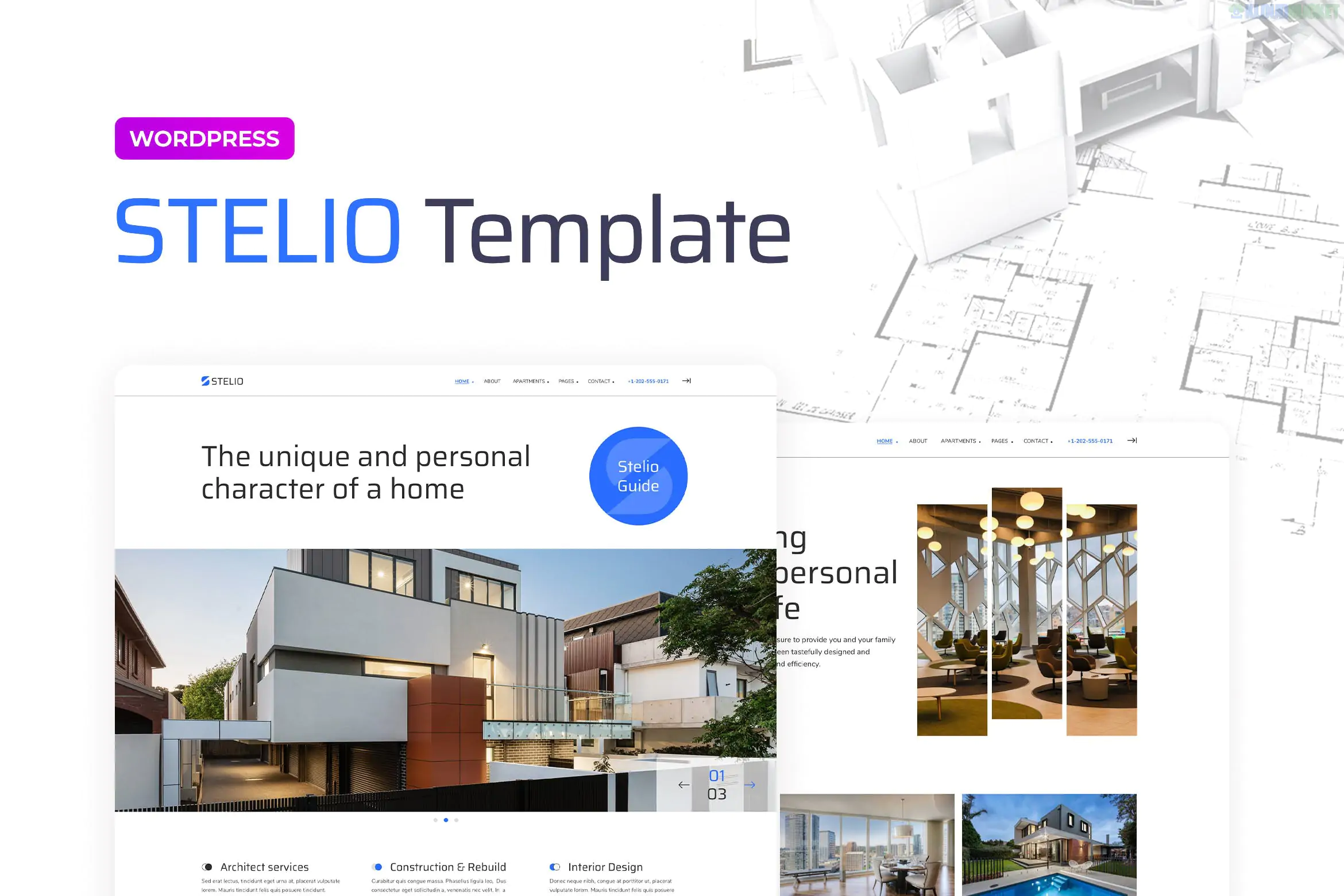
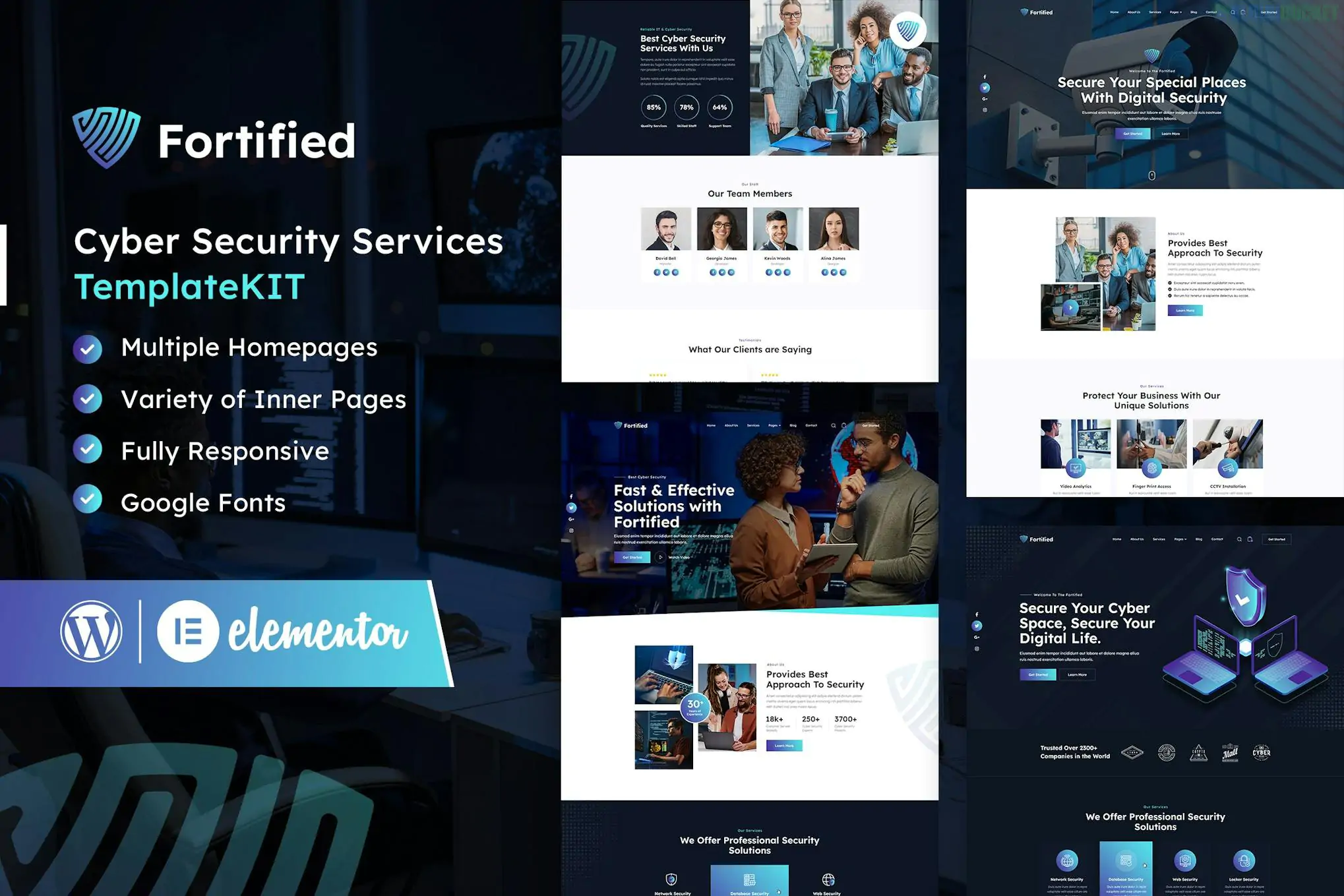
Stelio – Architects & Construction Company Elementor Pro Template Kit is a high-end, professionally designed collection of templates for architecture firms, construction companies, and interior designers. Developed by merkulove, it utilizes a clean, modern, and structured aesthetic to showcase technical projects and corporate expertise.
Because it is an Elementor Pro kit, it leverages advanced features like the Theme Builder to provide a fully integrated site experience (including global headers, footers, and archive pages).
64+ Elementor Templates: Includes an extensive library of sections, blocks, and full-page layouts.
Animated Elements: Features unique, fun Lottie animated graphics to add a dynamic, high-tech feel to the site.
Responsive & Fluid: Built to look perfect on all devices, from ultra-wide monitors to smartphones.
Accessibility Minded: Tested in a color blindness simulator to ensure the design is inclusive.
No Coding Required: Fully customizable via the visual drag-and-drop builder.
The kit is exceptionally comprehensive, featuring:
Multiple Hero Sections: Options for full-width sliders, entrance animations, and triple collages.
Projects & Portfolio: Gallery carousels with hover descriptions, image compare blocks (before/after), and project counter sections.
Service Blocks: Specialized accordions, icon-with-text layouts, and detailed service descriptions.
Corporate Pages: About Us (with quote blocks), Team profiles, Awards listings, and FAQ columns.
Utilities: Integrated Contact forms with Google Maps, Logo boxes for partners, and CTA banners.
Site Parts: Custom Header, Footer, and Mobile Menu templates.
To use this kit, you will need the following installed on your WordPress site:
Elementor (Free)
Elementor Pro: Required to activate the Pro widgets and Theme Builder features (Header, Footer, etc.).
Selection Lite Plugin: A required free add-on often installed automatically with the kit.
Hello Elementor Theme: While it works with most themes, it is specifically optimized for this lightweight "blank canvas" theme.
Visual Tip: Stelio relies heavily on high-quality architectural photography and Lottie animations. To keep your site fast, ensure you use the Elementor Image Optimizer or similar tools to compress images before uploading.
Theme Setup: Install and activate the Hello Elementor theme.
Plugin Setup: Install the Envato Elements plugin and ensure Elementor Pro is active.
Importing the Kit:
Navigate to Elements > Installed Kits.
Upload your Stelio Zip file.
Click the orange Install Requirements button to set up the necessary add-ons.
Import Order:
First: Import the Global Kit Styles (this sets your fonts and colors).
Second: Import individual templates (Home, About, Projects) one at a time.
Assigning Site Parts: Use the Elementor Theme Builder to assign your imported Header and Footer to appear on the "Entire Site."
Would you like me to help you set up the "Before and After" image comparison block, or do you need assistance configuring the Lottie animations?
.jpg) Help Us to Buy More New Theme/Plugin
Help Us to Buy More New Theme/Plugin
Published:
Dec 30, 2025 17:30 PM
Category:
Author:
WpzoneLicense:
GPL v2 or Later