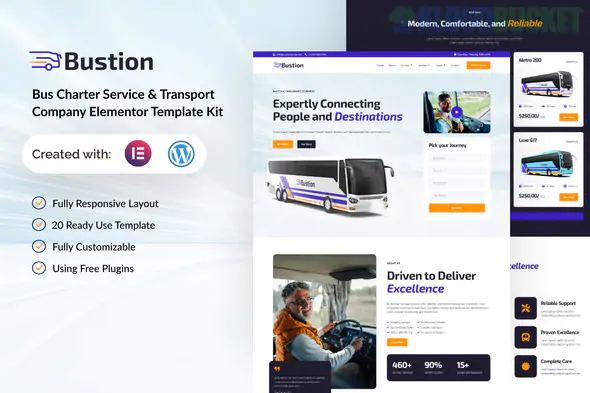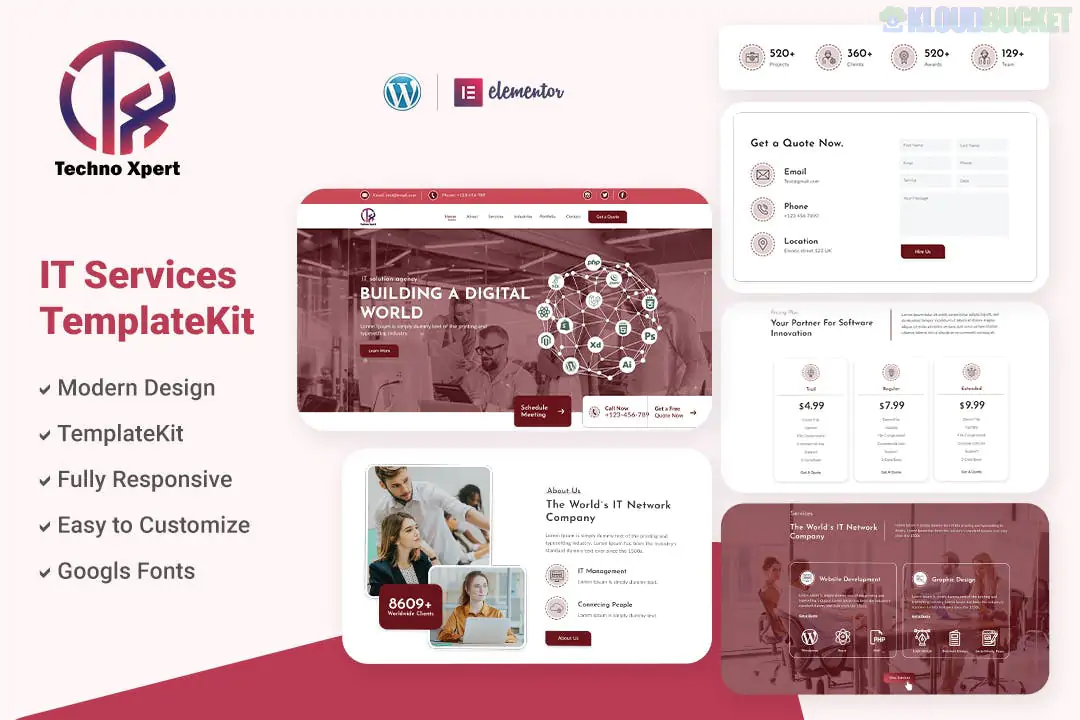
Techno Xpert is a high-tech, professional Elementor Template Kit designed for software development agencies, IT solutions providers, and tech startups. Developed by Sidiq_Std, this kit features a "cutting-edge" aesthetic with sharp lines, bold blues, and modern layouts that signal technical expertise and innovation.
Like the other kits in this series, it is built to be used with the free version of Elementor, keeping your overhead costs low.
Tech-Forward Aesthetic: A sleek, corporate design with high-contrast elements and professional iconography.
Service-Oriented Layouts: Specifically designed blocks to showcase software development, cloud computing, cybersecurity, and data analytics.
Fully Responsive: Every section is mobile-optimized, which is essential for a tech agency showing off its web capabilities.
Global Style Guide: Allows you to change the primary "Tech Blue" to your specific brand color across all 15+ templates at once.
The kit provides a comprehensive foundation for a full-scale IT agency:
Core Pages: Home, About Us, Services, and Our Team.
Project Showcase: Portfolio/Project page and a Project Detail layout to explain your case studies.
Client Confidence: FAQ, Pricing Plans, and a dedicated Contact Us page.
Content Marketing: Blog Archive and Single Post layouts.
Global Parts: Custom Header, Footer, and a 404 Error page.
To make the site look exactly like the demo, you must install these free plugins first:
Elementor (Free): The core page builder.
ElementsKit Lite: Used for the header, footer, and specialized widgets (like the menu).
MetForm: For the "Request a Quote" and "Contact" forms.
Jeg Elementor Kit: Provides the additional functional blocks and styling tools.
Start with Styles: After uploading the kit via the Envato Elements plugin, import the Global Kit Styles first. This ensures the tech-specific typography and color palette are locked in.
Showcasing Case Studies: Use the Portfolio templates to highlight successful software deployments. For a tech agency, showing how you solved a problem is more important than just listing the service.
Lead Generation: Customize the MetForm to include a "Project Budget" or "Technology Needed" dropdown (e.g., Python, React, Cloud Migration). This helps you qualify high-value leads immediately.
Sticky Header: This kit looks best with a sticky header. You can enable this within the ElementsKit header settings so that your "Get Started" button is always visible.
Pro Tip: IT sites often feel cold. Use the "Our Team" section to add high-quality photos of your developers and project managers to humanize the agency and build trust with potential clients.
Would you like me to show you how to set up the Portfolio gallery so visitors can filter your projects by category?
Subscribe to access unlimited downloads of themes, videos, graphics, plugins, and more premium assets for your creative needs.
.jpg) Help Us to Buy More New Theme/Plugin
Help Us to Buy More New Theme/Plugin
Published:
Jan 07, 2026 19:54 PM
Category:
Author:
OtherLicense:
GPL v2 or Later