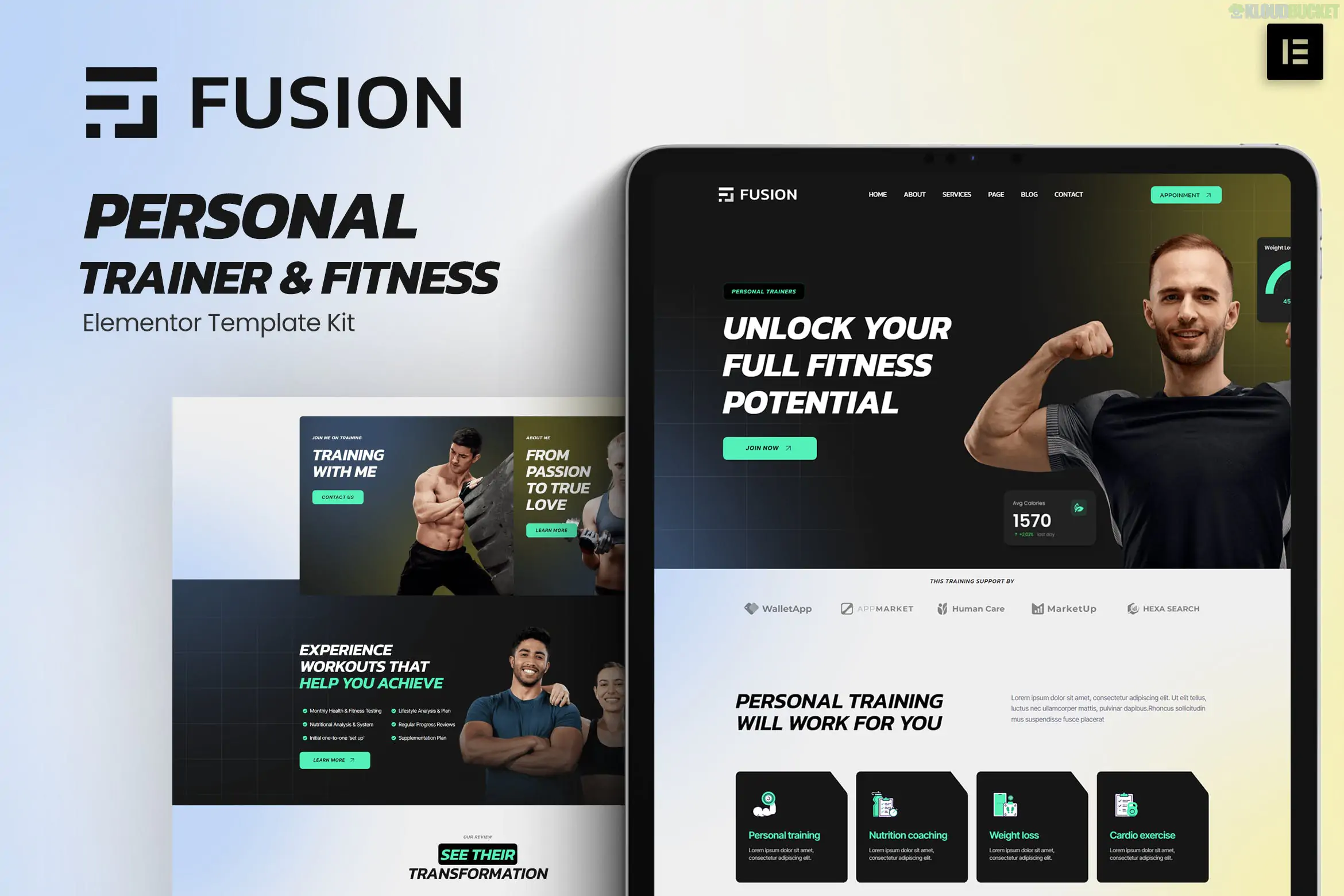
Trendsetter is a stylish and professional Elementor Pro Template Kit specifically designed for online design courses, creative lessons, and digital academies. Created by Rometheme, it features a vibrant, modern aesthetic (often utilizing high-contrast colors like yellow and dark tones) that appeals to students in the creative industries.
Modern & Unique Design: High-energy layout optimized for creative fields like UI/UX design, graphic design, and digital art.
Elementor Pro Required: Unlike some basic kits, Trendsetter leverages Pro features for advanced functionality like the Theme Builder and specific Pro widgets.
13+ Pre-built Templates: A complete package for a functional education site.
Global Kit Styles: Allows you to change the entire site's color scheme and typography from a single settings panel.
The kit provides all the essential pages for a course-based business:
Home: A dynamic landing page with hero sections for course promotions.
Courses & Course Detail: Dedicated layouts to showcase your curriculum and enrollment details.
Pricing: Professional tables to display different subscription or one-time payment tiers.
About: For sharing the story of the academy and the instructors.
Team: Profiles for coaches and design experts.
FAQ: For addressing common student questions about certifications and access.
Blog & Single Post: Templates for creative industry news and design tips.
Contact: Integrated with forms for student inquiries.
Theme Builder Templates: Custom Header, Footer, and 404 Error page.
To ensure the kit functions as shown in the demo, you will need:
Elementor (Free)
Elementor Pro: Essential for the Header/Footer and Course Archive functionality.
Hello Elementor Theme: The recommended lightweight base theme.
Envato Elements Plugin: Necessary for importing the kit.
Activate Elementor Pro: Ensure your Pro license is connected and active.
Import the Kit: Using the Envato Elements plugin, upload the trendsetter.zip file.
Install Requirements: Click the orange banner to install any supporting free plugins (like RomethemeKit or MetForm).
Import Styles: Always import Global Kit Styles first to ensure fonts and colors apply correctly.
Configure Theme Builder: Go to Templates > Theme Builder to set your imported Header and Footer to display on the "Entire Site."
Would you like me to help you draft course descriptions for your design academy or explain how to integrate a payment gateway like WooCommerce with these templates?
Setting up a Course Website
This video provides a step-by-step guide on how to import and customize Elementor Pro template kits to build a professional-grade website quickly.
Subscribe to access unlimited downloads of themes, videos, graphics, plugins, and more premium assets for your creative needs.
.jpg) Help Us to Buy More New Theme/Plugin
Help Us to Buy More New Theme/Plugin
Published:
Jan 08, 2026 11:31 AM
Category:
Author:
OtherLicense:
GPL v2 or Later