Managing a thriving online community can feel like juggling flaming swords while riding a unicycle. It’s not easy, especially when you have to keep track of user interactions and relationships. Enter the Ultimate Member User Notes plugin—a powerful tool designed specifically for community managers looking to streamline their operations. This nifty addition allows you to jot down notes about users directly within your WordPress site, transforming how you interact with your members.
Imagine having all vital information at your fingertips: preferences, past interactions, or even reminders for follow-ups. With Ultimate Member User Notes, this is no longer just a dream; it’s a reality that enhances engagement and fosters stronger connections in your community. Ready to discover how this plugin can elevate your website? Let’s dive into its features and benefits!
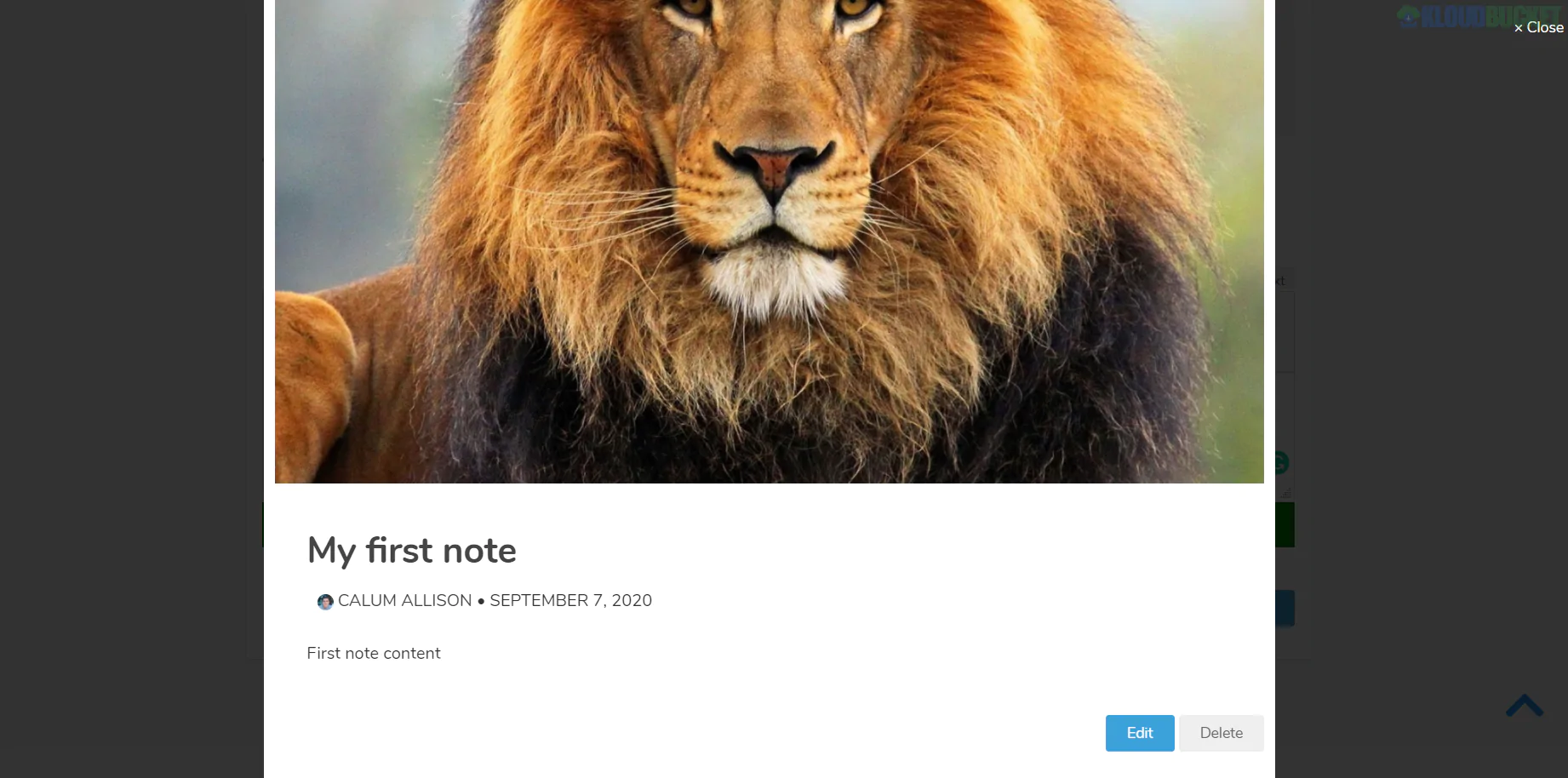
The Ultimate Member User Notes plugin offers a variety of powerful features designed to enhance user experience. One standout feature is the ability to create private notes for each user profile. This allows admins or moderators to jot down important information without cluttering the main interface.
Another benefit is the customizable note visibility settings. You can choose who sees these notes, ensuring that sensitive information remains confidential while still accessible to those who need it.
Additionally, this plugin integrates seamlessly with your existing Ultimate Member setup, making installation and usage straightforward. The user-friendly interface means you won’t waste time navigating complicated menus.
Notifications are also part of the package, alerting users about updates on their notes or changes in community management practices. These features collectively foster better communication and community engagement among members and administrators alike.
Installing the Ultimate Member User Notes plugin is a straightforward process. Begin by logging into your WordPress dashboard. Navigate to the ""Plugins"" section and select “Add New.”
In the search bar, type “Ultimate Member User Notes.” Once you find it, click on the “Install Now” button. After installation, activate the plugin immediately.
Next, head over to the Ultimate Member settings area in your dashboard. You’ll see a new tab for User Notes. Click on it to access various options.
Here, you can customize how user notes will appear and function on your site. Set permissions based on user roles so that only authorized members can add or view notes.
Save all changes before exiting this menu. Your users are now ready to benefit from enhanced community management through efficient note-taking!
User notes can significantly enhance community management efforts. They provide administrators with a powerful tool to track interactions and engage more effectively.
By adding personalized comments or reminders about users, admins gain insights that facilitate better communication. This fosters stronger relationships within the community.
Community managers can utilize user notes to identify trends in behavior or participation levels. Recognizing these patterns allows for targeted outreach, making members feel valued and understood.
Moreover, user notes help streamline onboarding processes for new moderators or team members. Accessing past interactions equips them with context about existing users.
The ability to maintain detailed records creates an organized environment where issues can be addressed swiftly. It also empowers teams to celebrate milestones in member engagement, further nurturing a vibrant community atmosphere.
Community management can be challenging, but some organizations have turned to Ultimate Member User Notes for innovative solutions. One online forum implemented the plugin to streamline member interactions. By keeping detailed notes on user preferences and past contributions, moderators improved engagement significantly.
Another success story comes from a local sports club that used User Notes to track player performance and feedback during training sessions. Coaches documented individual progress over time, enhancing personalized coaching strategies.
A membership-based charity found value in using notes to monitor volunteer involvement. This led to better communication and appreciation of their efforts, fostering stronger relationships within their community.
These examples illustrate how Ultimate Member User Notes can transform community dynamics by facilitating deeper connections and more organized data management among users.
What is Ultimate Member User Notes?
The Ultimate Member User Notes plugin allows site administrators to add private notes for each user. It’s a handy tool for managing member interactions.
Can I customize the notes feature?
Yes, you can tailor the appearance and functionality of your user notes. Adjust settings to fit your community's needs seamlessly.
Who has access to these notes?
Only users with administrative privileges can view and edit the notes. This ensures privacy and security within your community platform.
Is it compatible with other plugins?
Ultimate Member User Notes works well with various WordPress plugins. This compatibility enhances your site's overall functionality without conflicts.
How do I back up my data?
Regular backups through your hosting provider or dedicated backup plugins are recommended. This step protects both user data and any added notes from loss.
Adding the Ultimate Member User Notes plugin to your website can significantly enhance your community management capabilities. This tool not only helps you keep track of user interactions but also fosters better relationships within your platform. With features designed for clarity and efficiency, it allows administrators to maintain detailed notes on user behavior, preferences, and interactions.
The benefits are clear: streamlined communication among team members, improved member engagement, and a more organized way to manage users. By implementing this plugin, you're investing in a more cohesive community experience that encourages connection and collaboration.
Whether you're running a membership site or an online forum, integrating Ultimate Member User Notes will empower you with insights that lead to informed decisions about user interaction strategies. It's time to elevate your community management efforts with this invaluable resource.
"
Subscribe to access unlimited downloads of themes, videos, graphics, plugins, and more premium assets for your creative needs.
.jpg) Help Us to Buy More New Theme/Plugin
Help Us to Buy More New Theme/Plugin
Published:
Dec 06, 2025 10:13 AM
Version:
v1.1.6
Category:
Author:
OtherLicense:
GPL v2 or LaterTags: