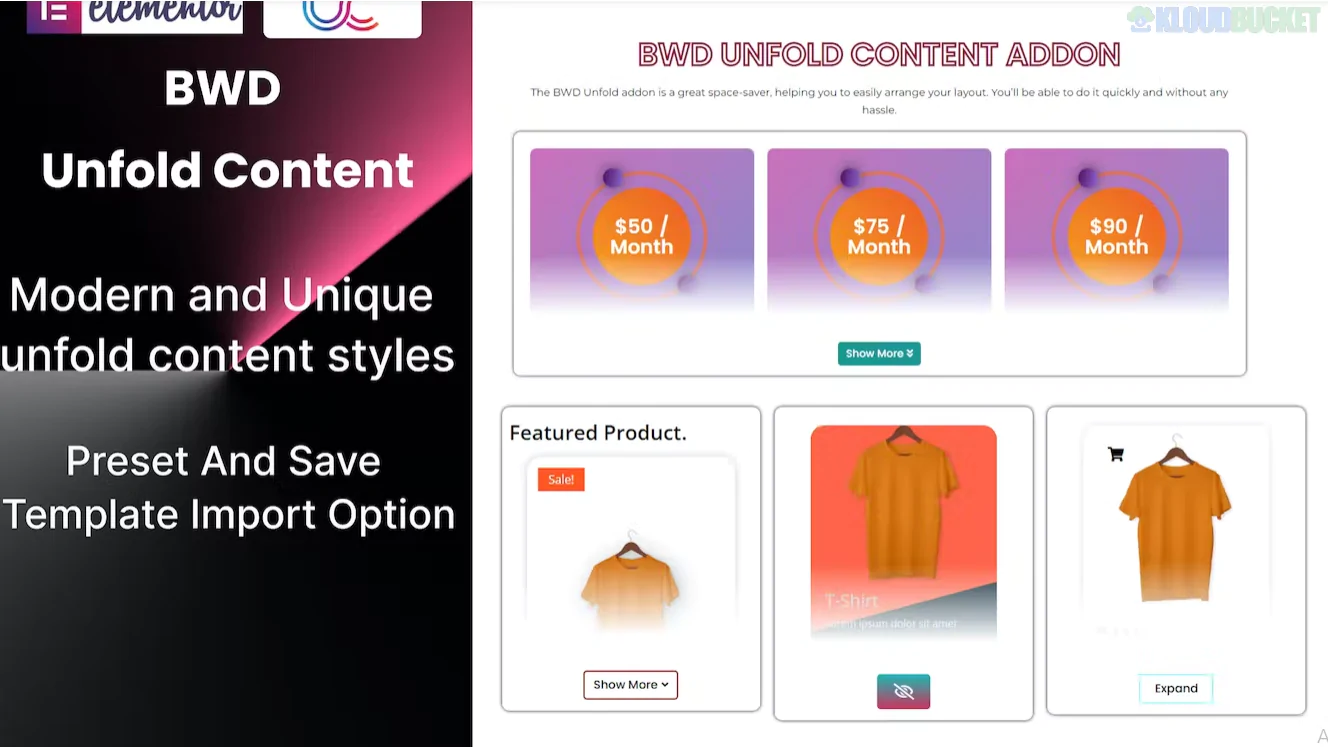
An Unfold Content Addon for Elementor is a "space-saving" widget designed to hide lengthy text, images, or complex sections behind a "Read More" or "Show More" toggle. It is a critical tool for maintaining a clean UI on mobile devices or landing pages with long descriptions.
While Elementor does not have a native "Unfold" widget in its free core, several major third-party developers provide this functionality.
Developer
Widget Name
Best For...
Unlimited Elements
Unfold Content
Best Free option; very easy to use with gradient overlays.
Crocoblock
JetTricks Unfold
Power users; supports dynamic tags and advanced scroll-to-top logic.
ElementsKit
Unfold Widget
Templates; allows you to unfold entire Elementor saved templates.
Xpro Addons
Unfold Widget
Interaction; supports "Hover to Unfold" rather than just clicking.
BestWpDeveloper
Unfold Content Addon
High-end presets (2500+ unique designs in their bundle).
Fold Height: You define exactly how many pixels (e.g., 200px) or words are visible before the "Read More" button appears.
Content Source: * Editor: Manually type text/HTML into the widget.
Template: Select a pre-designed Elementor template to be hidden inside the fold.
The "Fade" Overlay: Adds a gradient mask (usually white to transparent) at the bottom of the folded area to hint that more content exists.
Toggle Logic:
Click: Standard button interaction.
Hover: Expands automatically when the mouse passes over the section.
Transition Speed: Control how fast or smooth the "unrolling" animation feels in milliseconds (ms).
Feature
Unfold Content
Accordion / Toggle
Primary Goal
Saving vertical space on a single long text.
Categorizing multiple different topics.
Visual Hint
Shows a "peek" of the actual content.
Shows only a Title/Heading.
User Intent
"I want to finish reading this."
"I am looking for a specific topic."
Drop the Widget: Search for "Unfold" and drag it onto your page.
Set Visible Height: In the "Content" tab, set your Closed Height (e.g., 150px).
Choose Buttons/Icons: Customize the "Unfold" text (e.g., View More) and "Fold" text (e.g., Close).
Style the Overlay: In the "Style" tab, turn on the Overlay and pick a color that matches your section background to create a smooth fading effect.
Would you like me to find the specific CSS code to turn the "Unfold" button into a floating "Pulse" icon instead of a standard text button?
Subscribe to access unlimited downloads of themes, videos, graphics, plugins, and more premium assets for your creative needs.
.jpg) Help Us to Buy More New Theme/Plugin
Help Us to Buy More New Theme/Plugin
Published:
Jan 19, 2026 16:13 PM
Version:
v1.0.0
Category:
Author:
OtherLicense:
GPL v2 or LaterTags: