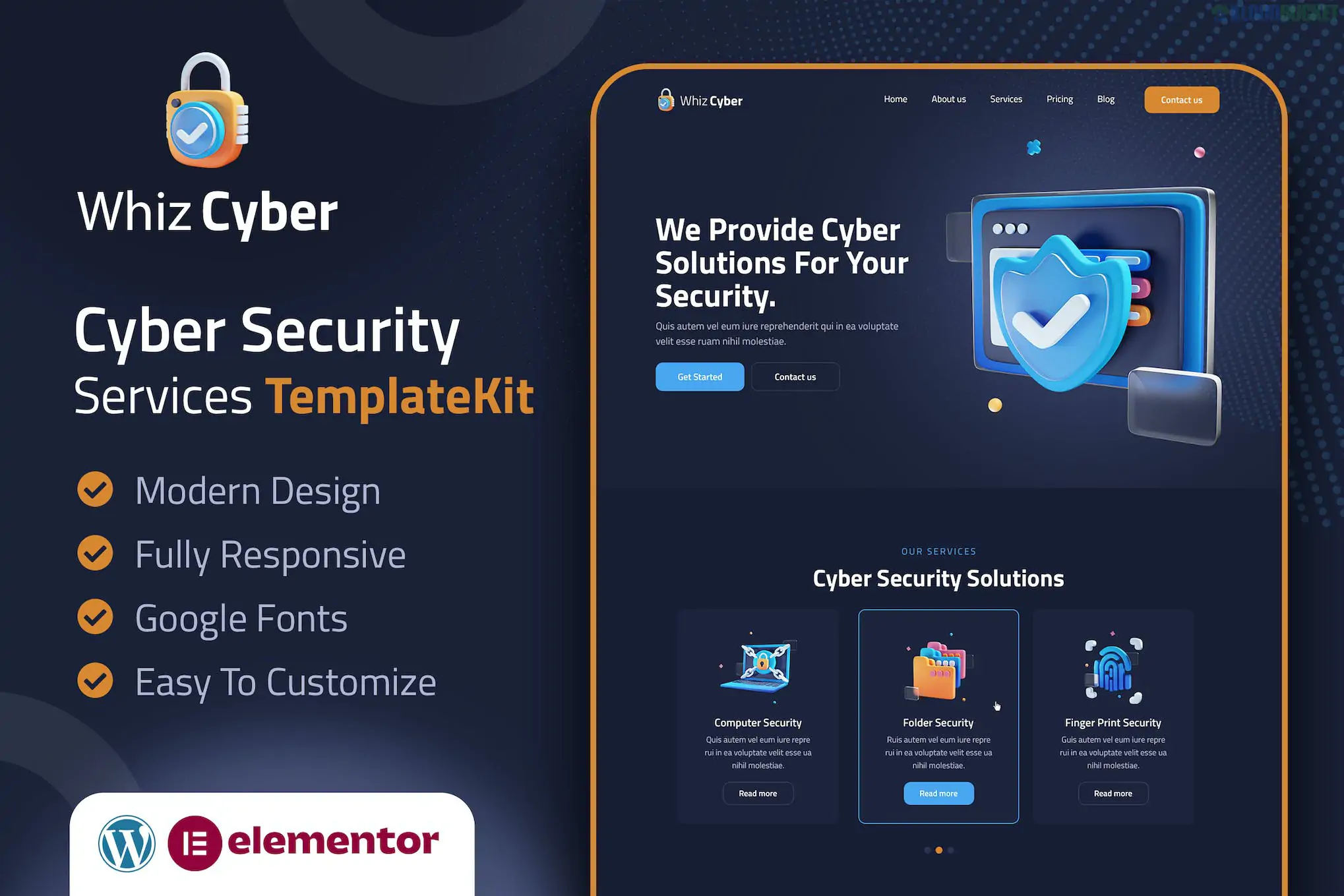
WhizCyber, developed by DesigningMedia, is a modern and professional Elementor Template Kit specifically designed for cybersecurity companies, network security firms, and web protection agencies.
It stands out for its high-tech, "security-first" aesthetic, utilizing dark-themed layouts and vector-style graphics to project an image of digital safety and sophisticated defense.
The kit provides all the essential pages needed to establish a credible online presence for a security agency:
Cyber-Centric Homepage: A professional landing page with hero sections designed to showcase your core value proposition (e.g., malware protection or firewall management).
Services & Solutions: Dedicated layouts for explaining complex security offerings such as computer security, network surveillance, and data encryption.
Expertise Showcase: Sections to highlight specific expertise, technical certifications, and the sophisticated technology used by your firm.
Testimonials & Sliders: Interactive components to display client feedback and success stories, which are critical for building trust in the security industry.
Blog & News: Clean magazine-style layouts to share the latest cybersecurity trends and safety tips with your audience.
One of the major benefits of WhizCyber is its "True No-Code" nature. It is optimized for the Hello Elementor theme to ensure maximum speed and minimal bloat.
Component
Requirement
Base Theme
Hello Elementor (Free version).
Primary Builder
Elementor (Free version).
Form Builder
MetForm (Free) – Used for professional security inquiry forms.
Add-ons
ElementsKit Lite and Premium Addons for Elementor (Both are free).
Header/Footer
Can be customized via the Elementor Header & Footer builder or Elementor Pro.
Import Tool
Envato Elements plugin (used to upload and install the kit).
Industry Authority: The design language uses deep blues and high-tech accents that are standard for top-tier security firms, instantly making your brand look "enterprise-ready."
Fast & SEO Friendly: Built with minimal CSS and lightweight code, ensuring your site loads quickly—a key factor for both user experience and Google ranking.
Ease of Use: Every font, color, and image can be updated globally via the Elementor Site Settings, allowing you to match your company’s branding in minutes.
Fresh Environment: Start with a clean WordPress install and the free Hello Elementor theme.
Install Plugins: Ensure Elementor, ElementsKit Lite, MetForm, and Premium Addons for Elementor are active.
Import Kit: Use the Envato Elements plugin to upload your WhizCyber ZIP file.
Styles First: Click "Import Global Kit Styles" first to set the colors and fonts.
Form Setup: After importing the MetForm templates, remember to select them within the MetForm widget on your "Contact" page to make them live.
Would you like me to find a specific guide on how to configure the "Security Quote" form within MetForm, or are you looking for a similar kit that focuses more on CCTV and physical surveillance?
Subscribe to access unlimited downloads of themes, videos, graphics, plugins, and more premium assets for your creative needs.
.jpg) Help Us to Buy More New Theme/Plugin
Help Us to Buy More New Theme/Plugin
Published:
Jan 29, 2026 10:22 AM
Category:
Author:
OtherLicense:
GPL v2 or Later