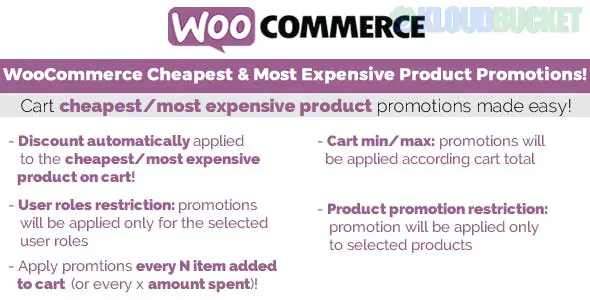
WooCommerce Cheapest & Most Expensive Product Promotions is a strategic pricing tool used to create high-converting offers like "Buy 3, get the cheapest one free" or "Get 20% off the most expensive item in your cart."
While WooCommerce does not support this natively, it is achieved through specialized "Dynamic Pricing" plugins. These promotions are designed to increase Average Order Value (AOV) by encouraging customers to add more items to their cart to qualify for the deal.
Several top-tier plugins offer this specific logic. Here are the most reliable ways to implement it:
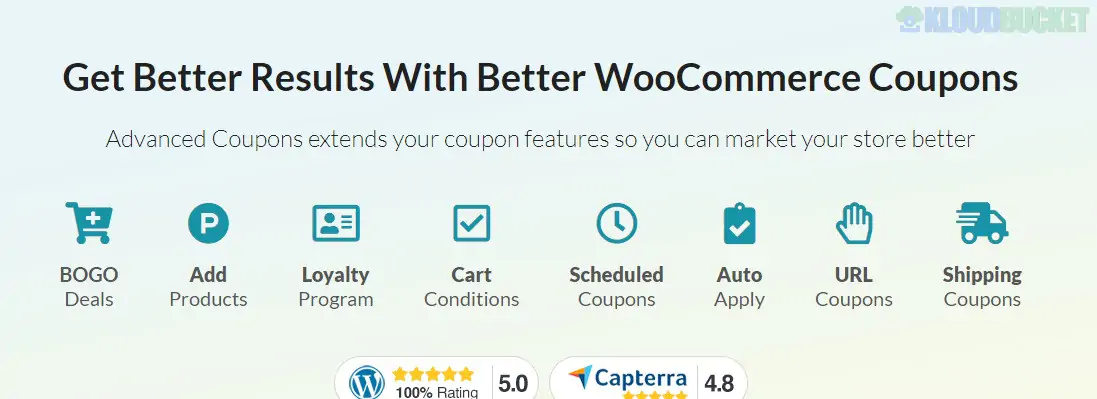
This is widely considered the easiest "non-code" way to set this up.
The Logic: Go to Smart Coupons > BOGO. Create a new rule.
The Setting: Under the "Customer Gets" section, you can specifically select "Cheapest item in cart" or "Most expensive item in cart."
The Reward: You can choose to make that item free ($100\%$ discount) or give it a specific percentage/fixed discount.
A powerhouse for complex rules, perfect if you have a massive catalog.
The Logic: Create a "Special Offer" rule.
The Setting: You can set a rule like "Buy 3 products from Category X" and then tell the plugin to apply the discount to the item with the lowest price automatically.
Pro Tip: It includes a "Quantity Table" you can show on product pages to advertise the deal before the user even reaches the cart.
There is a specific premium plugin with this exact title (often found on CodeCanyon or GPL sites).
Specialty: It is built specifically for this one purpose. It allows you to create "Mix and Match" rules where a user can pick items from different categories (e.g., a Shirt, a Hat, and a Jacket) and the system identifies the cheapest/priciest one in real-time.
Promotion Style
Goal
How it works
BOGO (Cheapest Free)
Inventory Clearance
Customer buys 2, the 3rd (least expensive) is $0.
The "Anchor" Discount
Upselling
"Get 50% off your most expensive item when you spend $200."
Category Mix
Cross-selling
Buy a Laptop and a Monitor, get the cheapest accessory free.
Priority & Stacking: If you have other coupons active, ensure you set the Priority correctly so the "Most Expensive" discount doesn't stack with a "10% Site-wide" coupon unless you want it to.
Exclusions: Always decide if Sale Items should be included. Most store owners exclude items that are already on clearance to protect their profit margins.
Messaging: These promotions fail if users don't know about them. Use a "Sticky Header" or a notice in the Cart that says: "Add 1 more item to get the cheapest for free!"
Would you like me to help you write the specific "Rule Logic" for a promotion you're planning, or do you need help choosing between the Free and Pro versions of these plugins?
Subscribe to access unlimited downloads of themes, videos, graphics, plugins, and more premium assets for your creative needs.
.jpg) Help Us to Buy More New Theme/Plugin
Help Us to Buy More New Theme/Plugin
Published:
Dec 27, 2025 16:20 PM
Version:
v3.7
Category:
Author:
All In One PluginLicense:
GPL v2 or Later