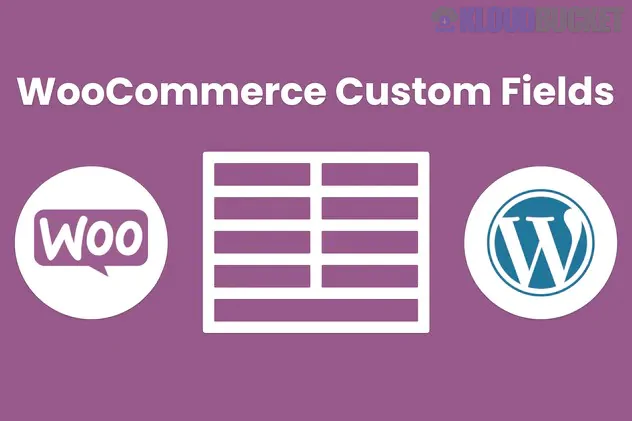
WeasyFields (also known as BeycanPress WeasyFields) is a lightweight and user-friendly plugin designed to add extra product options and custom checkout fields to WooCommerce.1 It is primarily used to collect additional information from customers, such as personalization text, gift notes, or specific file uploads, during the purchase process.
Drag-and-Drop Builder: Easily create and reorder custom fields without touching a single line of code.2
Versatile Field Types: Supports a wide range of HTML inputs, including:
Text & Textarea: For personalized messages or special instructions.3
Select, Radio, & Checkbox: For choosing sizes, colors, or additional services.4
Date & Time Pickers: For scheduling deliveries or booking services.5
File Upload: Allows customers to send images or documents (e.g., for custom printing).
Color Picker: Let users choose specific hex codes or visual colors.6
Validation Options: Includes built-in validation for specific text fields like Phone Number, Email, and URL.7
Mandatory Fields: You can make specific fields "Required" to ensure customers don't skip essential information.8
Ajax Support: If mandatory fields are missing during an "Add to Cart" action, the plugin can redirect the user to fill them in.9
While a free "Basic" version exists, many advanced features required for professional stores are part of the Pro version.
Feature
WeasyFields Basic
WeasyFields Pro
Field Limit
Limited to Text/Textarea
Unlimited
Input Types
2 Types
11+ Types (Date, File, etc.)
Checkout Fields
❌ No
✅ Yes
File Uploads
❌ No
✅ Yes
Backup & Upload
❌ No
✅ One-click transfer
Installation: Search for "WeasyFields Basic" in the WordPress repository or upload the Pro .zip from CodeCanyon.
Create a Field Group: Navigate to the WeasyFields menu in your WordPress dashboard and create a new field group.
Assign to Products: You can set fields to appear on all products or assign them to specific categories.
Order Integration: Once a customer places an order, the custom field data is automatically attached to the order and sent in the admin email notification.
If you are using WeasyFields for custom engravings or personalized gifts, use the Placeholder feature to show an example (e.g., "Enter your text here, Max 20 characters").10 This reduces customer confusion and ensures you get the data in the format you need.
Would you like me to help you find the specific CSS to style these custom fields so they match your store's branding?
Subscribe to access unlimited downloads of themes, videos, graphics, plugins, and more premium assets for your creative needs.
.jpg) Help Us to Buy More New Theme/Plugin
Help Us to Buy More New Theme/Plugin
Published:
Jan 12, 2026 15:12 PM
Version:
v1.0.1
Category:
Author:
OtherLicense:
GPL v2 or Later