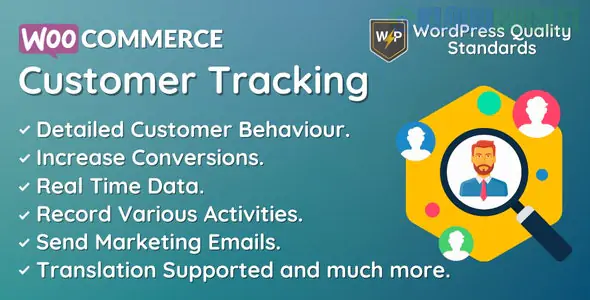
WooCommerce Customer Tracking is a specialized tool (often available as the "WooCommerce Customer Tracking" plugin by DevDiggers) designed to give store owners a "bird's eye view" of how customers interact with their shop in real-time.
Unlike standard Google Analytics, which provides anonymous data, this plugin links specific actions to individual logged-in users, helping you understand the exact journey from "browsing" to "buying."
This tool allows you to look past the order number and see the human behavior behind it:
Real-Time Activity Feed: See exactly what your customers are doing right now—which products they are opening, what they’re searching for, and when they add items to their cart.
Customer Journey Analysis: View the full path a specific user took.
Example: "User A visited 'Blue Jeans' → searched for 'Socks' → added 'Wool Socks' to cart → purchased."
Event Tracking: Automatically records specific triggers, including:
Page loads and product views.
Category and tag browsing.
Cart additions and removals.
Coupon code applications.
Privacy & Exclusion Controls: You can choose to exclude certain user roles (like Admins or Shop Managers) from being tracked to keep your data clean.
Identify Friction Points: If you notice many users add a specific product to their cart but never reach the checkout page, you may have a shipping cost or technical issue on that specific product page.
Personalized Marketing: By seeing what a customer frequently views but hasn't bought, you can send targeted manual emails or coupons for those specific items.
Trending Insights: Spot "hot" products early by seeing high view counts before they necessarily turn into high sales numbers.
Improved Support: If a customer contacts you with a problem, you can look at their activity log to see exactly where they got stuck or what error pages they might have encountered.
WooCommerce: Works as an extension of your existing store.
Logged-in Users: While some basic tracking works for guests, the most detailed "Customer History" is recorded for registered users.
Performance Optimized: Most modern versions use custom database tables to ensure that recording thousands of activities doesn't slow down your site's front-end loading speed.
Install: Upload the plugin ZIP via Plugins > Add New.
Activate License: Enter your purchase code in the plugin settings to enable tracking.
Configure: Go to the "Customer Tracking" menu to define which roles to track and how long to keep the activity logs before they are purged (to save database space).
Monitor: Visit the "Activities" tab to see the live feed of user actions.
Would you like me to help you compare this plugin with a "Sales Analytics" tool like Metorik, or do you need help setting up "Abandoned Cart" alerts based on this tracking data?
Subscribe to access unlimited downloads of themes, videos, graphics, plugins, and more premium assets for your creative needs.
.jpg) Help Us to Buy More New Theme/Plugin
Help Us to Buy More New Theme/Plugin
Published:
Jan 02, 2026 14:41 PM
Version:
v1.1.0
Category:
Author:
OtherLicense:
GPL v2 or Later