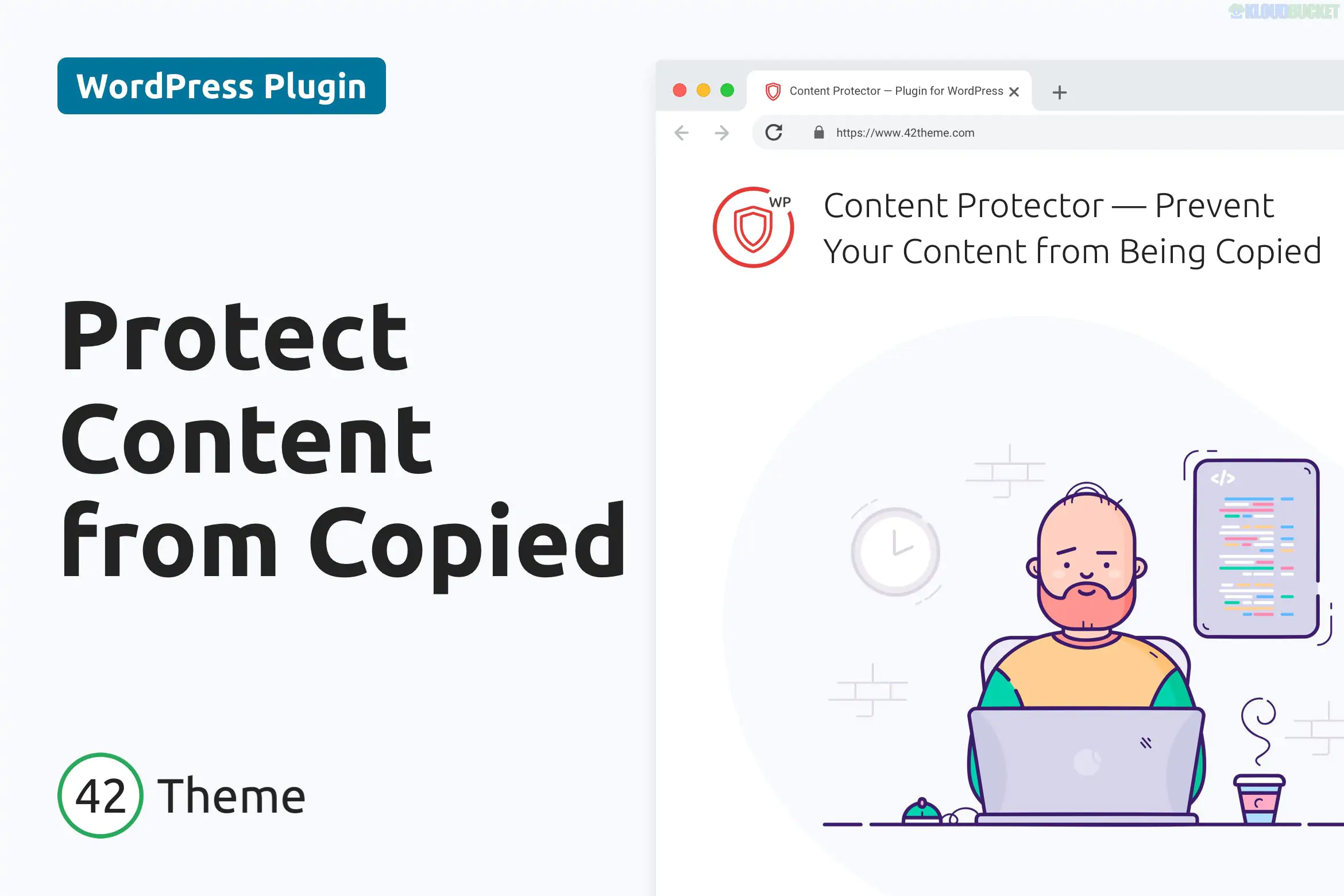
WordPress Content Protector is a specialized security plugin designed to safeguard your intellectual property by making it difficult for users to copy, steal, or distribute your content without permission. Developed by Shtheme, it focuses on "Front-End Protection," stopping the casual "right-click and save" actions that lead to plagiarism and unauthorized image hotlinking.
In late 2025, it is an essential tool for photographers, writers, and premium course creators who need to protect their unique digital assets from unauthorized scraping.
Disable Right-Click (Context Menu): Prevents users from opening the standard browser menu to "Save Image As" or "View Page Source."
Text Selection Lock: Disables the ability for users to highlight and copy text snippets from your articles or product descriptions.
Keyboard Shortcut Blocking: Disables common "hacking" shortcuts like CTRL+C (Copy), CTRL+X (Cut), CTRL+U (View Source), and CTRL+S (Save Page).
Image Watermarking & Protection: Prevents users from dragging and dropping images onto their desktop and can disable the "pin it" buttons for Pinterest.
Developer Tools Blocking: Detects when a user tries to open "Inspect Element" (F12) to find your source code or hidden asset URLs and can automatically close the window or blur the screen.
Feature
Details
Developer
Shtheme
Compatibility
All major browsers (Chrome, Safari, Firefox, Edge)
Mobile Security
Disables "Long Press" to save images on touch devices
Performance
Lightweight JavaScript that won't slow down page rendering
Exclusion Rules
Ability to disable protection for specific pages (e.g., Contact or FAQ)
SEO Preservation: If someone scrapes your blog post and publishes it on a higher-authority site, Google might flag your original post as duplicate content. Protection reduces this risk.
Image Authority: For photographers and illustrators, it prevents the low-effort theft of high-resolution work.
Source Code Privacy: While it is impossible to 100% hide HTML/CSS, this plugin creates a significant barrier for amateurs trying to copy your unique design elements.
Copyright Awareness: You can set the plugin to show a professional "Copyright Alert" popup when someone attempts to copy, educating them that the content is protected.
Portfolio Sites: Photographers, designers, and digital artists.
Membership Sites: Protecting "behind-the-paywall" text and guides.
Legal & Medical Blogs: Ensuring sensitive or proprietary information isn't easily lifted.
E-commerce Stores: Preventing competitors from stealing your unique product descriptions and custom photography.
No digital protection is 100% foolproof against a determined developer, but you can stop 95% of casual theft.
Recommendation: Use the "Watermark" feature alongside the "Content Protector." In 2025, even if someone takes a screenshot (which a plugin cannot always block), having a subtle, semi-transparent watermark across your images ensures your brand stays attached to the visual wherever it goes.
Would you like me to help you configure a custom copyright message to display when a user tries to right-click, or perhaps help you set up page exclusions for areas where you want people to be able to copy text?
Subscribe to access unlimited downloads of themes, videos, graphics, plugins, and more premium assets for your creative needs.
.jpg) Help Us to Buy More New Theme/Plugin
Help Us to Buy More New Theme/Plugin
Published:
Dec 18, 2025 17:55 PM
Version:
v2.0.1
Category:
Author:
OtherLicense:
GPL v2 or Later