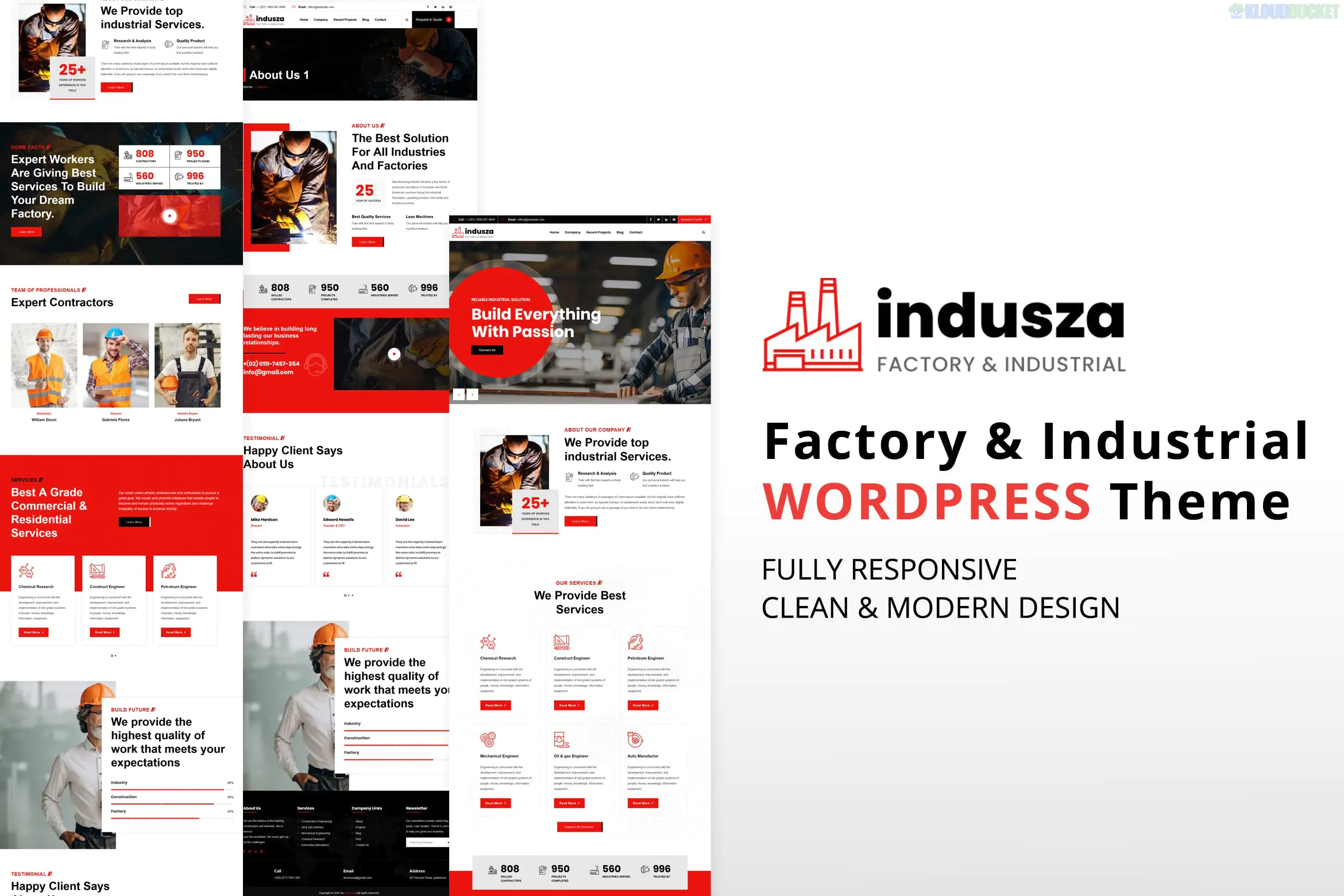
Xmoze, developed by mthemeus, is a premium, high-conversion WordPress theme designed specifically for SaaS startups, mobile app showcases, and software agencies. It is a "complete" theme package (unlike the standalone Template Kits), meaning it includes a dedicated options panel, premium features, and deep integration for business growth.
In 2026, it remains a top choice for tech entrepreneurs due to its high performance and unique "app-like" user experience.
12+ Creative Homepages: Includes pre-built designs for SaaS, Digital Marketing, Fintech, and App Landing pages.
Elementor Powered: Built with the Elementor page builder, allowing for full drag-and-drop customization without touching code.
One-Click Demo Import: You can replicate the entire demo site (including pages and images) in under a minute to use as a starting point.
WooCommerce Ready: Fully compatible with WooCommerce, enabling you to sell software licenses, subscription plans, or digital products directly from your site.
High Performance: Designed to be lightweight, often scoring 90+ on Google PageSpeed Insights, which is critical for SaaS SEO.
Advanced Header/Footer Builder: Create custom navigation bars and site footers globally or for specific pages.
Feature
Details
Builder
Elementor (Standard/Free and Pro compatible).
Framework
Built on the powerful Redux Framework for advanced theme options.
Responsive
Fully fluid—looks like a native app on mobile and tablets.
Translations
WPML and RTL (Right-to-Left) supported for global markets.
Plugins Bundled
Usually includes/supports Contact Form 7, MailChimp, and Redux.
PHP Support
Fully optimized for PHP 8.2 and 8.3.
Lead Generation Focus: Xmoze is not just a pretty template; its layouts are strategically designed with "Sticky" CTAs, pricing tables, and testimonial sliders specifically to increase user sign-ups.
Modern Tech Aesthetic: The theme uses trendy gradients, glassmorphism effects, and clean sans-serif typography that signals to your customers that your software is modern and cutting-edge.
Installation: Upload the xmoze.zip file via Appearance > Themes.
Plugin Setup: Follow the setup wizard to install the required plugins (Elementor, Redux, and Xmoze Core).
Demo Import: Use the One Click Demo Import tool under the Appearance menu to choose your niche (e.g., "SaaS Modern").
Logo & Colors: Navigate to Appearance > Customize > Xmoze Options to set your global brand colors and upload your logo.
Pro Tip: If you notice your header or footer looking broken after an update, go to Elementor > Tools and click "Regenerate CSS & Data". This is a common fix for Xmoze layout synchronization.
Would you like me to help you set up a "Pricing Toggle" (Monthly/Yearly) using Elementor, or are you looking for a specific CSS snippet to change the hero section's gradient colors?
Subscribe to access unlimited downloads of themes, videos, graphics, plugins, and more premium assets for your creative needs.
.jpg) Help Us to Buy More New Theme/Plugin
Help Us to Buy More New Theme/Plugin
Published:
Jan 29, 2026 14:15 PM
Version:
v1.2.0
Category:
Developer:
ThemeforestLicense:
GPL v2 or LaterTags: