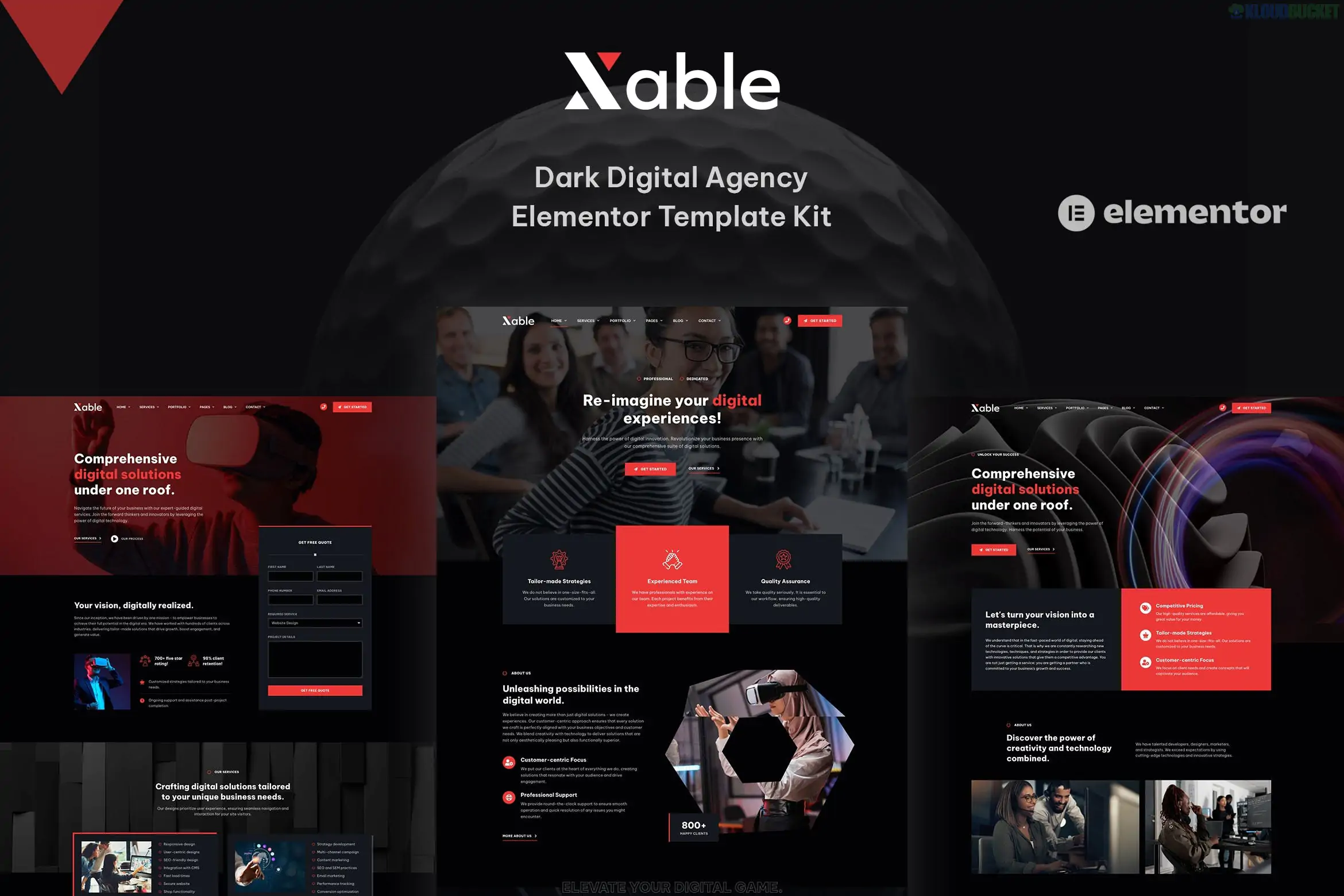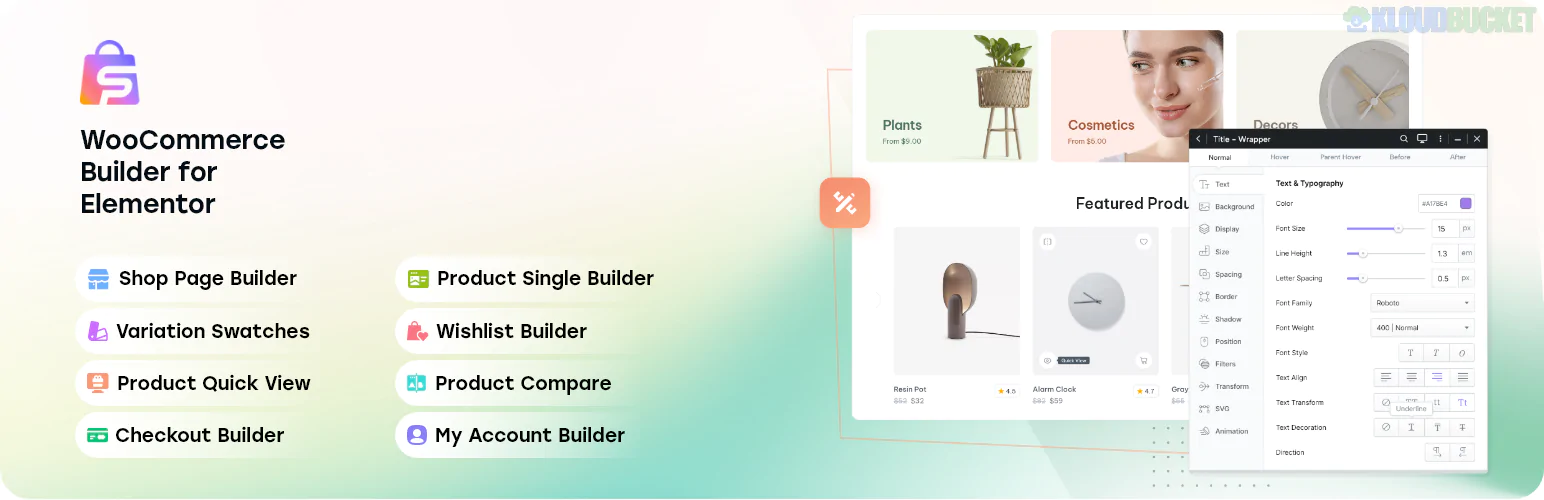
**Zenith** is a sleek and modern **Elementor Template Kit** specifically designed for technology companies, IT services, startups, and digital agencies. It is highly favored for its "performance-first" approach and its ability to deliver a premium, high-tech look without requiring an Elementor Pro subscription.
Built by **Rometheme**, Zenith focuses on clean layouts and high-converting sections that are essential for software development and tech consulting firms.
---
### 💻 Key Features
* **No Elementor Pro Needed:** All advanced features, including the Header and Footer builders, work with the free version of Elementor.
* **15+ Ready-to-Use Templates:** A comprehensive library of pages to launch a full-scale corporate tech site.
* **RTMKit Integration:** Includes the exclusive RTMKit Addons, which unlock premium tools like the Theme Builder and custom form builders for free.
* **Responsive & Retina Ready:** Specifically optimized for high-resolution displays and mobile devices.
* **Global Style Kit:** Easily adjust your brand’s primary colors and typography across the entire site from one central location.
### 📄 Templates Included
| Category | Page Layouts |
| --- | --- |
| **Main Pages** | Home, About Us, Our Services, Pricing, FAQ, Contact |
| **Portfolio** | Our Portfolio, Single Portfolio Detail |
| **Team & Social** | Our Team, Testimonials |
| **Content** | Our Blog, Single Blog Post |
| **System** | Header, Footer, Contact Form Block, Subscribe Form Block |
---
### 🛠 Required Plugins (All Free)
To ensure the Zenith kit functions correctly, the following free plugins are automatically installed during setup:
1. **Elementor:** The core drag-and-drop page builder.
2. **RTMKit:** Provides the Theme Builder (Header/Footer) and advanced widgets.
3. **RTMForm:** Powering the custom contact and lead generation forms.
---
### 🚀 Setup & Installation
1. **Preparation:** Install the **Hello Elementor** theme (recommended) and the **Envato Elements** plugin.
2. **Upload:** Go to *Elements > Installed Kits* and upload the `zenith.zip` file.
3. **Install Requirements:** Click the orange "Install Requirements" button to activate the RTMKit and RTMForm plugins.
4. **Import Global Styles:** Import the **Global Kit Styles** first to set the site’s professional blue-and-white color palette and typography.
5. **Build Your Pages:** Import the page templates one by one.
6. **Theme Builder (Header/Footer):** * Navigate to `RTMKit > Theme Builder`.
* Create a new Header/Footer, set the condition to **"Entire Site,"** and insert the imported Header/Footer template from the "My Templates" tab.
> **Pro Tip:** For the best performance in the tech niche, ensure you use the **RForm widget** to select the specific RTMForm templates included in the kit for your "Contact Us" and "Free Quote" sections.
---
**Would you like me to guide you through setting up the RTMForm for your service inquiries, or do you need help configuring the Portfolio grid to showcase your tech projects?**
Subscribe to access unlimited downloads of themes, videos, graphics, plugins, and more premium assets for your creative needs.
.jpg) Help Us to Buy More New Theme/Plugin
Help Us to Buy More New Theme/Plugin
Published:
Jan 17, 2026 12:52 PM
Category:
Author:
OtherLicense:
GPL v2 or LaterTags: