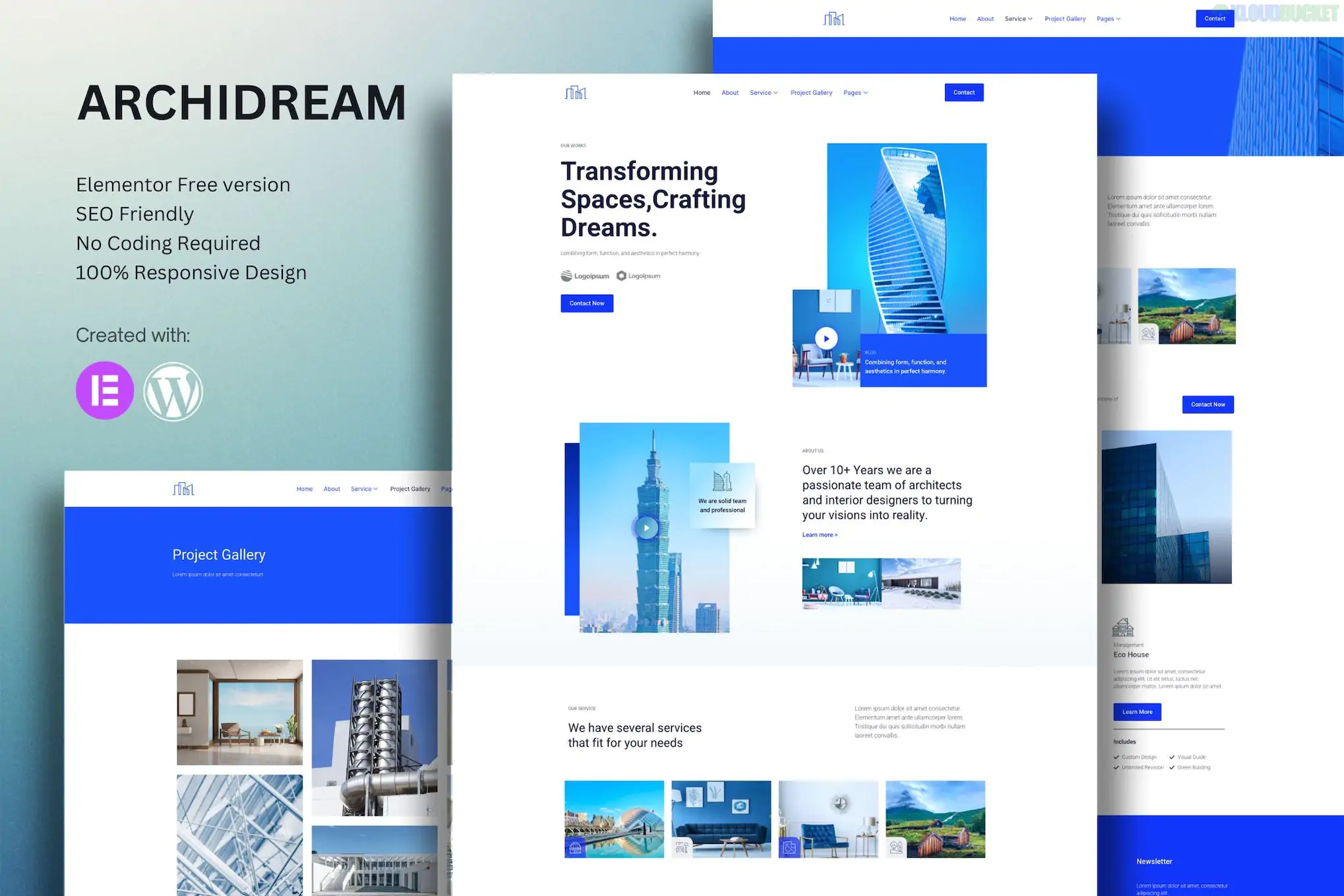
**Archidream** is a professional **Elementor Template Kit** specifically tailored for architecture firms, exterior designers, and construction consultants. It is known for its clean, geometric aesthetic and "True No-Coding" approach.
Unlike some kits that require Elementor Pro for basic functionality, Archidream is often marketed as being compatible with the **Free version of Elementor**, though it uses several helper plugins to achieve its high-end look.
---
### Key Features
* **13+ Pre-designed Templates:** A complete set of layouts including Home, About, Services, Project (Portfolio), Single Project, FAQ, and Contact.
* **Hello Elementor Optimized:** Specifically built to work best with the lightweight "Hello Elementor" theme.
* **Fully Responsive:** Designed to look pixel-perfect on mobile, tablet, and desktop screens.
* **Global Theme Styles:** Allows you to change the color palette and typography across the entire site from one central setting.
---
### Technical Requirements
To get the exact look of the demo, you will need the following installed on your WordPress site:
1. **Elementor (Free):** The core page builder.
2. **ElementsKit Lite:** Used for the header, footer, and advanced layout widgets.
3. **MetForm:** Handles the contact forms and inquiry sections.
4. **Themesflat Addons for Elementor:** Often bundled or required for specific architectural-themed widgets.
> **Note on Images:** As is standard with Envato Template Kits, the professional architecture photography seen in the demo is typically not included in the final download due to licensing. You will receive placeholders and will need to upload your own project photos.
---
### How to Install Archidream
1. **Install the Importer:** Go to **Plugins > Add New** and search for "Envato Elements." Install and activate it.
2. **Upload the Kit:** Navigate to **Elements > Installed Kits** and click the **Upload Template Kit ZIP File** button.
3. **Install Requirements:** Before importing pages, click the orange **"Install Requirements"** banner to ensure all necessary helper plugins (like MetForm) are active.
4. **Import Styles First:** Click **Import** on the **Global Kit Styles** first. This ensures your fonts and colors are set correctly before you import the page layouts.
5. **Import Pages:** Import your desired pages (Home, About, etc.) one by one.
### Troubleshooting Tip: Flexbox Containers
If the layout looks "broken" after import, ensure that **Flexbox Containers** are active in your settings. Go to **Elementor > Settings > Features** and set "Flexbox Container" to **Active**.
**Would you like me to help you set up the header/footer specifically, or do you need help configuring the MetForm contact page?**
Subscribe to access unlimited downloads of themes, videos, graphics, plugins, and more premium assets for your creative needs.
.jpg) Help Us to Buy More New Theme/Plugin
Help Us to Buy More New Theme/Plugin
Published:
Dec 29, 2025 16:27 PM
Category:
Author:
OtherLicense:
GPL v2 or Later