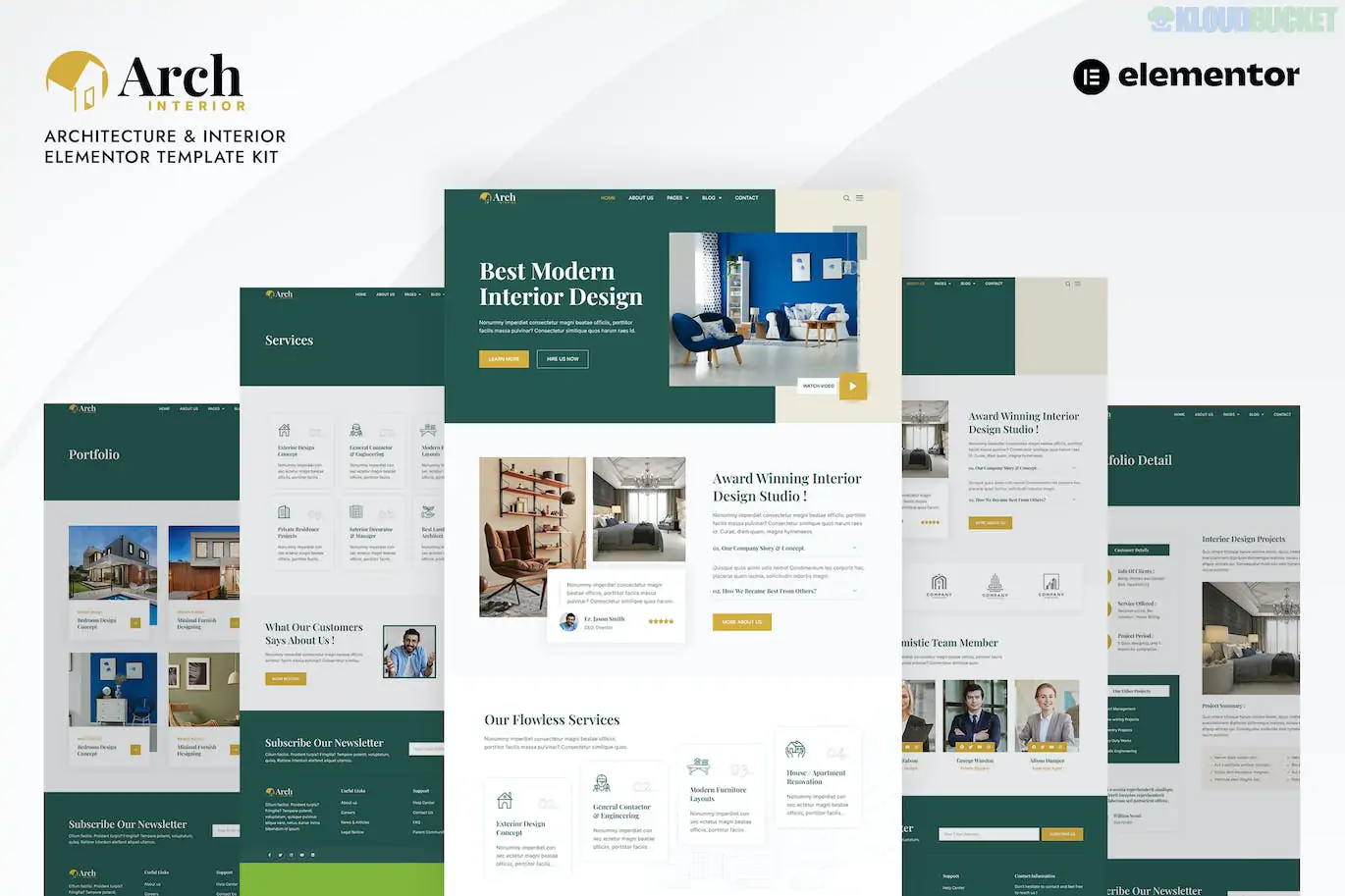
Archinterior is a professional Elementor Pro Template Kit specifically designed for architecture firms, interior design studios, and home decoration businesses. Developed by BosaThemes, it features a refined, high-end aesthetic that emphasizes minimalist layouts, thin typography, and large-scale photography to showcase design portfolios.
As it is an Elementor Pro kit, it utilizes the full "Theme Builder" suite, allowing you to manage headers, footers, and dynamic templates globally without extra coding.
Modern & Versatile Design: Clean white space and sophisticated grids that make architectural renders and interior photos stand out.
eCommerce Ready: Fully compatible with WooCommerce, featuring ready-to-use shop pages for selling furniture or design services.
Elementor Pro Native: Built for the Pro version's Theme Builder, ensuring a cohesive design across your header, footer, and single post layouts.
Fully Responsive: Retina-ready and mobile-friendly, ensuring technical drawings and galleries look sharp on any device.
No Coding Required: Entirely drag-and-drop, allowing you to customize everything from the visual interface.
The kit is highly comprehensive, covering everything from core business pages to system-level templates:
Core Pages: Home, About Us, Team, Team Detail, Career, Career Detail, and FAQ.
Showcase & Services: Service, Service Detail, Portfolio (Project list), and Portfolio Detail (Case studies).
eCommerce (Shop): Shop/Products page, Product Detail, Cart, Checkout, and My Account.
Content: Blog archive, Single Post, and a "Coming Soon" page.
System Templates: Header, Footer, 404 Error, Search Results, and Testimonials.
To function exactly like the demo, you will need the following installed and active:
Elementor (Free version)
Elementor Pro (Paid license): Required for the Header, Footer, and Shop templates.
ElementsKit Lite: Used for specialized widgets like menus and tabs.
WooCommerce: Necessary only if you plan to use the Shop/Products sections.
Global Style First: After importing the kit via the Envato Elements plugin, always click Import Global Kit Styles first. This sets your site-wide brand colors and typography.
Theme Builder Display Conditions: Once the Header and Footer are imported, go to Templates > Theme Builder and set the Display Conditions to "Entire Site" so they appear on all pages.
Image Licensing: The demo images are sourced from Envato Elements. For a live site, replace them with your own high-resolution photography to avoid copyright issues and give your brand a unique voice.
Would you like me to help you draft the content for your "Career" page to attract new design talent, or help you set up the WooCommerce checkout for your interior design consultations?
Subscribe to access unlimited downloads of themes, videos, graphics, plugins, and more premium assets for your creative needs.
.jpg) Help Us to Buy More New Theme/Plugin
Help Us to Buy More New Theme/Plugin
Published:
Jan 20, 2026 10:49 AM
Category:
Author:
OtherLicense:
GPL v2 or Later