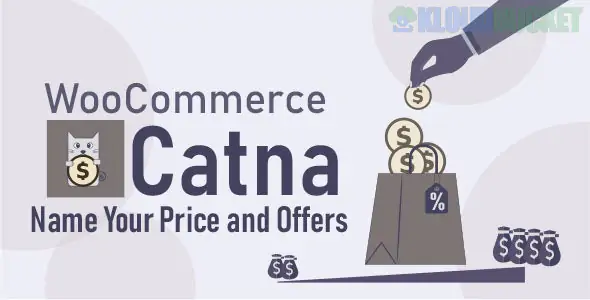
The Catna – WooCommerce Name Your Price and Offers plugin is a flexible tool designed to introduce dynamic pricing and negotiation features into your WooCommerce store.
It allows customers to propose the price they are willing to pay for products, which can be immediately accepted, automatically approved based on rules, or managed by the store owner as a formal offer.
The plugin provides a high degree of control over the negotiation process through "Smart Offers" and global rules.
Catna combines two main concepts: Name Your Price (allowing open input) and Smart Offers (allowing negotiation against set rules).
This allows customers to define the price they want to pay for a product.
Open Price Input: A dedicated field is displayed on the product page where customers can enter their desired price.
Price Range Control: You can set a Minimum Acceptable Price and a Maximum Acceptable Price for each product (or variation). If the customer's input is outside this range, they will receive a customizable error message and be prevented from adding the product to the cart.
Donations/Free Purchase: The plugin can be configured to allow products to be purchased for free (setting the minimum price to zero), making it suitable for collecting donations or offering freebies.
This feature allows customers to "bargain" for less than the listed price, but only if their proposed price matches specific rules you've set up.
Rule-Based Approval: You can create "Smart Offer Rules" that automatically determine if a customer's offer is accepted, rejected, or countered.
Quantity-Based Offers: Set offers that vary based on the quantity of the product the customer is purchasing (e.g., get a 15% discount if you buy 5 or more).
Fixed or Percentage Discount: Rules can apply a fixed amount decrease or a percentage decrease to the price.
This is where the plugin saves time and adds deep segmentation power.
Global Rules: You can set store-wide price ranges or smart offer rules that apply to all products unless a specific product overrides them. This helps manage pricing across a large catalog efficiently.
Product Conditions: Set conditions to enable "Name Your Price" or "Smart Offers" only for specific products, categories, or price ranges.
Customer Conditions: Restrict the offer feature to certain users, such as only logged-in users or users belonging to specific customer roles.
Display Location: You can choose to display the "Name Your Price" field on the single product page and the Shop/Archive page (e.g., display a popup after the customer clicks the Add to Cart button on the shop loop).
Customization: Customize the button labels, error messages, and display styles (like showing the bargain form in a pop-up).
In summary, Catna is a comprehensive solution for implementing dynamic, customer-driven pricing on your WooCommerce store. It's particularly useful for:
Collecting donations or variable invoice payments.
Allowing customers to negotiate within a controlled, safe range.
Running automated quantity-based discount campaigns (Smart Offers).
Would you like to know how to set up a Global Rule that applies a minimum price to all products in a specific category?
Subscribe to access unlimited downloads of themes, videos, graphics, plugins, and more premium assets for your creative needs.
.jpg) Help Us to Buy More New Theme/Plugin
Help Us to Buy More New Theme/Plugin
Published:
Dec 07, 2025 16:40 PM
Category:
Author:
OtherLicense:
GPL v2 or LaterTags: