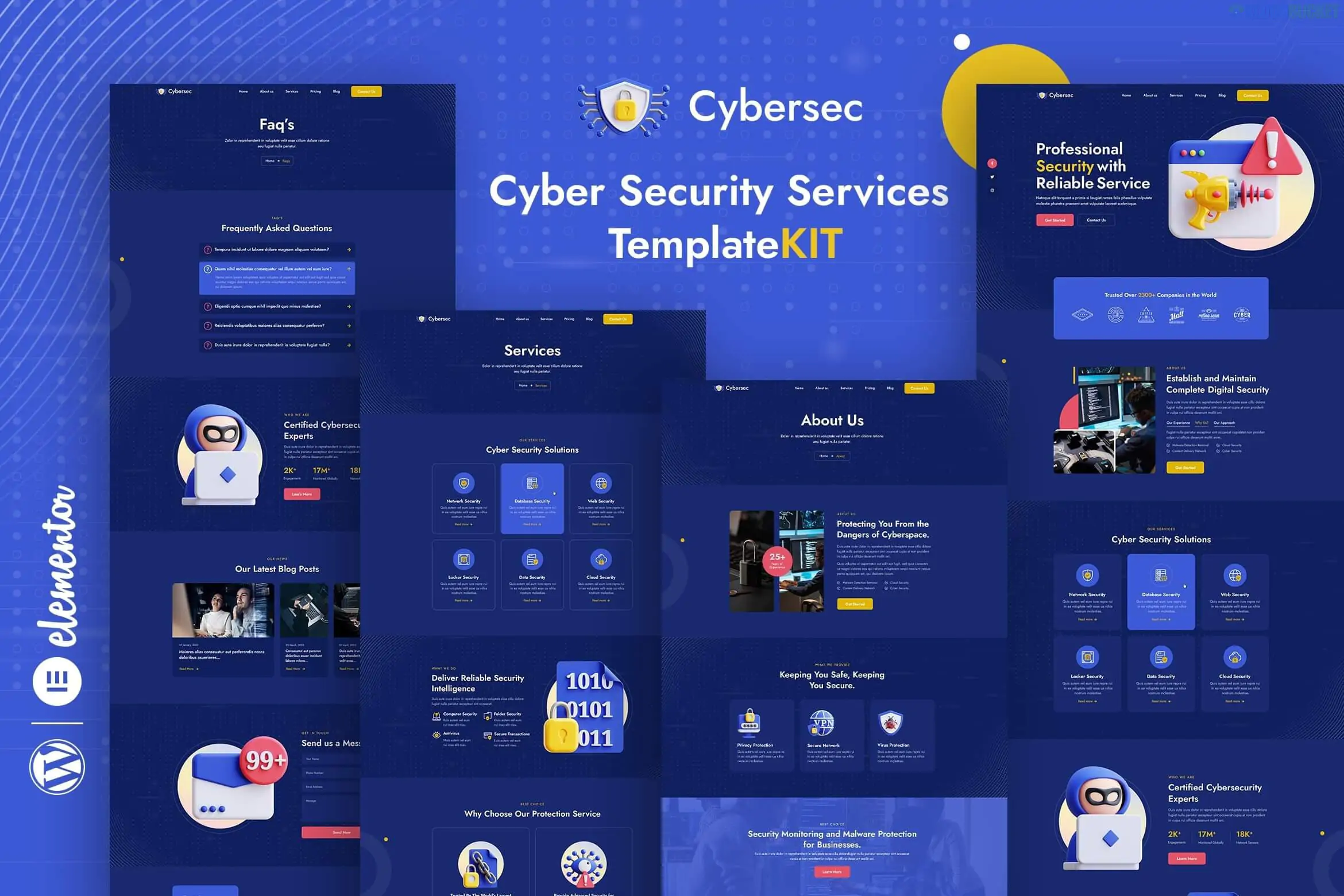
Cybersec is a sharp, modern Elementor Template Kit designed for cybersecurity firms, IT security agencies, and digital protection services. It is tailored for businesses that need to communicate high-tech reliability, trust, and advanced data protection.
There are two common versions of this kit (one by moxcreative and another by Rometheme), both following a similar "dark mode" or tech-focused aesthetic.
Cybersec is designed to be high-impact and data-driven, highlighting services like network security, ethical hacking, and cloud protection.
12+ Professional Templates: Includes Home, About, Services, Pricing, Testimonials, FAQ, and detailed Contact pages.
Modern "Dark Tech" Aesthetic: Uses high-contrast layouts, blue/neon accents, and structured grids that fit the cybersecurity niche.
100% Responsive: Built with a mobile-first approach, ensuring the site looks professional on all devices.
Global Theme Styles: Change your brand colors and typography across all 12+ templates with a single click.
No-Code Customization: Fully drag-and-drop. You don't need to know HTML or CSS to change the layout.
Depending on which specific developer’s version you choose, the requirements vary slightly:
Component
moxcreative Version
Rometheme Version
Elementor Version
Elementor Pro (Required)
Elementor Free
Core Theme
Hello Elementor
Hello Elementor
Additional Plugins
ElementsKit Lite
ElementsKit Lite, MetForm
Key Advantage
Uses Pro Theme Builder
Works without a Pro subscription
Envato Elements: Available via subscription (approx. $16.50/mo). This is the standard way to get it, and it includes the commercial license for the tech-themed photography used in the demo.
ThemeForest: Standalone purchase for approx. $20 - $24, including lifetime updates and 6 months of support.
GPL Sites: Often available for $3 - $5, but these versions rarely include the required configuration for MetForm or the official license for the images.
If you use the free version of this kit, the contact and lead-gen forms won't work out of the box. You must:
Import the MetForm block separately from the kit's "Blocks" folder.
Edit your page with Elementor and click the MetForm widget.
Choose "Edit Form," click the "Gray Folder" icon, and Insert the Cybersec form template from your library.
Would you like me to check if a specific "Cybersecurity" feature you need (like a "Threat Level" bar or "Security Audit" form) is included in this kit?
Subscribe to access unlimited downloads of themes, videos, graphics, plugins, and more premium assets for your creative needs.
.jpg) Help Us to Buy More New Theme/Plugin
Help Us to Buy More New Theme/Plugin
Published:
Jan 10, 2026 14:58 PM
Category:
Author:
OtherLicense:
GPL v2 or Later