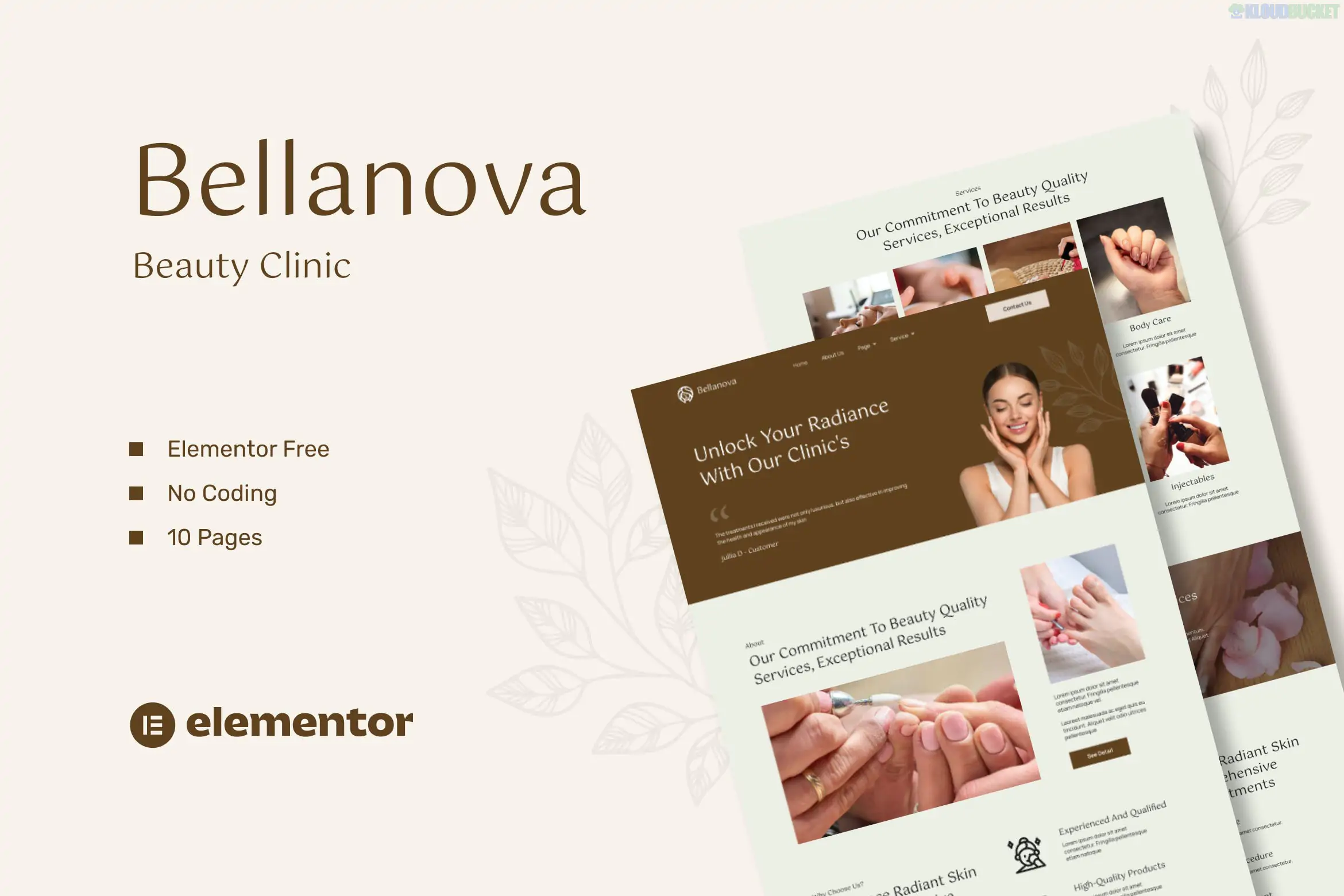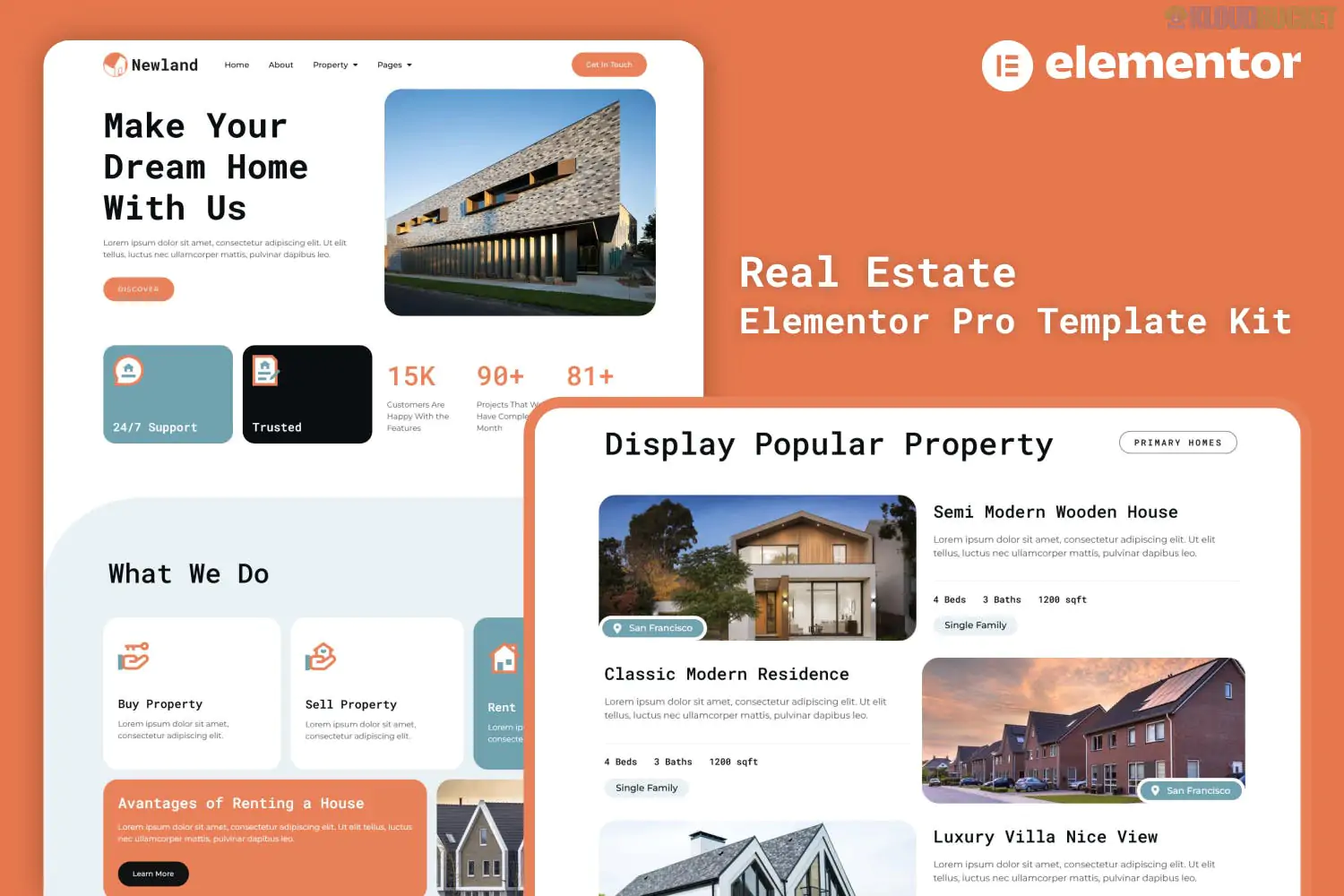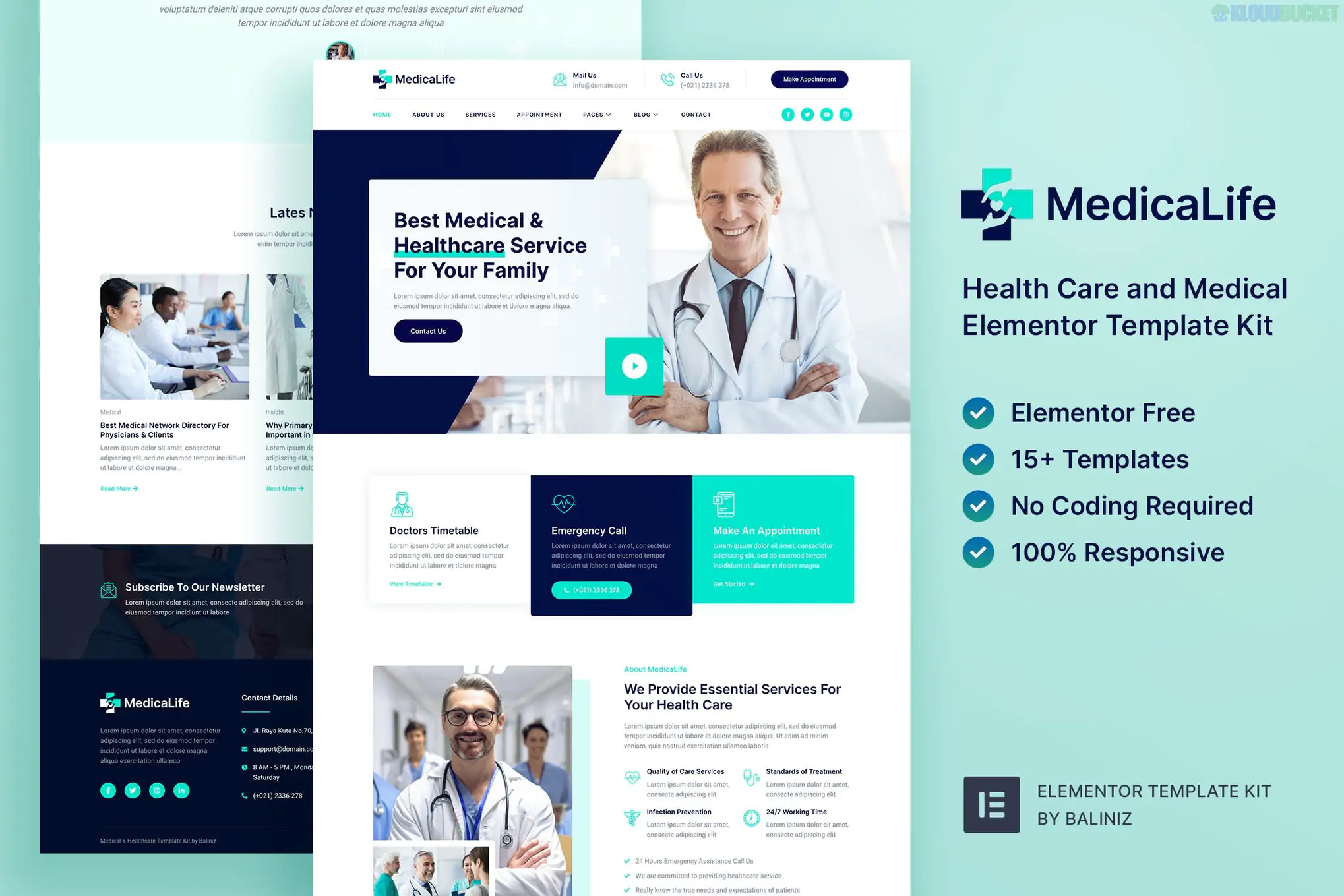
**Diatap** is a modern and elegant Elementor Template Kit specifically designed for **Roofing Services**. Developed by Rometheme, it provides a comprehensive set of pre-designed layouts that allow you to build a professional website for roof repair, installation, coating, or inspection without writing any code.
---
### ## Key Features
* **12+ Pre-built Templates:** Ready-to-use pages for a complete business presence.
* **Drag & Drop Customization:** Built entirely with Elementor, allowing for easy "plug and play" editing.
* **Fully Responsive:** Optimized for desktops, tablets, and smartphones.
* **Clean & Modern Design:** Professional aesthetics tailored for the construction and home improvement industry.
* **Global Styles:** Easily manage typography and colors in one place to maintain brand consistency.
### ### Included Templates
The kit typically includes the following page layouts:
* **Home Page** (High-impact hero section and service overviews)
* **About Us** (Company history and mission)
* **Services** (Main service listing)
* **Service Details** (Individual pages for specific offerings like "Roof Repair")
* **Projects / Portfolio** (Showcase completed work)
* **Project Details** (Individual project case studies)
* **FAQs** (Common customer questions)
* **Contact Us** (With integrated form layouts)
* **Header & Footer** (Global site navigation)
---
### ## Required Plugins
To function correctly, Diatap requires the following (mostly free) plugins to be installed on your WordPress site:
1. **Elementor** (Free version is usually sufficient, though Pro adds more header/footer control).
2. **ElementsKit Lite** (For advanced widgets and header/footer building).
3. **RomethemeKit** (Specifically for this developer's kits).
4. **RomethemeForm** (For managing contact and lead generation forms).
### ### How to Use
1. **Install Hello Elementor:** This kit is optimized for the lightweight **Hello Elementor** theme.
2. **Import via Envato Elements:** Install the "Envato Elements" plugin, upload the kit zip file, and click **"Install Requirements"** to automatically set up the necessary plugins.
3. **Import Global Styles First:** Always import the "Global Kit Styles" before individual pages to ensure colors and fonts load correctly.
4. **Customize:** Open any imported template in Elementor and replace the placeholder text and images with your own.
> **Note:** Most template kits use demo images from Envato Elements. While they appear in the demo, you may need to license them separately or replace them with your own high-resolution roofing photos for the final site.
---
**Would you like me to help you find similar template kits for comparison, or do you need a guide on how to set up the contact forms specifically for this kit?**
Subscribe to access unlimited downloads of themes, videos, graphics, plugins, and more premium assets for your creative needs.
.jpg) Help Us to Buy More New Theme/Plugin
Help Us to Buy More New Theme/Plugin
Published:
Jan 19, 2026 17:57 PM
Category:
Author:
OtherLicense:
GPL v2 or Later