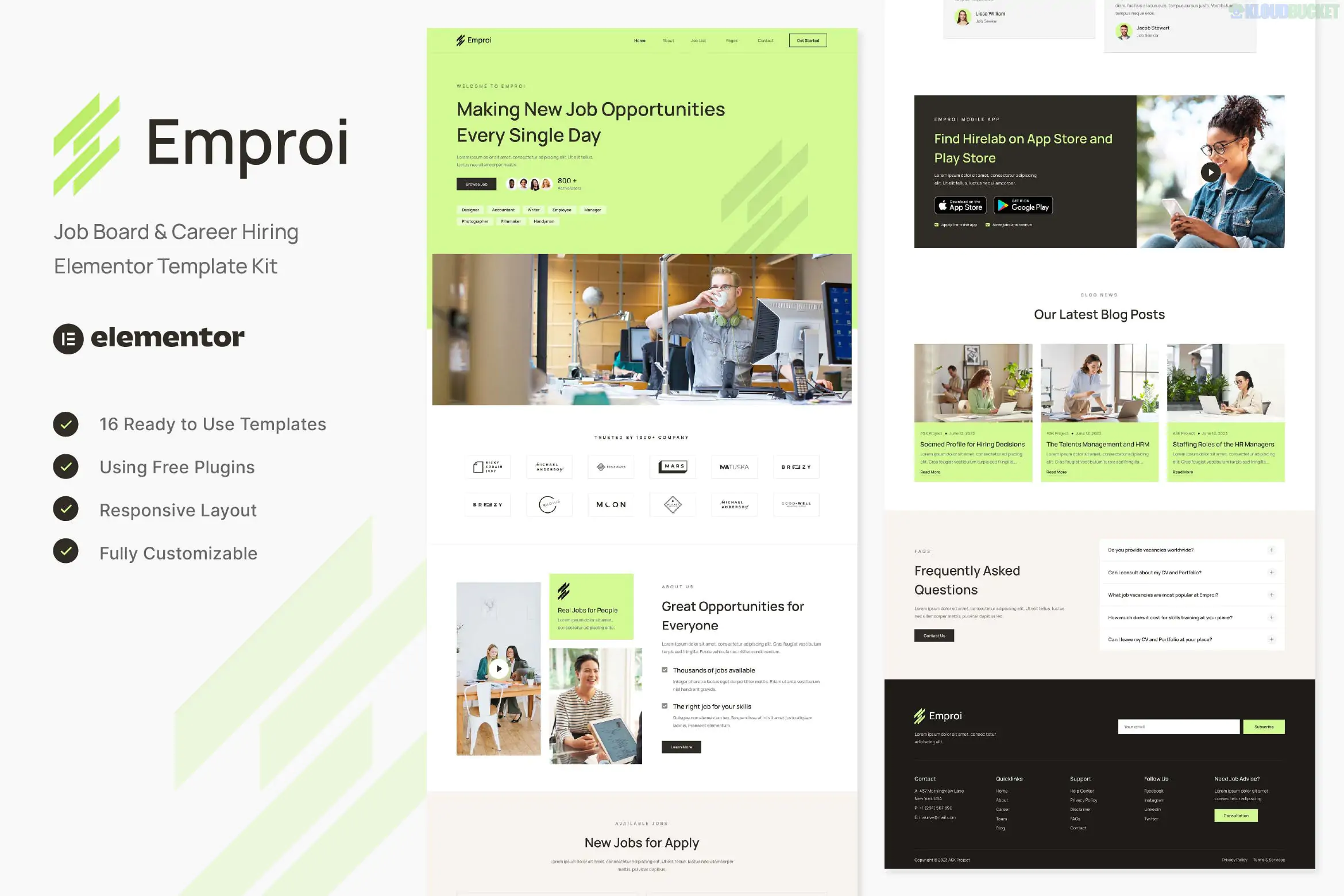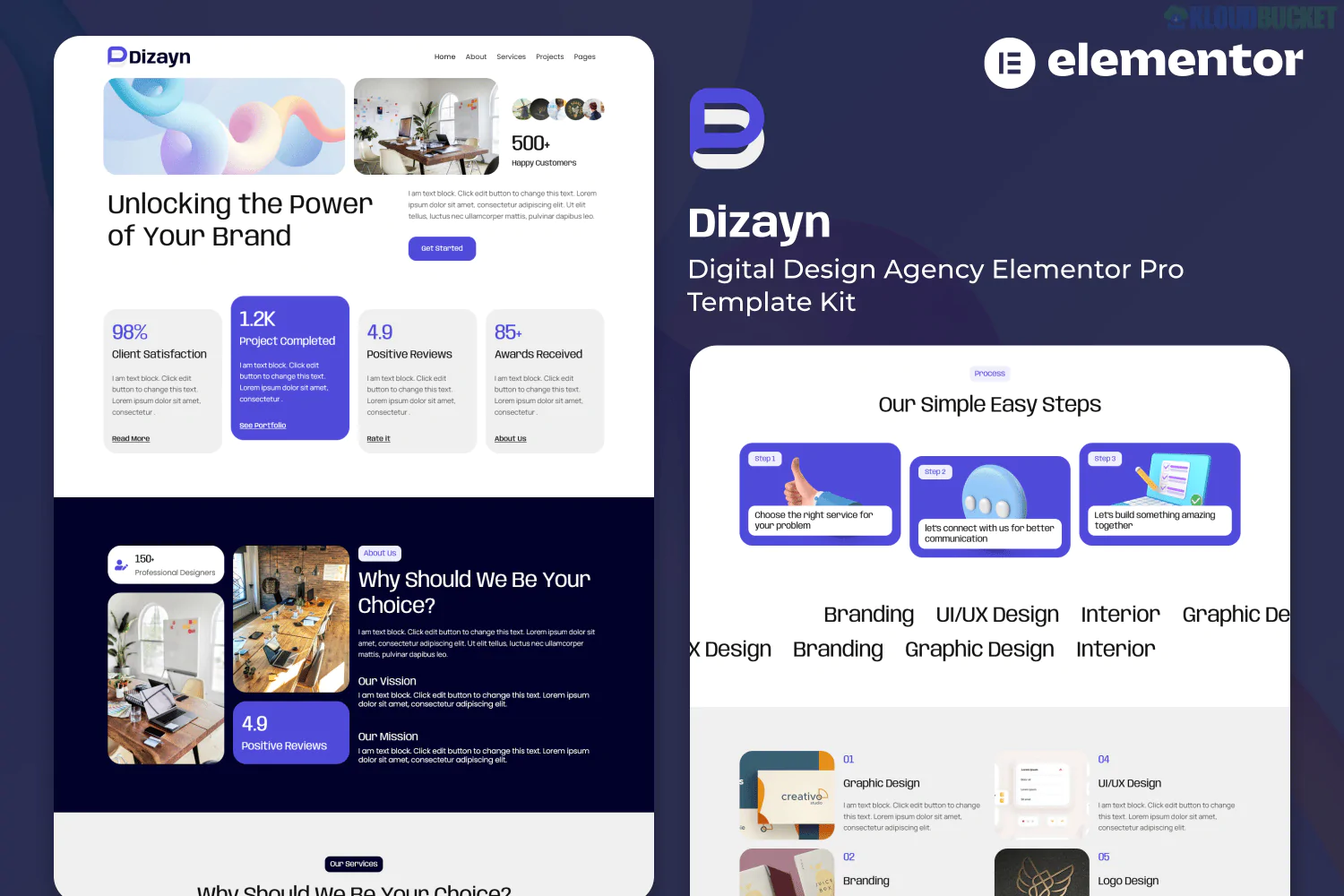
Jeena is a high-performance Elementor Template Kit designed specifically for IT solutions, technology startups, and digital service agencies.1 Developed by surisoft, it focuses on a clean, corporate, and trustworthy aesthetic suitable for professional technology providers.2
Modern IT Aesthetic: Uses a professional color palette and layout ideal for software development, cybersecurity, and consulting firms.3
Elementor Free Compatible: Optimized to work with the free version of Elementor, meaning you do not need an Elementor Pro subscription to achieve the look.4
10+ Pre-designed Templates: A complete set of page layouts for a fast launch.5
Retina Ready & Responsive: Ensures the sharpest quality on high-resolution screens and flawless performance on mobile devices.6
The kit provides all the essential pages for a technology business:7
Homepage: Multiple options (usually 1-3) featuring hero sliders, service grids, and client testimonials.
About Us: Layouts for company mission, vision, and core values.
Services: Overview page and individual service detail pages (e.g., Cloud Computing, IT Support).8
Team: Profile sections for engineers, developers, and management.
Portfolio: Case studies and project galleries to showcase past work.
FAQ & Pricing: Practical pages for customer support and transparent service costs.
Contact Us: Integrated contact form sections.9
Headers & Footers: Global templates to maintain consistency across the site.
To function correctly, the Jeena kit requires the following free plugins:
Elementor: The core builder.10
Themesflat Addons for Elementor: Provides the specific UI widgets used in the kit.11
MetForm: For building and managing inquiry forms.12
ElementsKit Lite: Used for the header and footer building.13
Happy Elementor Addons: Adds extra creative widgets and functionality.14
Theme Selection: It is highly recommended to use the Hello Elementor theme.15
Upload the Kit: Install the Envato Elements (or Template Kit Import) plugin.16 Go to Tools > Template Kit and upload your Jeena .zip file.17
Install Requirements: Click the "Install Requirements" button to automatically activate the necessary plugins listed above.18
Import Global Styles: Import the Global Kit Styles first to set up the typography and color scheme.19
Build Pages: Create a new page, set the layout to "Elementor Full Width," and use the Elementor template library to insert the desired Jeena page template.20
Would you like me to help you write professional descriptions for your "IT Solutions" service pages or help you customize the MetForm to capture specific project details?
Subscribe to access unlimited downloads of themes, videos, graphics, plugins, and more premium assets for your creative needs.
.jpg) Help Us to Buy More New Theme/Plugin
Help Us to Buy More New Theme/Plugin
Published:
Jan 08, 2026 11:25 AM
Category:
Author:
OtherLicense:
GPL v2 or Later