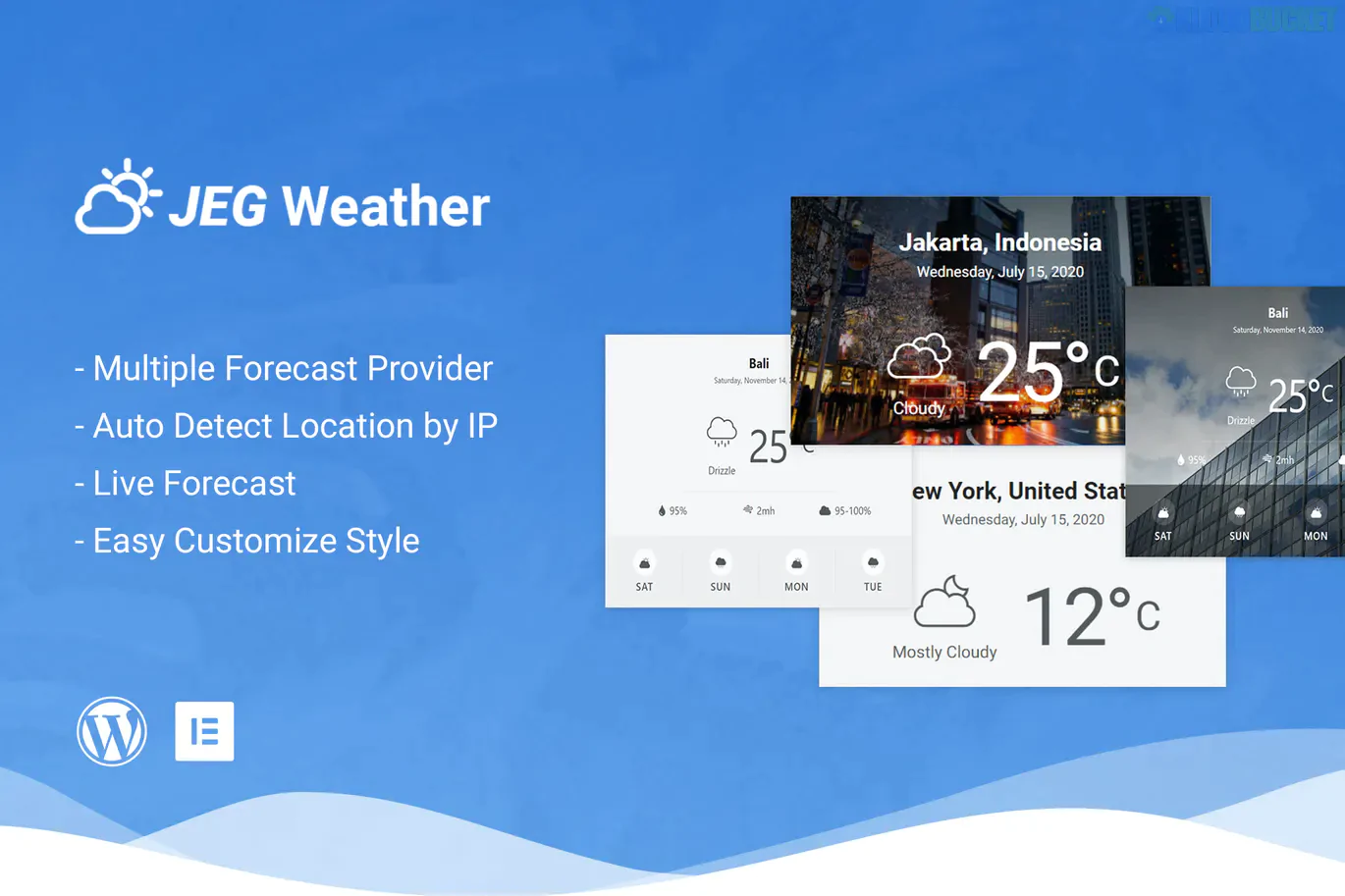
Jeg Weather Forecast is a versatile WordPress plugin developed by Jegtheme, specifically built to integrate weather data into websites using Elementor or WPBakery Page Builder. It is a popular choice for news sites, travel blogs, and local business directories that need real-time, localized weather updates.
Auto-Location Detection: Automatically detects the visitor’s IP address (using services like ipinfo.io or ipdata.co) to show the weather in their specific city.
Multiple Data Sources: Supports reliable weather APIs, including:
OpenWeatherMap (Free & Pro versions supported).
AerisWeather.
Dark Sky (Legacy support).
Multiple Display Elements:
Main: A large, detailed forecast block ideal for the top of a page.
Inline: A compact version meant to sit inside text blocks or sidebars.
Mini: A minimalist design often used in the site's Header.
Custom Styling: Easily change background images, colors, and typography to match your theme. You can also toggle between Metric (Celsius) and Imperial (Fahrenheit) units.
Once the plugin is active, you will find new widgets in your Elementor sidebar under the "Jeg Weather" category. You can drag and drop these into any section, then customize the layout, icons, and forecast days (up to 6 days) directly in the Elementor "Content" and "Style" tabs.
In the WPBakery "Add Element" window, search for "Jeg Weather." It offers the same three styles (Main, Inline, Mini). You can configure the "Location Override" settings if you want to show the weather for a specific destination rather than the user's current location.
API Key: Most sources (like OpenWeatherMap) require a free API key. You enter this in the WordPress dashboard under Appearance > Customize > Jeg: Weather.
Caching: The plugin includes a built-in caching system to prevent hitting API limits. You can adjust the "Cache Expired" time (e.g., every 1 hour) in the settings.
Theme Compatibility: While it works with any theme, it is built by the same team behind the JNews theme, so it offers seamless integration if you are using Jegtheme products.
Note: If you are building a site for a client, the "Auto-Detect Location" feature is the most highly-valued part of this kit, as it makes the site feel personalized to every visitor immediately.
Would you like me to help you find the specific OpenWeatherMap API sign-up page or show you how to set up the Header Mini widget?
Subscribe to access unlimited downloads of themes, videos, graphics, plugins, and more premium assets for your creative needs.
.jpg) Help Us to Buy More New Theme/Plugin
Help Us to Buy More New Theme/Plugin
Published:
Jan 07, 2026 19:27 PM
Version:
v1.0.5
Category:
Author:
OtherLicense:
GPL v2 or LaterTags: